Best NFT Wallets: Top 12 for Security, Beginners & More (2026)

- When you click links on this page, we may earn an affiliate commission. By using this website you agree to our terms and conditions and privacy policy.
- Participation in online gambling may be illegal in your country and is subject to age restrictions (18, 19, or 21, depending on the jurisdiction). Verify legality and age requirements before participating. Learn more
Even though interest in NFTs and the solutions they provide is currently waning, owning NFT wallets is still trending. The best NFT wallets in 2026 give you full control over your assets, making you less susceptible to hacking.
While security was at the forefront of our research, it is important to note that other characteristics, such as ease of customer support and the number of cryptocurrencies allowed for storage, were also considered when compiling this list. We have done the heavy lifting, so you don’t have to.
TL;DR
- The best NFT wallets are non-custodial, meaning no company holds your keys or tracks your identity
- Most wallets don't require personal information to download and use, keeping your collecting activity private
- Your wallet address is public on the blockchain, but it doesn't have to link back to your real name
- Hardware wallets add another privacy layer since purchases aren't tied to exchange accounts
- For maximum anonymity, avoid wallets connected to centralized exchanges that require identity verification (KYC)
The Best NFT Wallets in 2026
Now, the part you came here for. I've put together a list of 12 NFT wallets, broken down by what they do best.
Whether you want bulletproof security for a valuable collection, something simple to get started, or a wallet built for a specific blockchain, there's an option here for you. Each pick has pros and cons to help you decide quickly.
Trezor Wallet - Best for Maximum Security (High-Value Collections)
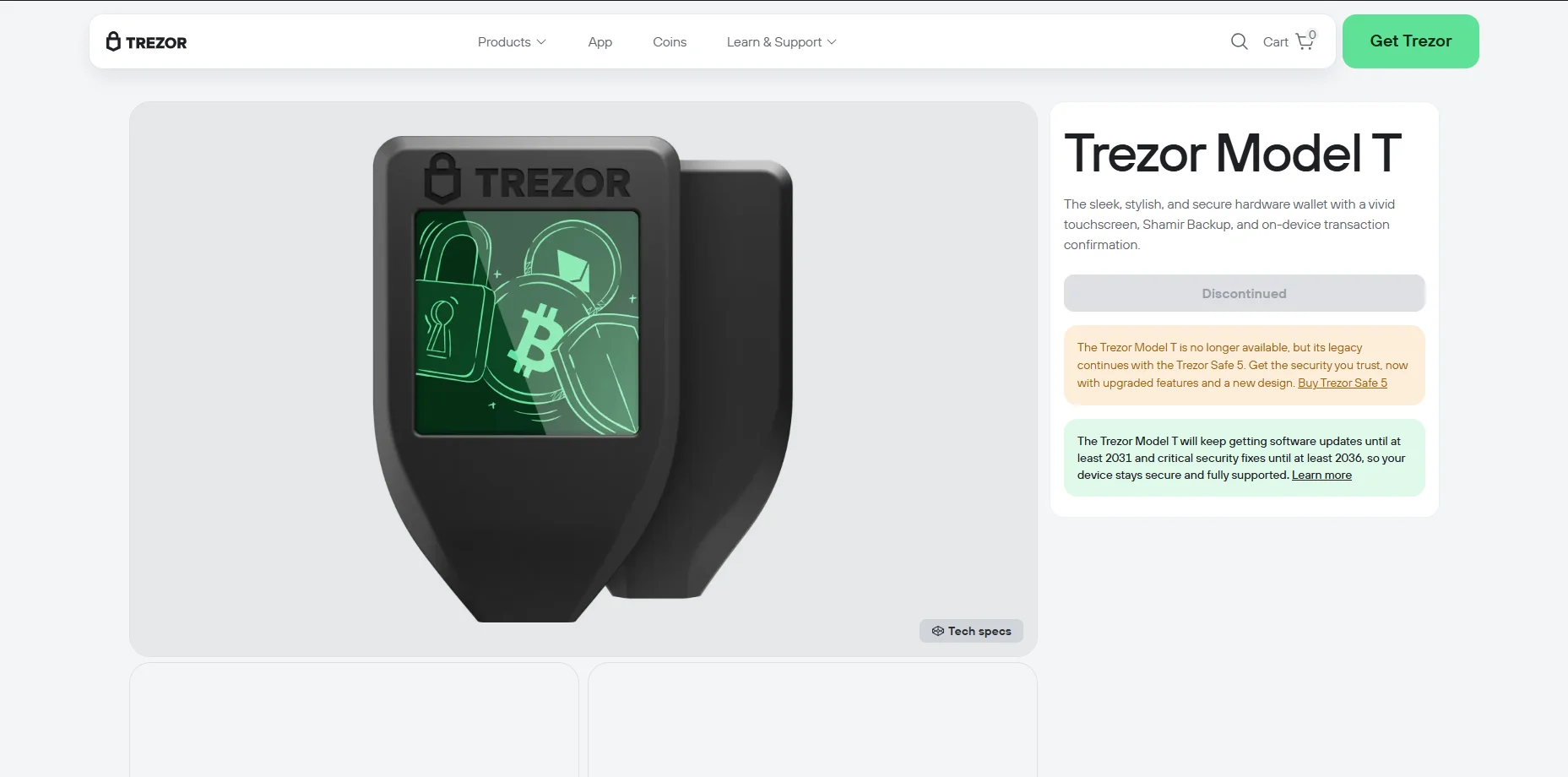
If you're holding NFTs worth real money, the Trezor Model T is built for that job. This hardware wallet keeps your private keys offline at all times, so even if your computer gets compromised, your collection stays safe. It features a touchscreen for confirming transactions directly on the device, which adds another layer of protection against malware.
Trezor Model T supports Ethereum and EVM chains, meaning you can store NFTs from most major marketplaces. You can pair it with MetaMask for a smooth experience when buying or listing, combining cold storage security with hot wallet convenience. Even though it has been discontinued, other Trezor wallets like Trezor Safe 3, Trezor Safe 5, and Trezor Model One can also store NFTs.
Pros
- Private keys never touch the internet
- Touchscreen for on-device verification
- Works with MetaMask and other popular wallets
- Open-source firmware you can audit
- Supports multiple blockchains
Cons
- Costs around $180 (with no new current sales, ongoing support is available)
- No native Solana support
- Less convenient for frequent trading
- No built-in NFT display on the device
Coinbase Wallet - Best for Beginners & Mobile-First Users
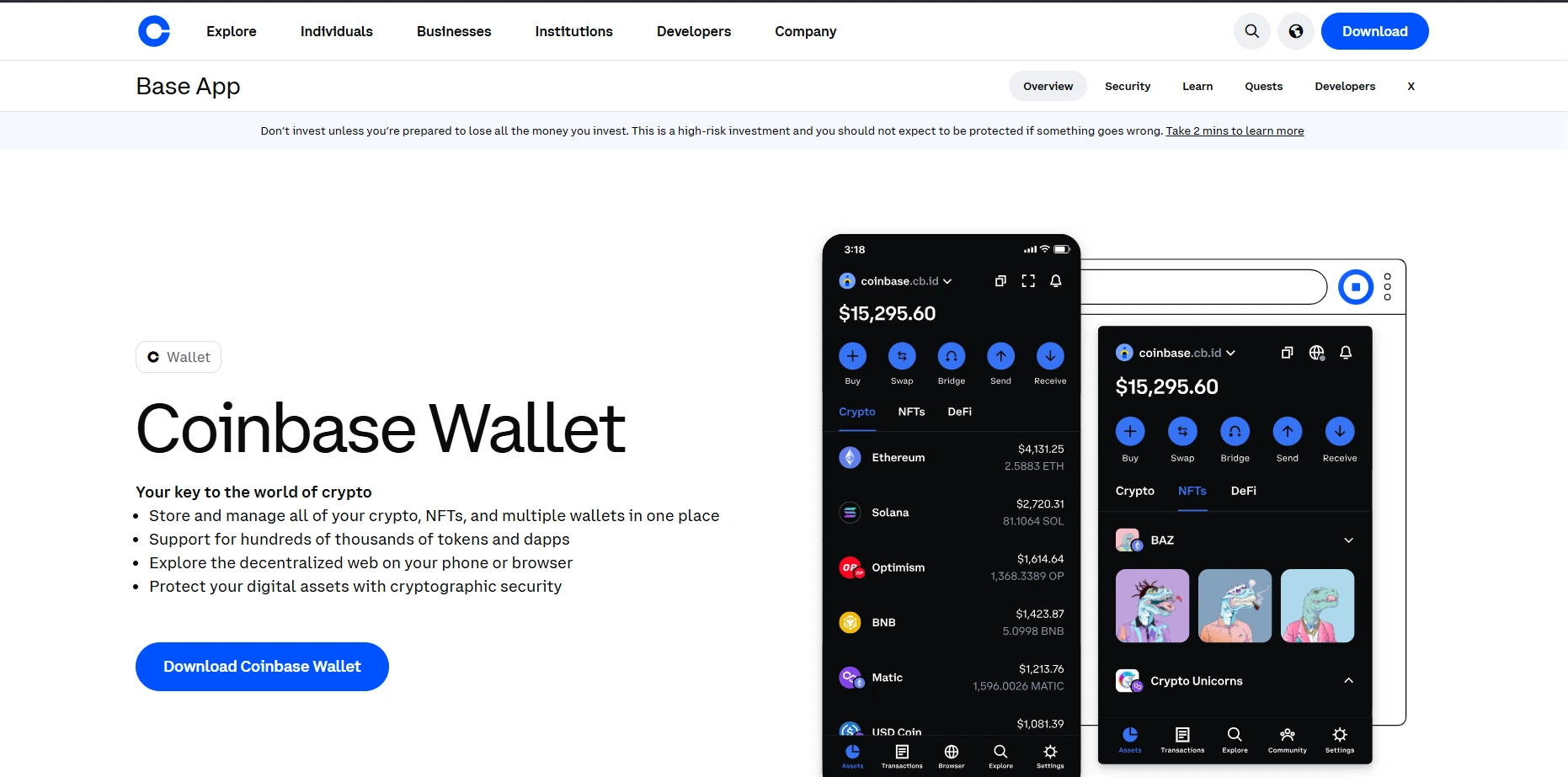
Coinbase Wallet is an ideal pick if you're an NFT wallet beginner who wants something that just works. The interface is clean and simple, stripping away the complexity that makes other wallets intimidating for newcomers. Despite being made by a major exchange, it's fully non-custodial, meaning you control your own keys.
What makes it stand out is the built-in fiat on-ramp. You can buy crypto directly with a card or bank transfer, then jump straight into purchasing NFTs without bouncing between apps. The mobile app includes a solid NFT gallery that displays your collection with images and details, which is a nice touch for visual collectors.
Pros
- Beginner-friendly interface
- Buy crypto directly with fiat
- Built-in Coinbase Wallet NFT gallery
- Supports multiple chains, including Ethereum and Solana
- Easy marketplace connections
Cons
- Customer support can be slow
- Browser extension feels less polished than the mobile app
- Limited customization options for power users
Binance Wallet - Best for BNB Chain NFTs
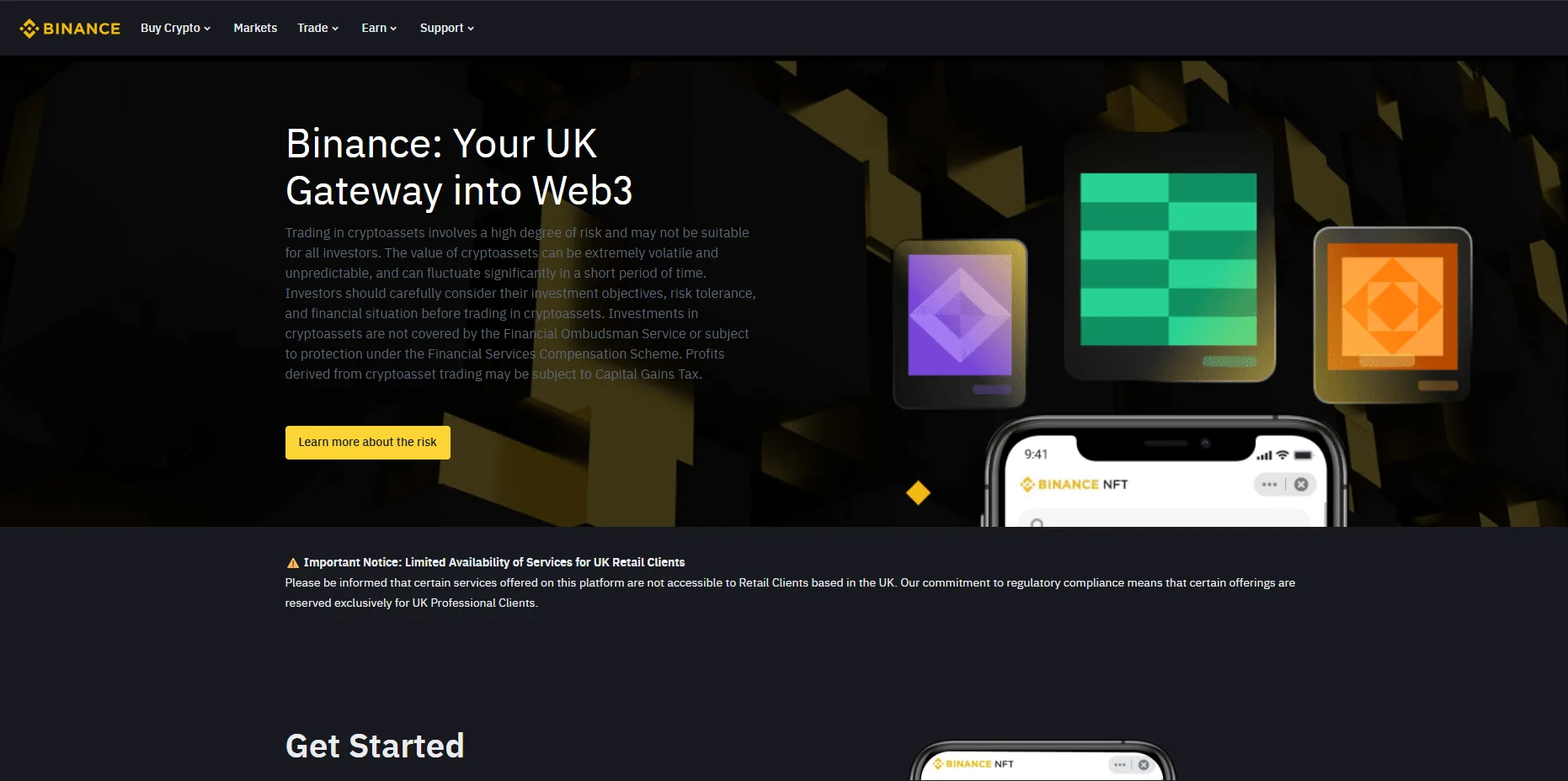
Binance Wallet is the natural fit if you're buying and trading NFTs on BNB Chain. It integrates directly with the Binance ecosystem, giving you easy access to the Binance NFT marketplace and any dApps built on BNB Chain. Moving funds between your Binance exchange account and wallet is straightforward, which cuts down on the usual friction of bridging or transferring tokens.
The wallet supports other networks too, including Ethereum and Polygon, so you're not locked into a single chain. Its browser extension and mobile app both offer a clean experience, and you get a built-in gallery for viewing your NFT collection.
Pros
- Seamless connection to Binance NFT marketplace
- Easy transfers from Binance exchange
- Supports Ethereum, Polygon, and other chains
- Built-in NFT display
- Low fees on BNB Chain transactions
Cons
- Closely tied to Binance, which faces regulatory issues in some regions
- Less popular for Ethereum-based NFT trading
- The interface can feel cluttered for new users
- Limited dApp support outside the BNB ecosystem
eToro Wallet - Best for NFT Curious Beginners
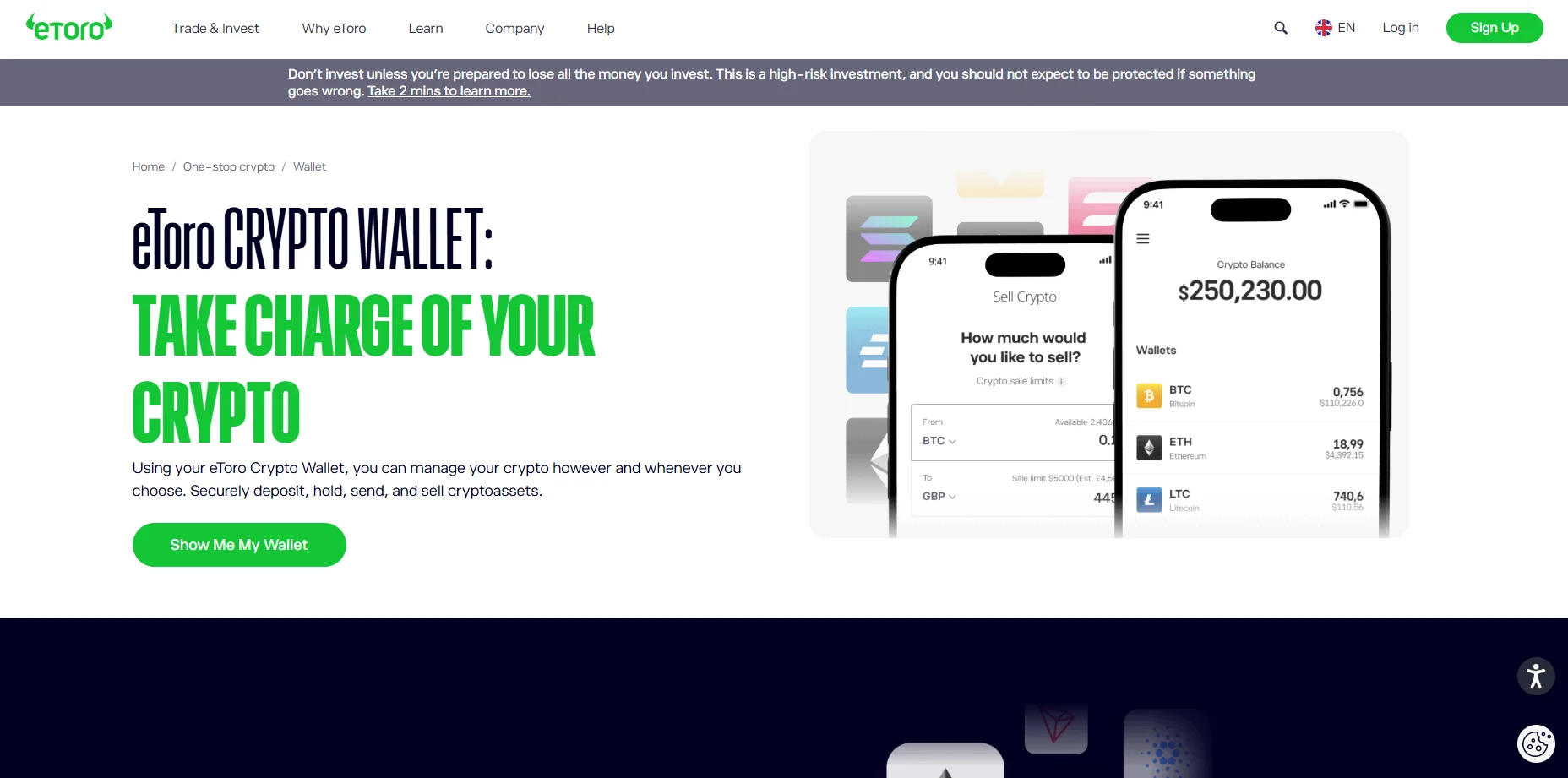
eToro Wallet is a solid starting point if you're coming from traditional investing and want to dip your toes into NFTs. The platform is known for stock and crypto trading, so the wallet feels familiar if you've used eToro before. It's designed with simplicity in mind, avoiding the technical clutter that can overwhelm newcomers.
The wallet is non-custodial, so you hold your own keys, but the overall experience stays guided and user-friendly. You can buy crypto directly through eToro and transfer it to the wallet without much hassle. It supports several major blockchains, giving you flexibility as your collection grows.
Pros
- Familiar interface for eToro users
- Simple setup for complete beginners
- Non-custodial with easy key management
- Direct crypto purchases through eToro
- Supports multiple blockchains
Cons
- NFT features are less developed than dedicated wallets
- Limited marketplace integrations
- Not ideal for active NFT traders
- Smaller community compared to MetaMask or Phantom
Bitget Wallet - Best for Cross-Chain NFT Management
Bitget Wallet shines if you're collecting NFTs across multiple blockchains and don't want to juggle different apps. It supports over 100 networks, including Ethereum, Solana, BNB Chain, Polygon, and Arbitrum, allowing you to manage everything from one place. The built-in swap feature makes moving between chains simple, so you can bridge tokens without leaving the wallet.
The NFT gallery pulls in your collection from all connected chains, which saves you from switching wallets just to see what you own. Bitget Wallet also includes a dApp browser for connecting to marketplaces directly, whether you're shopping on OpenSea or Magic Eden.
Pros
- Supports 100+ blockchains
- Unified NFT gallery across all chains
- Built-in cross-chain swapping
- Integrated dApp browser
- Mobile and browser extension available
Cons
- Interface can feel overwhelming at first
- Less name recognition than MetaMask or Phantom
- Swap fees vary depending on the route
- Customer support resources are limited
Zengo Wallet - Best for Worry-Free NFT Storage
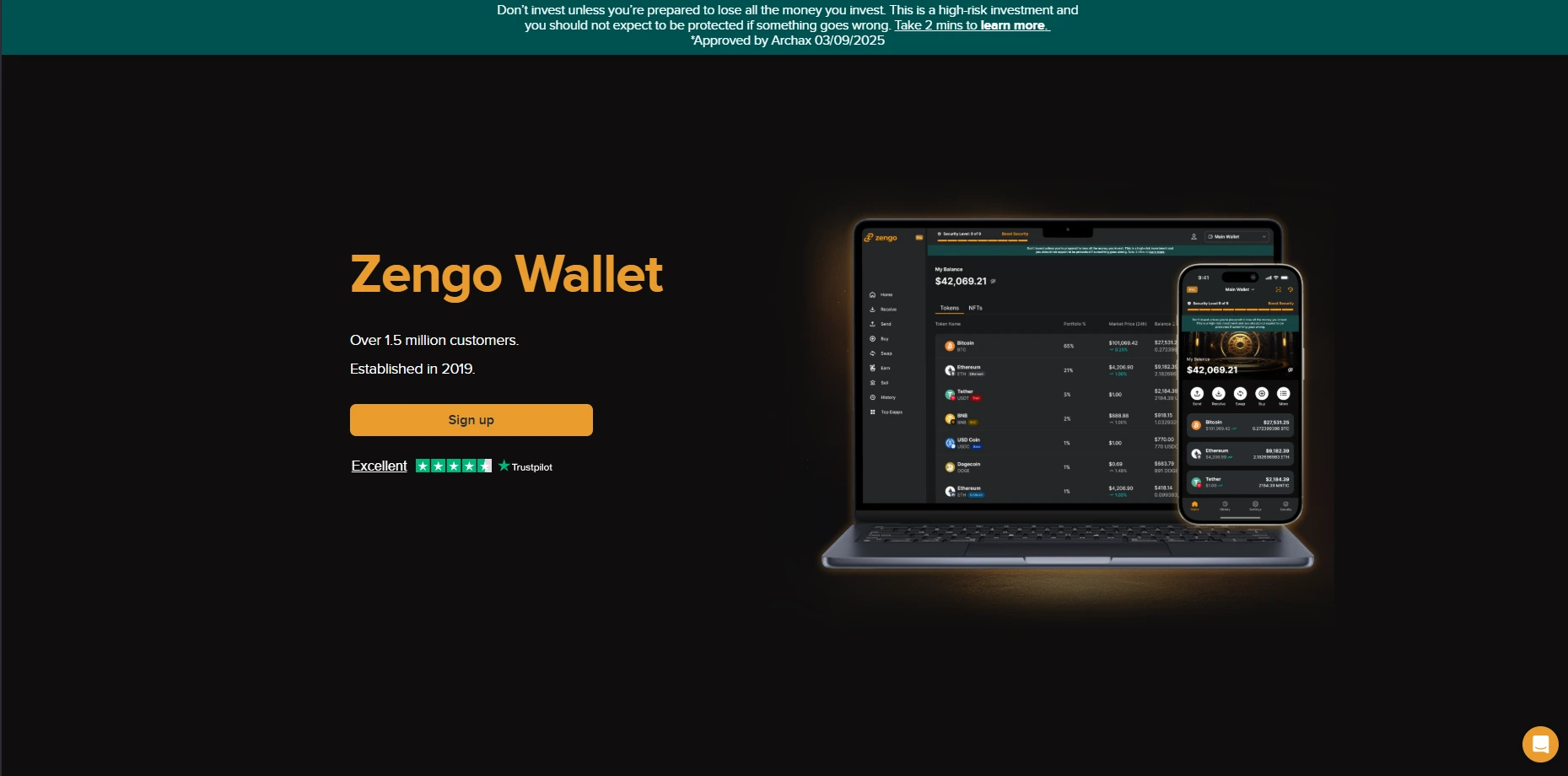
Zengo Wallet throws out the seed phrase completely, which is a relief if the idea of protecting 12 or 24 words stresses you out. Instead of a traditional backup, it uses multi-party computation (MPC) technology to split your key into separate parts stored in different locations. No single phrase means anything for hackers to steal or for you to lose.
Recovery works through a mix of your email, a backup file, and facial biometrics, which tends to feel less intimidating than guarding a piece of paper constantly. The wallet supports Ethereum and Polygon, so you can connect to most major NFT marketplaces without issues.
Pros
- No seed phrase to worry about
- MPC technology keeps your key split and secure
- Recovery uses biometrics instead of memorization
- Beginner-friendly interface
- Works with Ethereum and Polygon NFTs
Cons
- Supports fewer blockchains than competitors
- Recovery relies on Zengo staying in business
- No browser extension option
- Less control for users who prefer traditional self-custody
Uphold Wallet - Best for NFT and Multi-Asset Portfolios
Uphold Wallet makes sense if your portfolio goes beyond just NFTs. The platform lets you hold crypto, stocks, and precious metals all in one place, which is convenient if you like keeping your investments together. You can swap between different asset types directly within the app, skipping the hassle of moving funds between separate platforms.
For NFTs specifically, Uphold supports major blockchains like Ethereum and Polygon. The interface is straightforward, and buying crypto with fiat is built right in. If you're building a diverse portfolio and want NFTs as part of a bigger picture rather than your main focus, Uphold keeps things organized.
Pros
- Hold crypto, stocks, and metals in one app
- Easy swapping between asset types
- Fiat on-ramp built in
- Simple, clean interface
- Supports Ethereum and Polygon
Cons
- NFT features feel secondary to other offerings
- Limited marketplace integrations
- Withdrawal fees on certain assets
- Not designed for serious NFT collectors
Tangem Wallet - Best Card-Style Hardware Wallet for NFTs
Tangem takes a different approach to hardware wallet security by ditching the bulky device for a slim card you can slip into your wallet. It connects to your phone via NFC, so there's no USB cable or battery to deal with. Each card contains a CC EAL6+ certified chip, which is the same level of protection used in bank cards and passports.
For NFT collectors, Tangem for NFTs offers a practical cold storage solution without the usual hardware wallet hassle. You tap the card to sign transactions through the mobile app, keeping your private keys offline while still staying connected to marketplaces. Some users buy multiple cards as backups, which adds extra peace of mind.
Pros
- Credit card size fits anywhere
- Enterprise-grade CC EAL6+ secure chip
- No batteries or charging needed
- NFC connection works with most modern smartphones
- Affordable compared to traditional hardware wallets
Cons
- Requires a smartphone to use
- Smaller screen experience than devices like Trezor
- Losing all backup cards means losing access
- Limited chain support compared to some competitors
SafePal S1 - Best Budget Cold Storage for NFTs
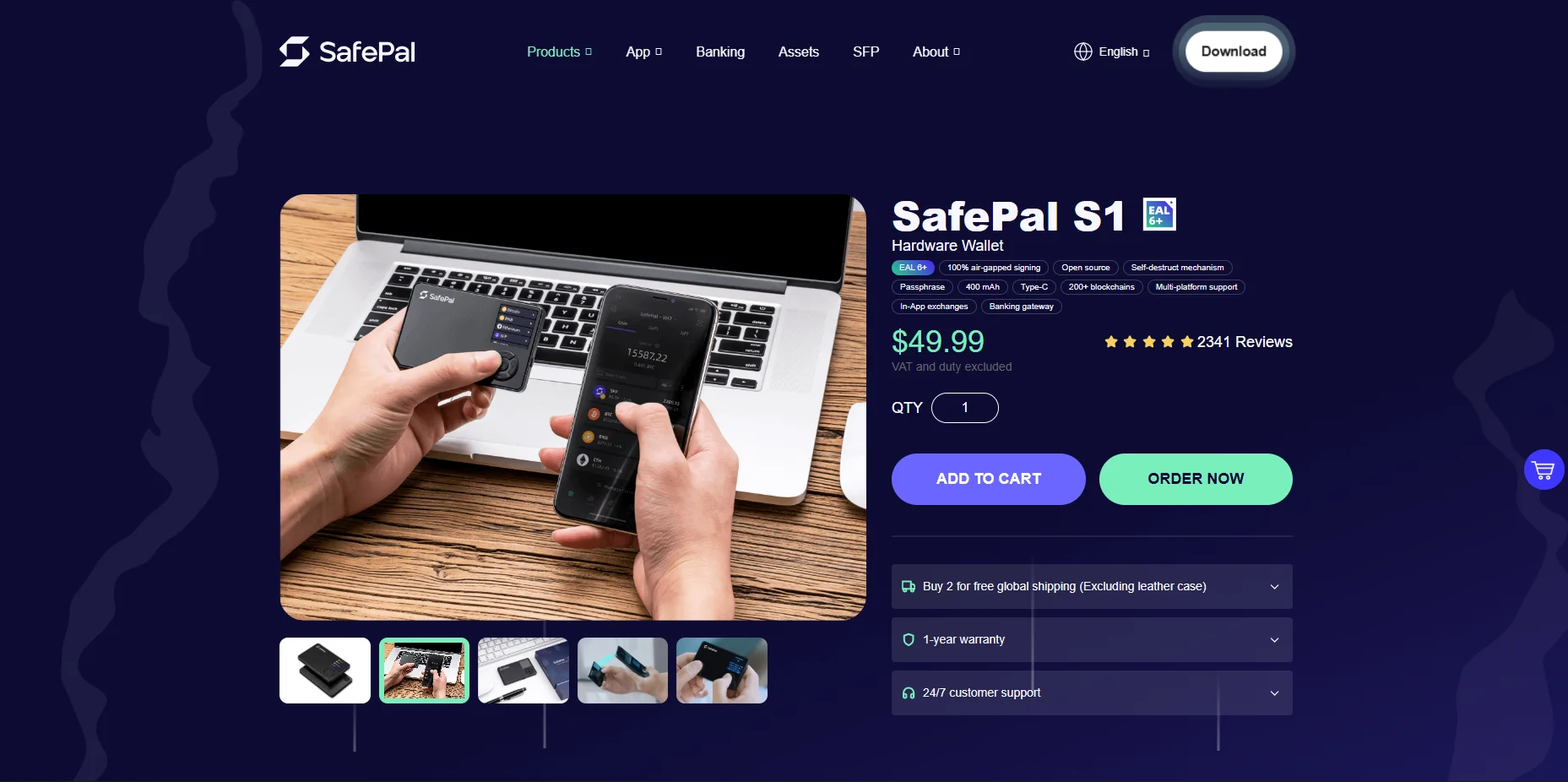
SafePal S1 proves you don't need to spend $200 for solid hardware wallet security. Priced around $50, it offers air-gapped protection that keeps your private keys completely offline. Instead of connecting via USB or Bluetooth, it uses QR codes to communicate with the mobile app, which eliminates another potential attack point.
The device supports over 100 blockchains, including Ethereum, Solana, and BNB Chain, covering most of the networks where NFTs live. It has a small screen for verifying transaction details before signing, and the battery lasts a long time since you only power it on when needed.
Pros
- Affordable entry into cold storage
- Air-gapped with QR code signing
- Supports 100+ blockchains
- On-device screen for transaction verification
- Long battery life
Cons
- Build quality feels cheaper than premium options
- QR code scanning can be finicky
- Smaller screen makes verification harder
- Firmware updates require extra steps
Blockstream Jade - Best for Bitcoin-Based NFTs
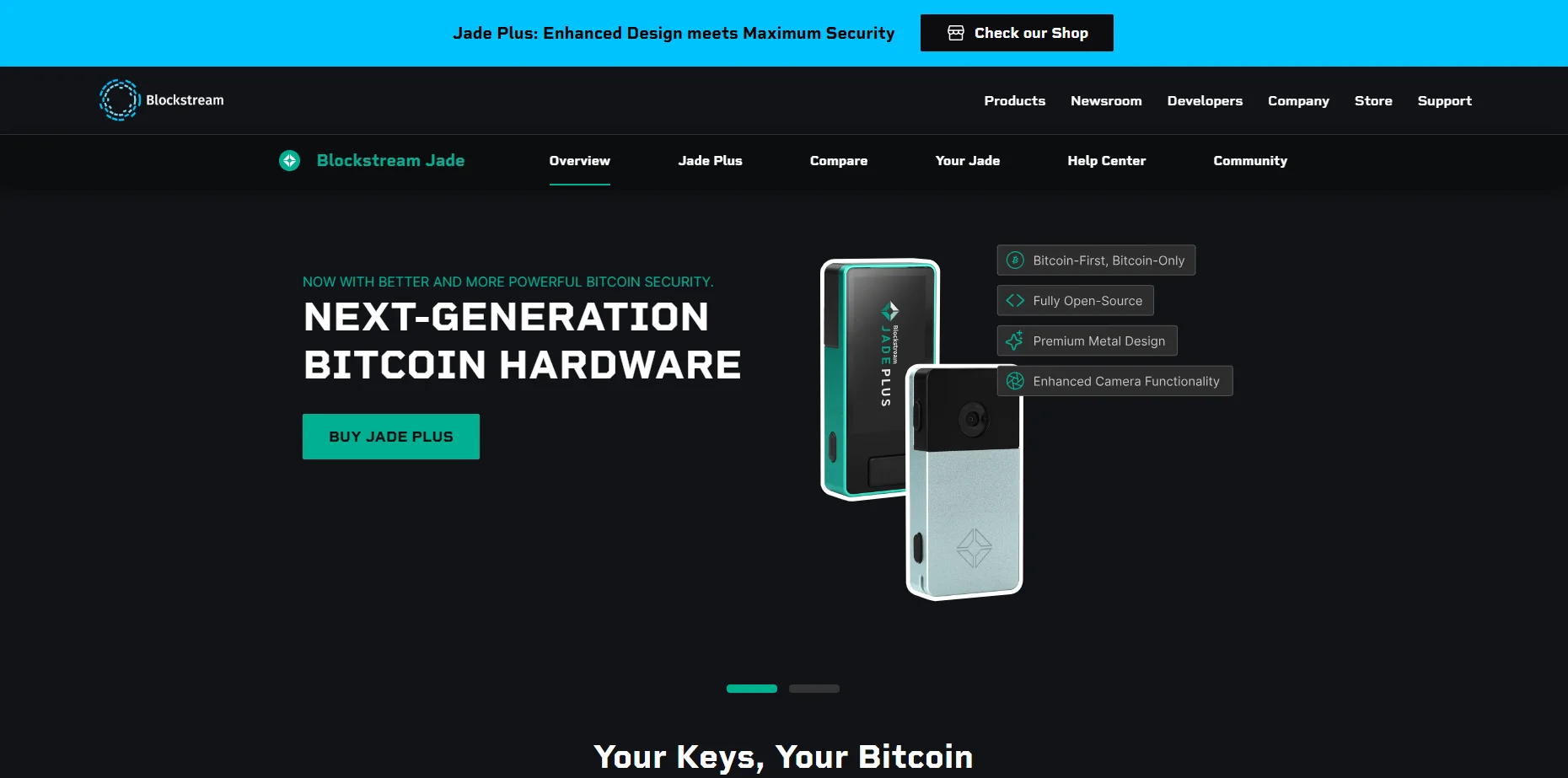
Blockstream Jade is purpose-built for Bitcoin, making it the go-to choice if you're collecting Ordinals or other Bitcoin-based NFTs. While most hardware wallets focus on Ethereum, Jade prioritizes the Bitcoin network and integrates smoothly with Blockstream's own software for managing your holdings.
The device offers air-gapped functionality through a camera-based QR code system, so your keys never need a direct connection to another device. It's also fully open-source, meaning the code is available for anyone to audit. At around $80, it sits in the budget-friendly range for hardware wallets without cutting corners on security.
Pros
- Built specifically for Bitcoin and Ordinals
- Air-gapped QR code signing
- Fully open-source firmware
- Affordable price point
- Works with Blockstream Green app
Cons
- Limited support for non-Bitcoin chains
- Not ideal if you collect across multiple networks
- Smaller community than Ledger or Trezor
- Screen may look basic
What is an NFT Wallet and Why Do I Need One?
An NFT wallet is a tool that allows you to store, send, and receive non-fungible tokens. But here's what most people get wrong: your wallet doesn't actually hold your NFTs. Instead, it stores the private keys that prove you own them. Think of it like a keychain for your digital collectibles rather than a safe where they physically sit.
If you're ready to start buying and trading NFTs, you need a wallet that does more than just hold cryptocurrency. You want one that can display your collection, connect to popular marketplaces like OpenSea or Magic Eden, and support the blockchains where your favorite NFTs live.
Below, I'll break down why wallets manage keys rather than files, and cover the features you should look for before choosing one.
What is the General Misconception about NFT Wallets?
When you buy an NFT, the artwork or media file isn't saved inside your wallet. The actual image, video, or audio lives elsewhere, usually on decentralized storage like InterPlanetary File System (IPFS) or sometimes on a regular server. What your wallet holds are private keys, which are cryptographic codes that prove the NFT belongs to you.
The NFT itself is a record on the blockchain. This record contains NFT metadata, including details like the creator's address, the token ID, and a link pointing to where the media is stored. Your wallet simply lets you access and control that record.
This is what self-custody means. You're not trusting a company to hold your collectibles for you. Instead, you control the keys, and whoever controls the keys controls the NFT. Lose your keys, and you lose access permanently. That's why understanding this distinction is so important before you start collecting.
What are the Core Features Every NFT Collector Needs in a Wallet?
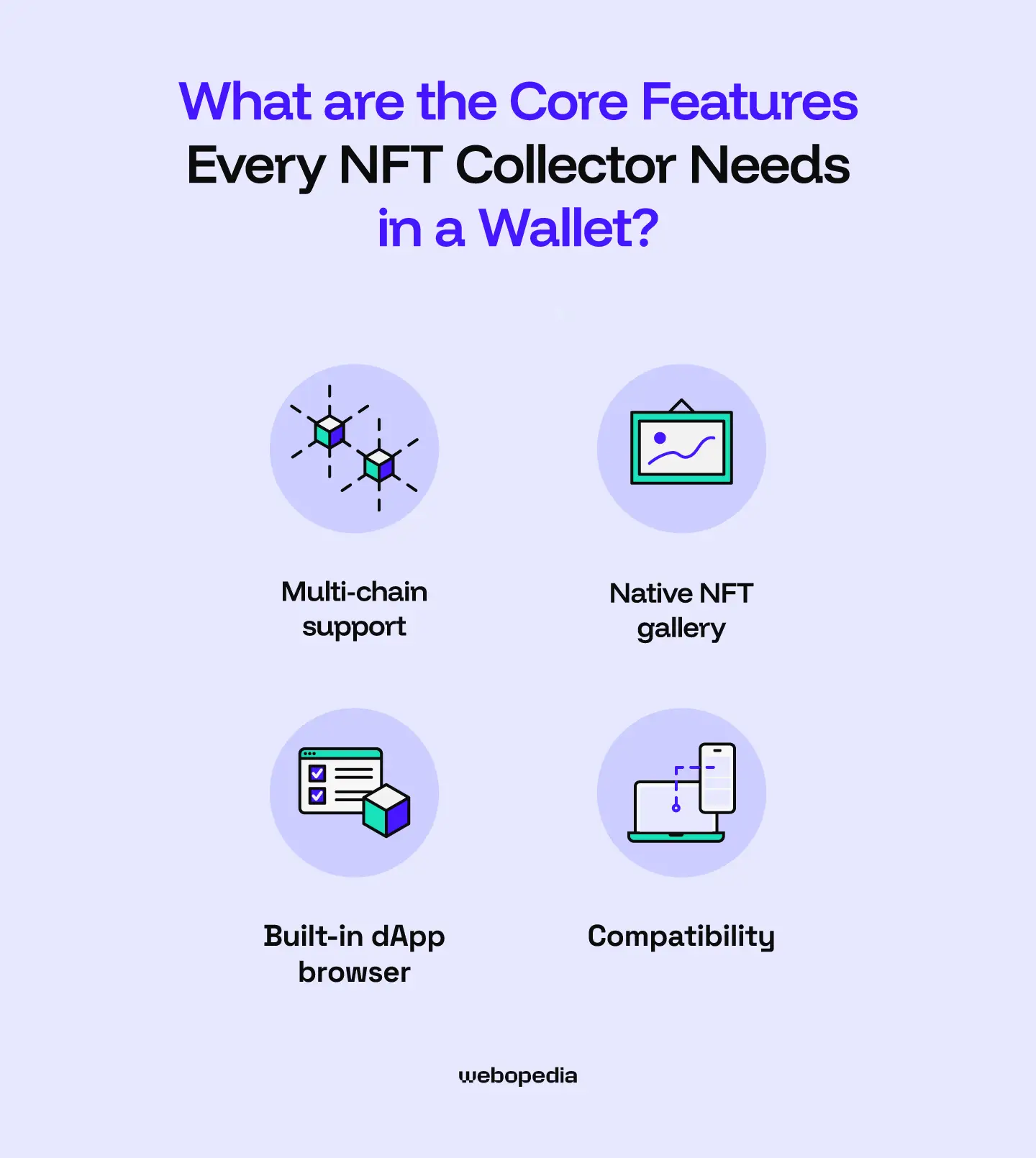
Not all wallets are built with NFT collectors in mind. Before you pick one, make sure it checks these boxes.
Multi-chain support is a must. NFTs exist on different blockchains like Ethereum, Solana, and Polygon, each with its own collections and marketplaces. A wallet that supports multiple chains saves you from juggling several apps just to manage your full collection.
You also want a native NFT gallery so you can actually view what you own. Some wallets only show token balances without displaying your NFTs, which makes managing a collection frustrating.
A built-in dApp browser matters too. This lets you connect directly to marketplaces like OpenSea or Magic Eden without leaving the wallet interface. Smooth integration means fewer steps when you're buying, selling, or listing.
Finally, look for hardware wallet compatibility. Even if you start with a software wallet, you might want to move high-value pieces to cold storage later. Choosing a wallet that pairs with hardware devices keeps that option open.
Hot Wallet vs. Cold Wallet: Which is Better?
Picking a wallet really comes down to one question: how much convenience are you willing to trade for security? Hot wallets stay connected to the internet, so they're fast and easy for everyday use. Cold wallets keep your private keys offline, which makes them harder to hack but less practical for quick trades.
Most serious collectors end up using both. Let me walk you through the tradeoffs of each type.
Hot Wallets (For NFTs)
A hot wallet is a software wallet that runs on your phone or browser while staying connected to the internet. This makes it incredibly convenient. You can install one in minutes, access dApps instantly, and manage your NFTs from anywhere.
The downside? That constant connection creates vulnerabilities. Hot wallets are prime targets for phishing scams, malware, and device hacks. One wrong click on a fake link, and your entire collection could be drained.
Popular options include MetaMask, which remains the go-to choice for Ethereum and EVM-compatible chains. Phantom Wallet dominates the Solana ecosystem, while Coinbase Wallet offers a beginner-friendly experience with easy fiat purchases.
Hot wallets work best for NFTs you actively trade or flip. Just don't store your most valuable pieces here. Think of them as your spending wallet, not your vault.
Cold Wallets (For NFTs)
A cold wallet is a hardware wallet that stores your private keys completely offline. Since it never connects to the internet on its own, hackers can't reach your keys remotely. Most devices also include a secure element chip, which is a tamper-resistant component that protects against physical attacks.
The tradeoff is convenience. You'll need to plug in or tap your device every time you want to sign a transaction, and quality hardware wallets may be costly. Prices typically range from $50 to $200, depending on the model.
The Trezor Model T is a popular choice, featuring a touchscreen interface and strong security certifications. Tangem Wallet takes a different approach, using NFC-enabled cards instead of a traditional device, which makes it portable and easy to use with your phone.
If you're holding NFTs worth serious money, a cold wallet isn't optional. It's the only way to guarantee your collection stays safe from online threats.
Comparison between the Best NFT Wallets
Here's a quick comparison of my top five picks to help you decide at a glance.
| Brand Name | Wallet Type | Security Features | Supported Crypto | Backup and Recovery | Staking Support | Cost |
|---|---|---|---|---|---|---|
| Tangem Wallet | Cold | EAL6+ security chip, 25-year warranty, audited, no external connectivity, PIN system | 5,000+ | Cards come in multi-packs, providing redundancy, seedless | Yes | $54.90 to $160 |
| Bitget Wallet | Hot | Multi-Party Computation, $300 million protection fund, encryption | 1 million+ | Seed phrase | Yes | Free |
| SafePal S1 | Cold | EAL6+ chip, air-gapped, open-source, self-destruct mechanism, passphrase | Thousands of tokens on 200+ blockchains | Seed phrase | Yes | $49.99 |
| Uphold Wallet | Hot | Regulated, private key encryption, employee background checks, and regular audits | 325 | Username and password | Yes | Free |
| Zengo Wallet | Hot | MPC, seedless, create segregated wallets, Multi-Factor Authentication | 1000+ | Email authentication, recovery file, 3D FaceLock (optional) | Yes | Free ($9.99 monthly premium subscription) |
| Binance Wallet | Hot | MPC, self-custody, risk detection, technical audits | Thousands of assets on 34 networks | Quick Backup, recovery password | Yes | Free |
| Trezor | Cold | EAL6+ security chip, PIN/passphrase systems, TOR routing | 7,000+ | Seed phrase, multi-share backup (split seed into multiple shares) | Yes | $79 - $219 |
| Coinbase Wallet | Hot | End-to-end encryption, biometric/PIN locks, and Secure Enclave tech | 5000+ | Private Keys, 12-word recovery Phrase | Yes | Free |
| eToro Wallet | Hot | Encryption, client/customer fund segregation, threat detection system, 2FA, multi-sig wallets | 39 | Username/Password | Yes | Free |
| Blockstream Jade | Cold | Virtual secure element, air-gapped QR codes, open-source | Bitcoin | Seed phrase | No | $79 |
How to Set Up Your NFT Wallet
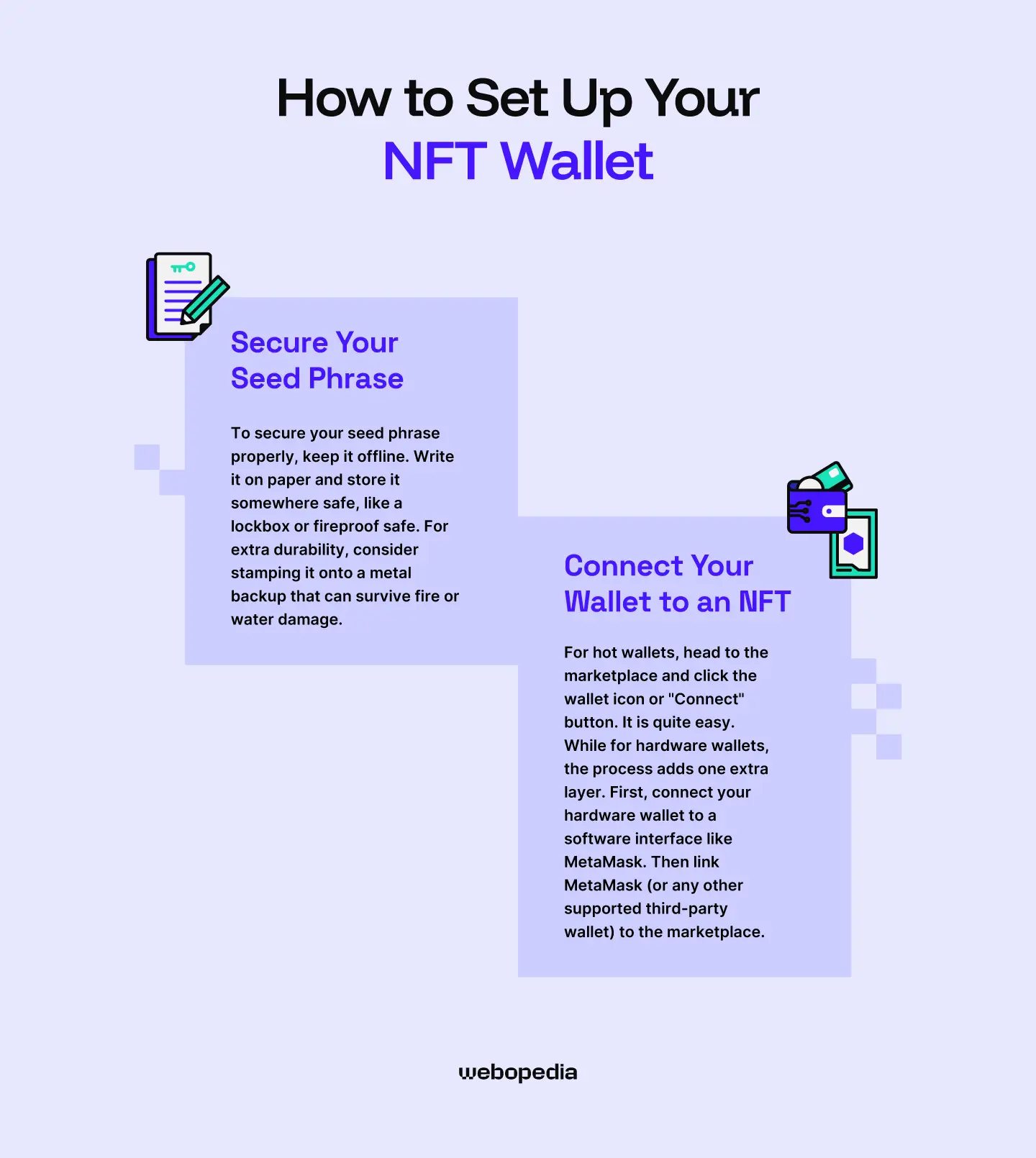
Getting your wallet up and running only takes a few minutes, but there's one step you absolutely can't rush. Below, I'll walk you through protecting your seed phrase the right way and then show you how to connect your wallet to an NFT marketplace so you can start collecting.
Secure Your Seed Phrase
When you create a new wallet, you'll be shown a 12 or 24-word recovery phrase. This is the only way to restore access if your device breaks or gets lost. Write it down immediately, because once you close that screen, most wallets won't show it again.
To secure your seed phrase properly, keep it offline. Write it on paper and store it somewhere safe, like a lockbox or fireproof safe. For extra durability, consider stamping it onto a metal backup that can survive fire or water damage. Some people treat this like a paper wallet, keeping their phrase separate from any digital device.
What you should never do: take screenshots, save them in notes apps, email them to yourself, or store them in cloud folders. These are the first places hackers look.
If seed phrase management sounds like too much responsibility, Zengo offers a keyless alternative using biometrics and MPC technology instead.
Connect Your Wallet to an NFT Marketplace
Once your wallet is set up, connecting to a marketplace like OpenSea takes about 30 seconds.
For hot wallets, head to the marketplace and click the wallet icon or "Connect" button. A pop-up will show supported wallets, so pick yours. Your wallet extension or app will ask you to approve the connection, then you're in. You can start browsing, bidding, and buying right away.
For hardware wallets, the process adds one extra layer. First, connect your hardware wallet to a software interface like MetaMask. Then link MetaMask to the marketplace. When you make a purchase, your hardware device will ask you to physically confirm the transaction before it goes through, keeping your keys safe throughout.
Key Takeaways
- A secure NFT wallet keeps your private keys protected, whether through offline storage or keyless solutions like Zengo
- Understanding hot vs cold NFT wallet options helps you decide what fits your collecting style
- If you're looking for an NFT wallet for beginners, Coinbase Wallet or eToro offer the smoothest learning curve
- Phantom is the best Solana NFT wallet for that ecosystem, while MetaMask dominates Ethereum
- A hardware wallet for NFTs is worth the investment once your collection holds real value
Conclusion
Picking the right wallet comes down to knowing what you need. If you're just starting out, crypto wallets for NFTs like Coinbase Wallet or Zengo make learning how to set up an NFT wallet simple and stress-free. Active traders benefit from a trusted wallet for NFTs like Tangem or Bitget wallet, depending on the blockchain.
For serious collectors, cold storage options like Trezor or Tangem offer peace of mind that software wallets can't match. Whatever you choose, protect your seed phrase, stay cautious with marketplace connections, and you'll be set.
FAQ Section
Is Ledger safe for storing NFTs?
Ledger devices are considered safe for NFT storage. They keep your private keys offline on a certified secure chip, protecting your collection from online threats. However, Ledger experienced a customer database breach in 2020, which led to phishing attacks on users. The hardware itself wasn’t compromised. Just make sure you only buy directly from Ledger and never share your seed phrase.
Can I view my NFTs on a hardware wallet?
Most hardware wallets have small screens that only display transaction details, not images. To actually view your NFTs, you’ll need to connect your hardware wallet to a software interface like MetaMask or the wallet’s companion app, then access a marketplace or gallery service. Your collection stays secure on the hardware device while you browse through the connected software.
Can I store NFTs on Tangem?
Tangem supports NFT storage on several blockchains, including Ethereum and Polygon. You manage everything through the Tangem mobile app, which displays your NFT collection while the card keeps your private keys offline. Just tap the card to your phone when signing transactions. It’s a portable cold storage option that works well for collectors who want security without carrying a bulky device.
What wallets hold NFTs?
Most modern wallets support NFTs, but the experience varies. MetaMask, Phantom, Coinbase Wallet, and Trust Wallet are popular hot wallet options with built-in galleries. For cold storage, Trezor Model T, Tangem, SafePal S1, and Blockstream Jade all support NFT storage. Your choice depends on which blockchain your NFTs are on and how you balance everyday use with keeping your collection safe.