The Best ERC-20 Wallets in 2026

- When you click links on this page, we may earn an affiliate commission. By using this website you agree to our terms and conditions and privacy policy.
- Participation in online gambling may be illegal in your country and is subject to age restrictions (18, 19, or 21, depending on the jurisdiction). Verify legality and age requirements before participating. Learn more
The ERC-20 token standard is extremely popular, but many people use substandard wallets that leave their assets vulnerable. To assist, we examine some of the best ERC-20 wallets, selecting them based on security, convenience, asset support, and the overall user experience.
Throughout this guide, you will learn more about what an ERC-20 wallet is, while we also discuss the ERC-20 token standard and its differences from native ETH, highlight some leading wallets, provide a step-by-step guide on setting up a new ERC-20 wallet, and outline some security best practices.
TL;DR
- The ERC-20 token standard is for assets other than Ether (ETH) built on the Ethereum network.
- Most non-custodial ERC-20-compatible wallets can store any ERC-20 token, even if they do not inherently support it.
- Ethereum Virtual Machine (EVM)-compatible wallets can handle ERC-20 assets on layer-2 networks, such as Polygon, Arbitrum, or Optimism.
- ERC-20 is the token standard for typical assets, while ERC-721 is for Ethereum NFTs.
- The best ERC-20 wallet will vary based on your individual requirements and goals.
Top Picks of the Best ERC-20 Wallet

Best ERC20 Wallet Review
Looking for a reliable non-custodial ERC-20 wallet? There are lots of great options. However, the best choice will vary depending on your specific requirements and goals, so having access to an ERC-20 wallet comparison is invaluable.
To make the selection process easier, I have highlighted some of the best crypto wallets for various use cases, based on my testing and experience.
Safepal
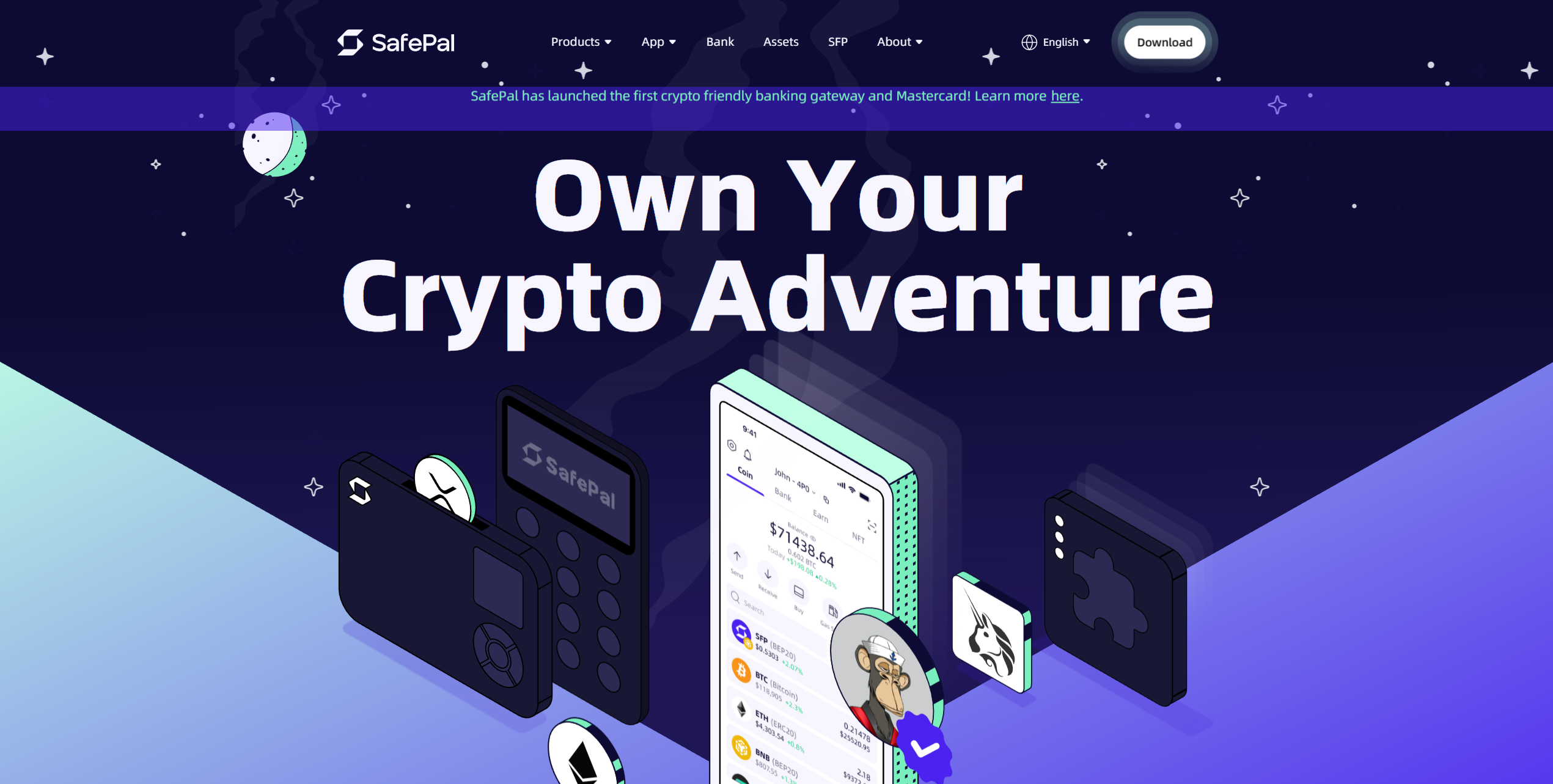
SafePal offers a unique dual approach by providing both hardware wallet devices and a mobile software wallet that work together seamlessly. You can store your cryptocurrencies offline on the hardware device while using the mobile app to interact with decentralized finance (DeFi) protocols and perform cross-chain transactions. The platform targets users who want maximum security without sacrificing convenience for daily crypto activities.
As an ERC20 wallet, SafePal operates in a completely air-gapped environment, with no USB, Bluetooth, or Wi-Fi connections, communicating via QR codes. The software wallet supports over 100 blockchains and thousands of tokens with built-in decentralized exchange (DEX) access. Cross-chain swap functionality allows you to trade between different blockchain networks, and the native SFP token provides fee discounts.
Pros
-
Air-gapped hardware design eliminates connection vulnerabilities
-
Supports multiple blockchain networks and token standards
-
Built-in DeFi access through the mobile application
-
Cross-chain trading without using multiple platforms
-
Affordable hardware wallet pricing compared to competitors
Cons
-
QR code communication can feel slow for frequent transactions
-
Software wallet security depends on mobile device protection
-
Limited customer support channels for troubleshooting
-
Hardware wallet screen is smaller than premium alternatives
-
Learning curve for users unfamiliar with QR-based transactions
- Bitcoin
- Ethereum
-
Tether
89
No result
- English
- German
-
Spanish
12
No result
Tangem
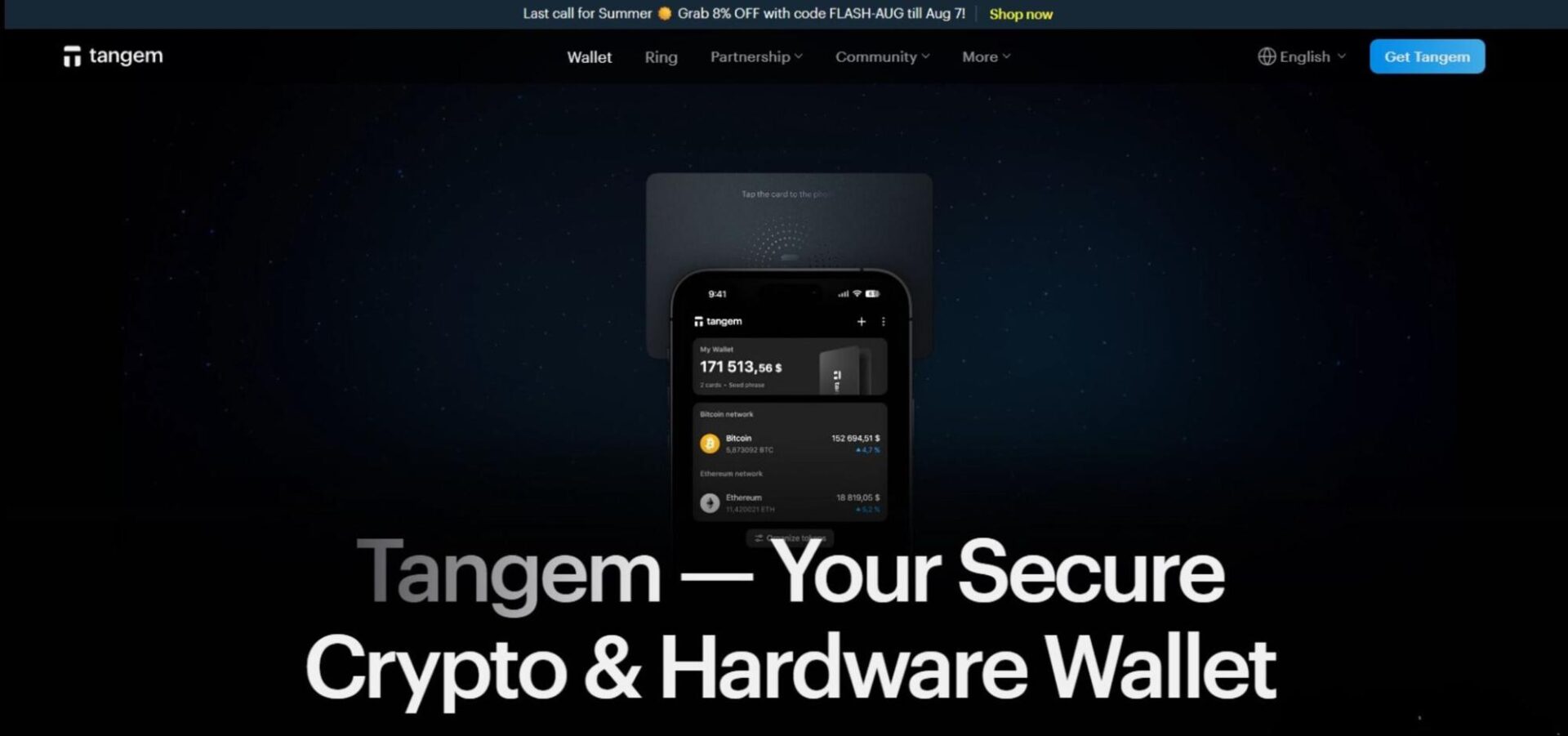
Tangem (starting at $54.90) is an excellent choice for people planning to hold their investments for extended periods (5-10+ years) because it doesn’t require charging and comes with a 25-year warranty. Tangem comes in 2 or 3-card packs, which can be linked to a single wallet, enabling straightforward recoverability.
Shaped similarly to a credit card, a Tangem wallet can securely store over 10,000 assets (including ERC-20) thanks to its EAL6+ security chip and PIN system. It’s highly durable, with an IP69K certification, as well as EMP and X-ray resistance, creating a highly secure environment for storing ERC-20 tokens.
Tangem is connected using NFC and managed via a mobile app. While this approach enables a battery-free design and long-term usage, it requires a mobile app for use; desktops and laptops are not supported. Overall, Tangem is an excellent hardware wallet that’s ideal for maintaining peace of mind over long periods.
Pros
-
Support for 13,000+ cryptocurrencies
-
25+ year life span
-
No battery or recharging system
-
EAL6+ certification
-
Seed phrase (optional) and card-based recovery options
-
Audited by multiple third-party firms
Cons
-
Must be connected to a phone to manage the wallet
-
Each wallet stores the whole seed, not keyshares like MPC wallets
- Bitcoin
- Ethereum
-
Tether
70
No result
- English
- German
-
French
3
No result
RockWallet
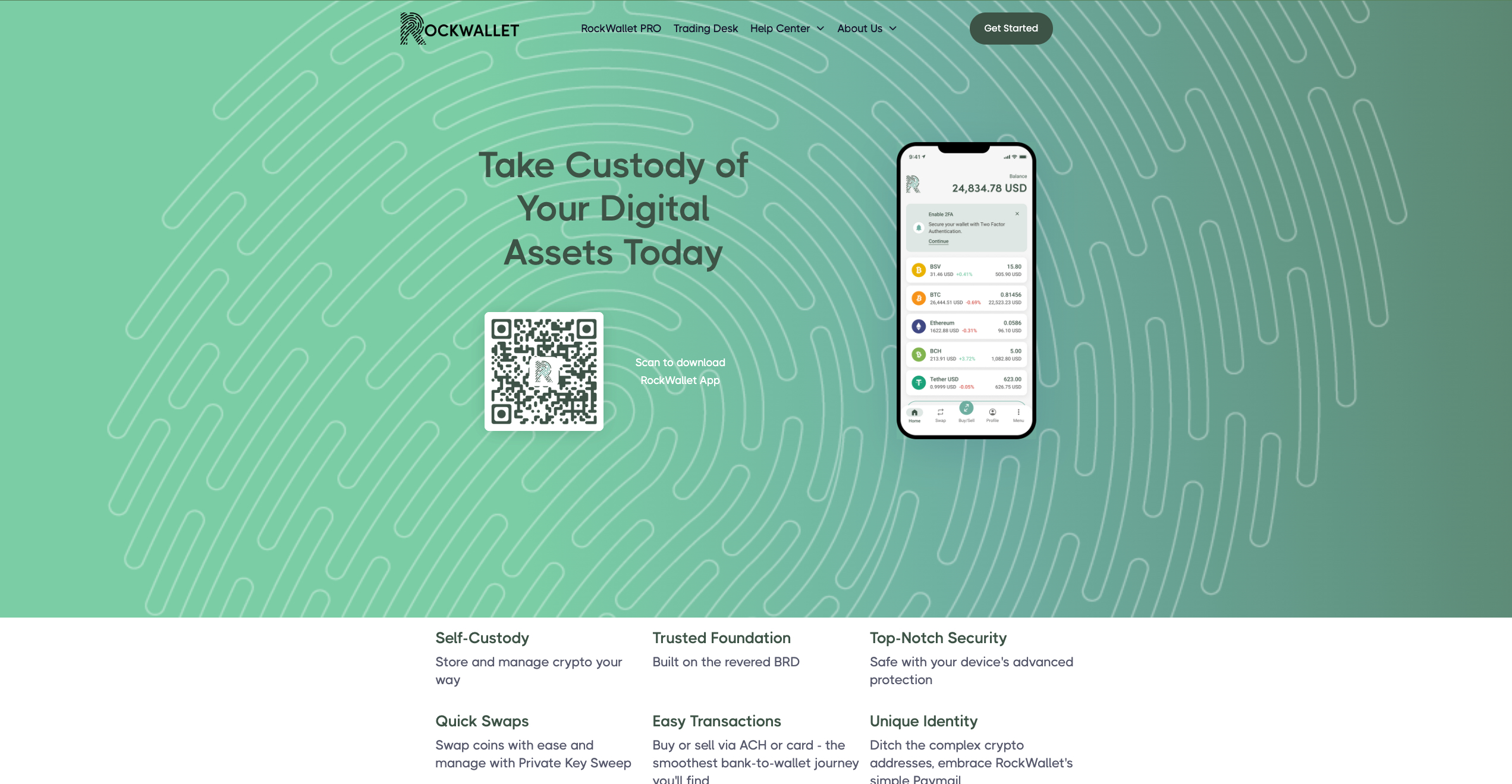
As an ERC20 wallet, RockWallet focuses on providing straightforward crypto access for American users through a mobile-first platform with traditional banking integration. You can connect your bank account directly to buy, sell, and store popular cryptocurrencies without navigating complex exchange interfaces. The platform emphasizes regulatory compliance and user-friendly design over advanced trading features, making it suitable for people who want basic crypto functionality with familiar banking-style operations.
The wallet supports major cryptocurrencies, including Bitcoin, Ethereum, and Litecoin, with direct bank account linking for purchases. ACH transfers allow fee-free deposits from connected bank accounts. Built-in price tracking helps monitor portfolio performance, while the mobile app provides core wallet functions, including sending, receiving, and storing coins.
Pros
-
Direct bank account integration simplifies funding
-
Fee-free ACH deposits reduce transaction costs
-
Regulated US operations provide legal compliance assurance
-
Simple interface suitable for crypto newcomers
-
Mobile-focused design offers convenient access
Cons
-
Limited crypto selection compared to major platforms
-
US-only availability restricts international users
-
Basic feature set may disappoint advanced traders
-
Higher spreads on crypto purchases than on exchanges
-
Limited customer support options for problem resolution
- Bitcoin
- Ethereum
-
Tether
10
No result
- English
Kraken
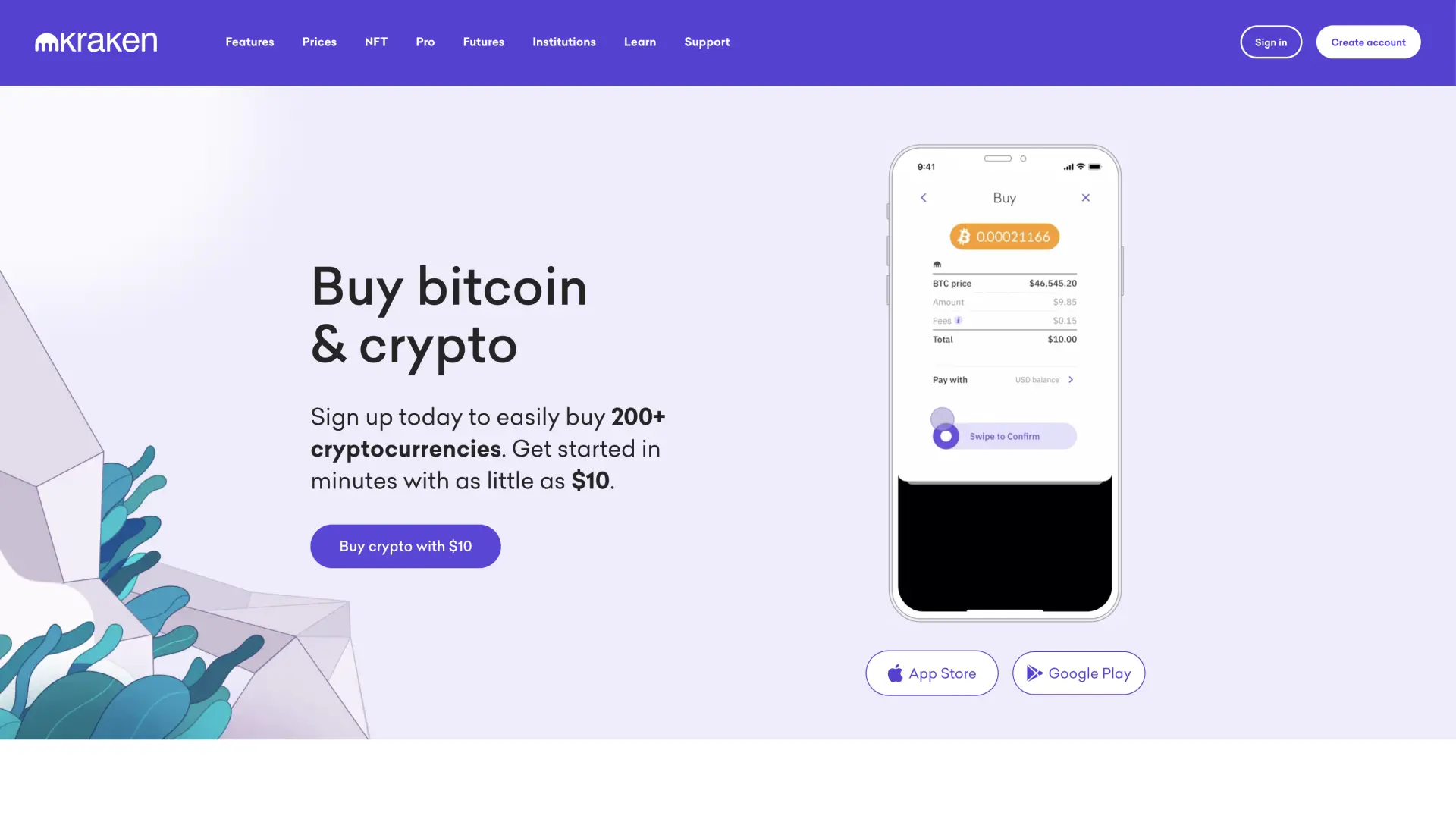
Kraken wallet is a non-custodial wallet for privacy-conscious users, a reputable exchange with strong security practices and DeFi integration.
Kraken Wallet operates as a self-custody solution separate from Kraken's main exchange platform, giving you complete control over your private keys while benefiting from the company's security expertise. You can interact with dApps and manage multiple cryptocurrencies without relying on centralized storage. The wallet targets users who understand the importance of self-custody but want the backing of an established crypto company.
It supports Bitcoin, Ethereum, and various ERC-20 tokens with full private key control. DeFi integration allows direct interaction with decentralized protocols for lending, borrowing, and yield farming. Multi-chain support includes popular networks beyond Ethereum, while hardware wallet compatibility works with Ledger and Trezor devices. Built-in portfolio tracking shows your holdings across different blockchains.
Pros
-
Self-custody design gives you complete fund control
-
Backed by Kraken's established security reputation
-
DeFi protocol integration for decentralized finance access
-
Multi-chain support covers popular blockchain networks
-
Hardware wallet compatibility enhances security options
Cons
-
Self-custody responsibility means no recovery assistance if keys are lost
-
Limited cryptocurrency selection compared to the main Kraken exchange
-
DeFi features may confuse users unfamiliar with decentralized protocols
-
No customer support for wallet recovery issues
-
Interface complexity exceeds basic storage needs
- Bitcoin
- Ethereum
-
Tether
83
No result
- Spanish
- English
-
French
4
No result

Uphold
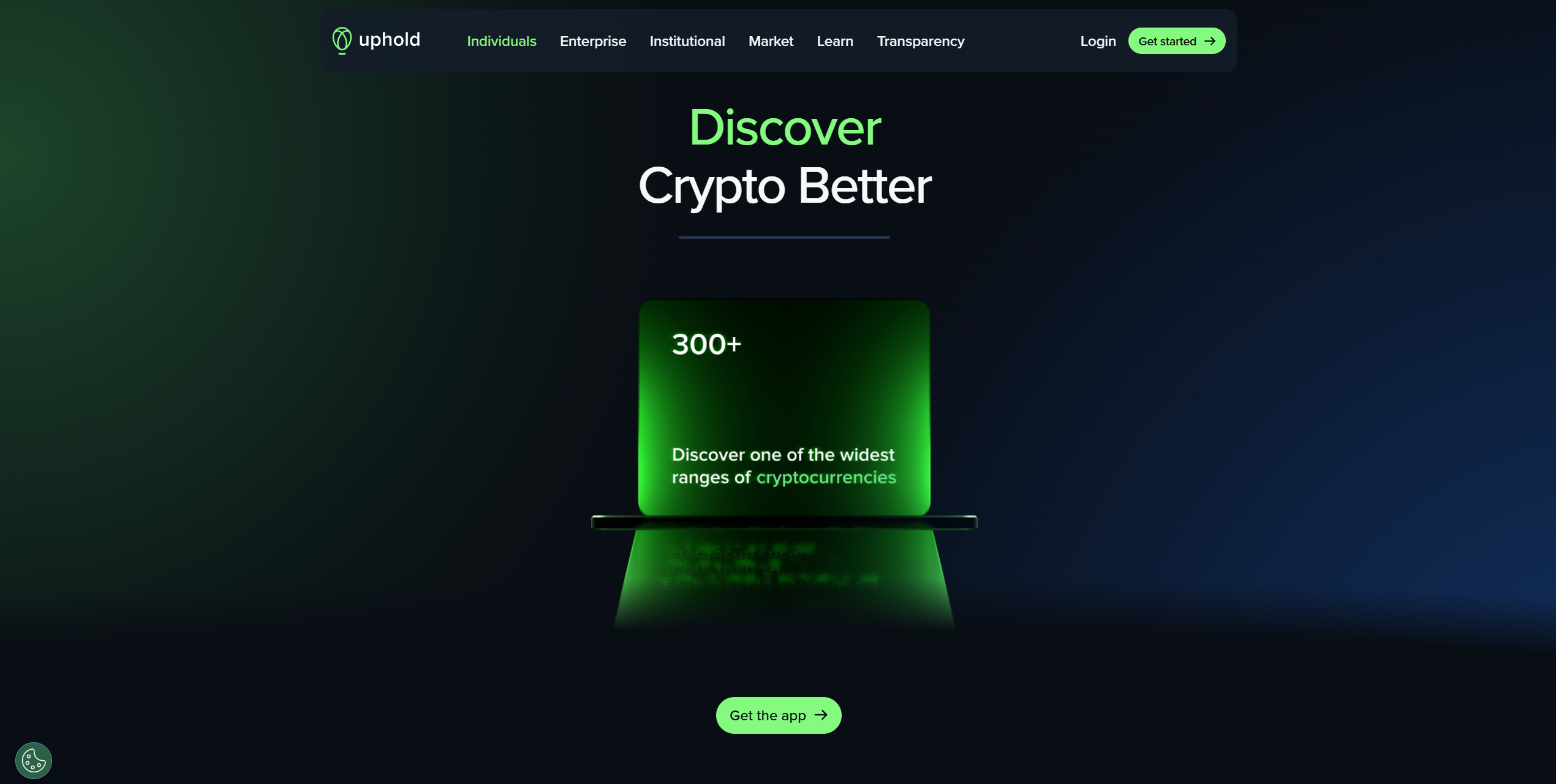
Uphold wallet is a financial platform that lets you store and exchange cryptocurrencies, traditional fiat currencies, precious metals, and other alternative investments. You can instantly convert between different asset types without going through multiple platforms or exchanges. The service targets users who want flexibility in managing diverse portfolios that span both traditional and cryptocurrency markets.
The platform supports over 250 cryptocurrencies plus fiat currencies from multiple countries, allowing instant conversions between any supported assets. Real-time settlement means transactions are completed immediately without waiting periods. The transparency dashboard shows exactly how your funds are held and backed. Social trading features let you automatically copy successful traders' strategies.
Pros
-
Instant conversion between crypto and fiat currencies
-
Wide selection of both traditional and cryptocurrency options
-
Transparent fund backing builds user confidence
-
Social trading capabilities for strategy copying
-
Real-time settlement eliminates transaction delays
Cons
-
Higher spreads on conversions reduce value compared to dedicated exchanges
-
Limited advanced trading tools for experienced traders
-
Customer support responsiveness varies by region
-
Platform complexity may overwhelm simple storage needs
-
Regulatory restrictions affect availability in certain jurisdictions
- Tether
- TrueUSD
-
USD Coin
144
No result
- English
Coinbase
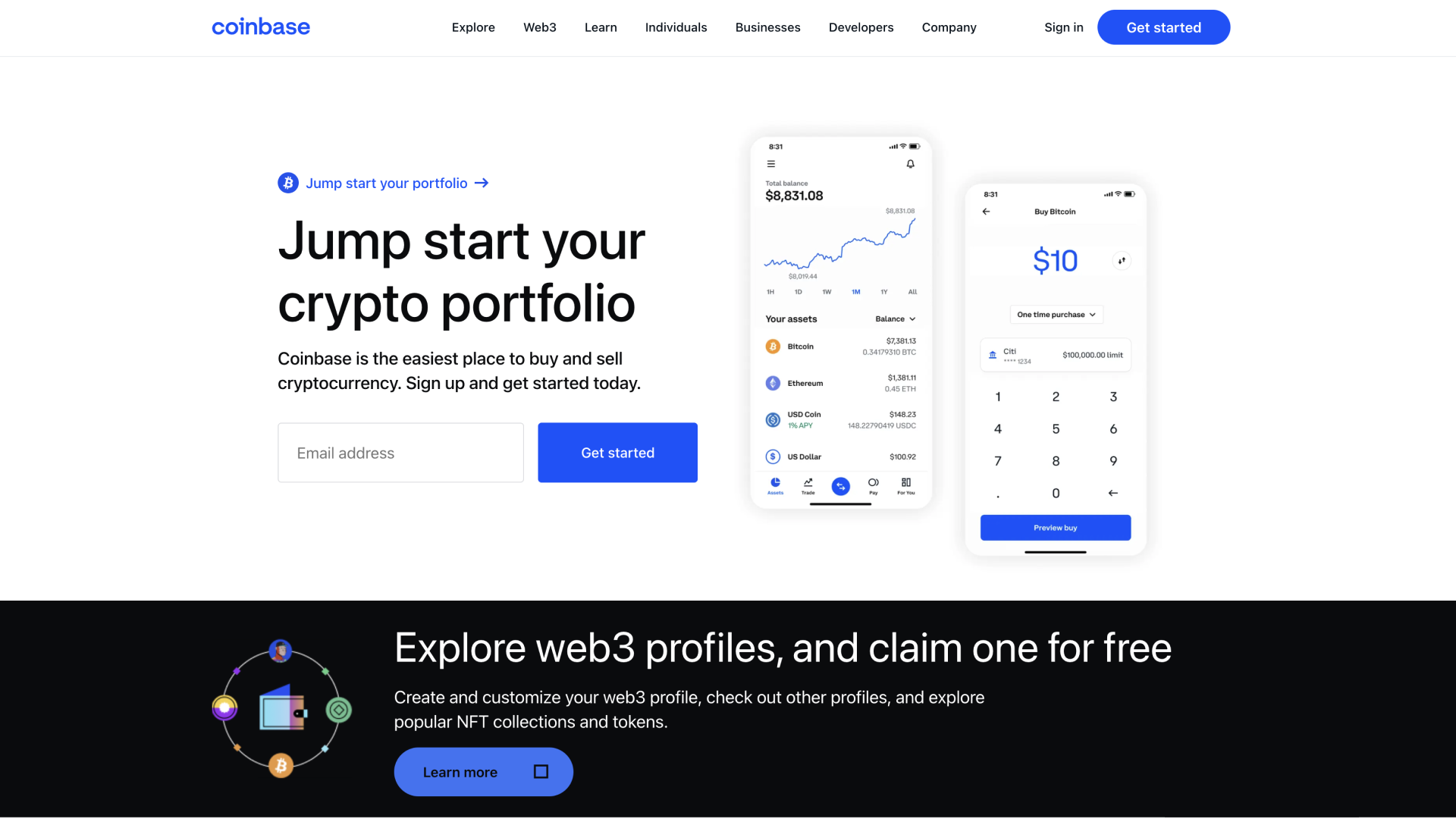
Base App represents Coinbase's evolution of its original wallet into an all-in-one platform that combines crypto storage with social networking features. You can manage your coins and collectibles while participating in a creative economy where content creation gets rewarded. The platform bridges traditional crypto wallet functions with modern social app experiences, targeting users who want both financial tools and community interaction in one application.
The app stores cryptocurrencies, non-fungible tokens (NFTs), and DeFi positions across multiple blockchain networks, including Bitcoin, Ethereum, and Solana. Built-in buying, swapping, staking, and minting capabilities eliminate the need for external services. USDC rewards provide passive income opportunities, while passkey backups simplify wallet recovery. Smart wallet technology offers sponsored transaction fees, and the platform supports millions of tokens across popular networks.
Pros
-
Integration with Coinbase's established ecosystem and reputation
-
Social features combine finance with community interaction
-
Supports extensive cryptocurrency and NFT collections
-
Multiple payment methods available in over 120 countries
-
Simplified backup process using modern passkey technology
Cons
-
Platform transition may confuse existing Coinbase Wallet users
-
Social networking focus might not appeal to privacy-conscious users
-
Dependency on Coinbase's infrastructure creates centralization concerns
-
New app format is still in beta development
-
Less suitable for users wanting pure wallet functionality
- Bitcoin
- Ethereum
-
Tether
68
No result
- English
Trezor
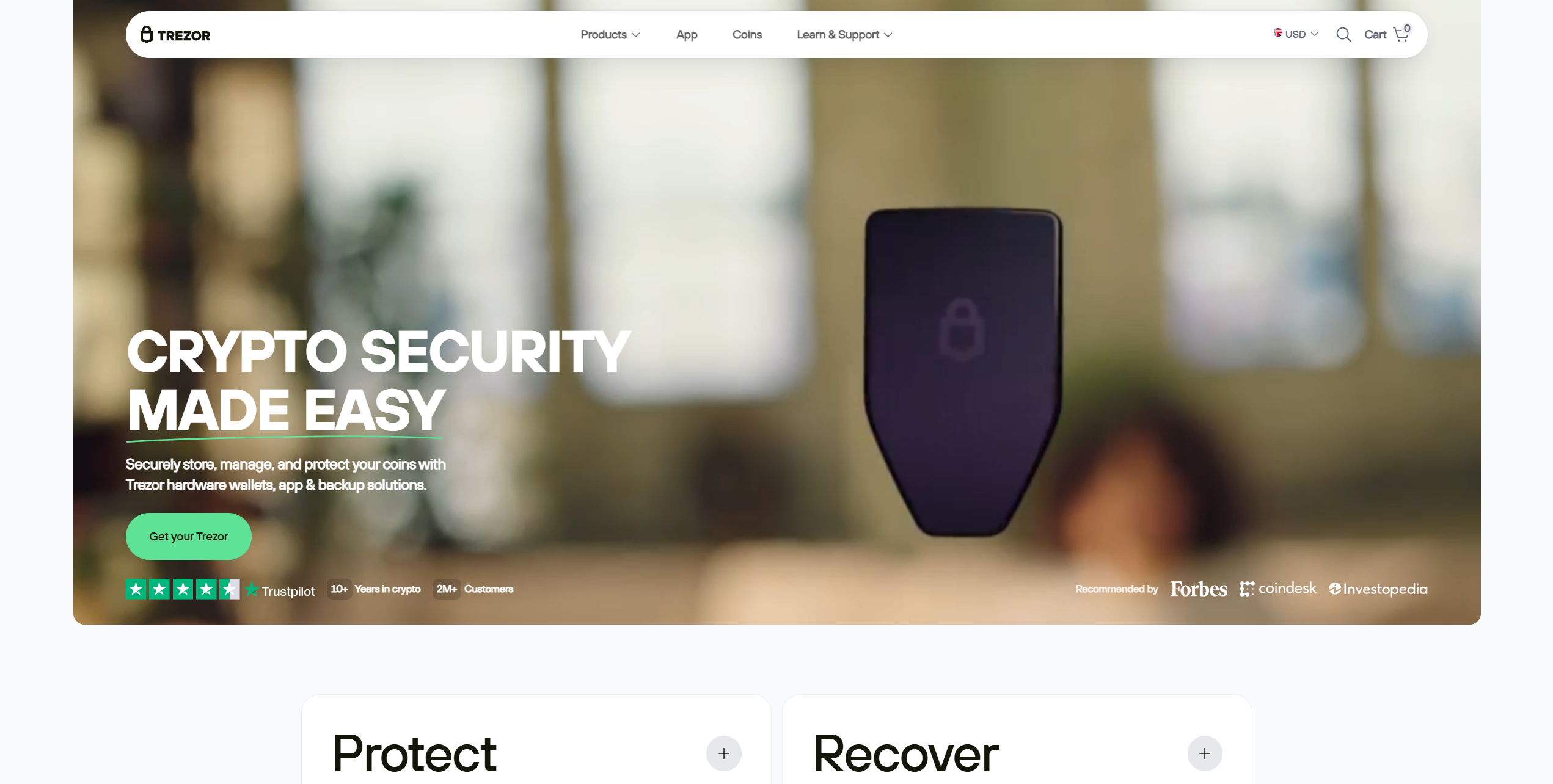
Trezor wallets are similar in function to Ledger wallets, boasting an open-source security architecture that enables users or researchers to independently audit the devices for bugs or vulnerabilities. If you're seeking a budget hardware wallet, the Trezor Model One doesn't get much better. Priced at $49, users get a small two-button device with an optional PIN system. It can store over 1,000 cryptocurrencies, but lacks some key assets, including XRP and Solana.
The Trezor Model T, as an ERC20 Wallet, is a premium hardware wallet with a 1.54-inch touchscreen and a USB-C connection. It offers the same seed phrase-splitting tool as the Safe 3, but is significantly more expensive at $129. Moreover, it can be used as a 2FA passkey device, enhancing flexibility.
While all of Trezor's wallets are managed via Trezor Suite, which provides swap and purchase functionality, the Safe 3 is the best overall offering due to its EAL6+ security chip and seed-splitting tool. However, keep in mind that they're view-only on iOS. iPhone users cannot use Trezor wallets without another device.
Pros
-
Broad crypto asset support
-
Can connect to dApps and DeFi protocols
-
One of the most well-known hardware wallet brands
-
Products at multiple price points
-
EAL6+ security chips for Safe 3
-
Budget-friendly hardware wallet
Cons
-
No native iOS support for transactions
-
Absolute beginners might struggle with the interface at first
- Bitcoin
- Ethereum
-
Tether
204
No result
- English
- Czech
Zengo
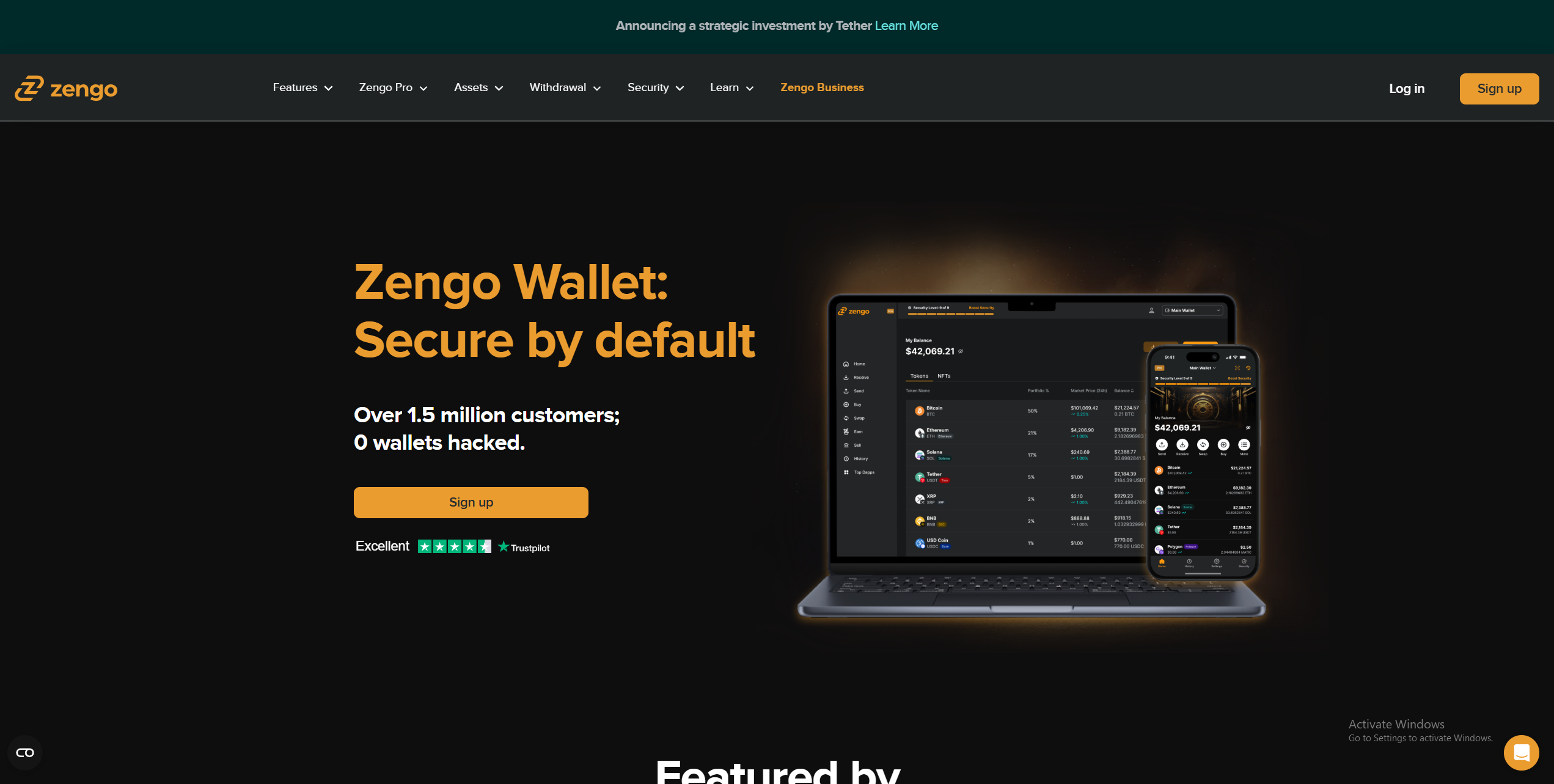
Not everyone desires the latest, most advanced features. Some people prefer a straightforward wallet that’s easy to use and effective. If that sounds like you, you’ll likely benefit from a wallet with an intuitive interface, a simple portfolio tracking system, and a helpful customer support team.
Zengo covers the above aspects and offers many more benefits. Available as a mobile wallet or a web platform, Zengo is an MPC wallet that can store 525 assets, including ERC-20 tokens on the Ethereum, Polygon, Arbitrum, Optimism, Base, BNB, and Tron networks.
The Zengo app delivers an excellent mobile experience (4.2/5 on the Play Store) and lets users buy, sell, or swap ERC-20 assets. Users can also store ERC-721 NFTs. A $9.99 monthly subscription provides access to priority support, Multi-Factor Authentication (MFA), a Web3 firewall, and an inheritance system.
With it boasting an intuitive interface, simple on/off-ramp tools, excellent security, a robust recovery system (email, recovery file, optional 3D FaceLock), and a stellar mobile experience, Zengo is a strong choice for beginners, people with diverse holdings, and investors who prefer to manage their portfolios on mobile.
Pros
-
Keyless security with MPC and 3FA for safer recovery
-
Supports a wide range of cryptocurrencies
-
Integrated fiat on/off ramps and swapping
-
Easy-to-use mobile app with biometric security
-
Access to staking and dApps
Cons
-
Exchange fees can be relatively high
-
Limited staking options compared to competitors
-
No desktop or browser extension support
-
Not fully open source
- Bitcoin
- Ethereum
-
Tether
68
No result
- English
What is an ERC-20 Wallet?
Ethereum is a decentralized blockchain. It is essentially a large-scale Peer-to-Peer (P2P) network comprised of thousands of interconnected devices.
People can create and deploy smart contracts (self-executing programs) on the Ethereum blockchain using the ERC-20 token standard, which is a set of guidelines defining the required functions of an Ethereum smart contract, such as transferring tokens and viewing the total token supply.
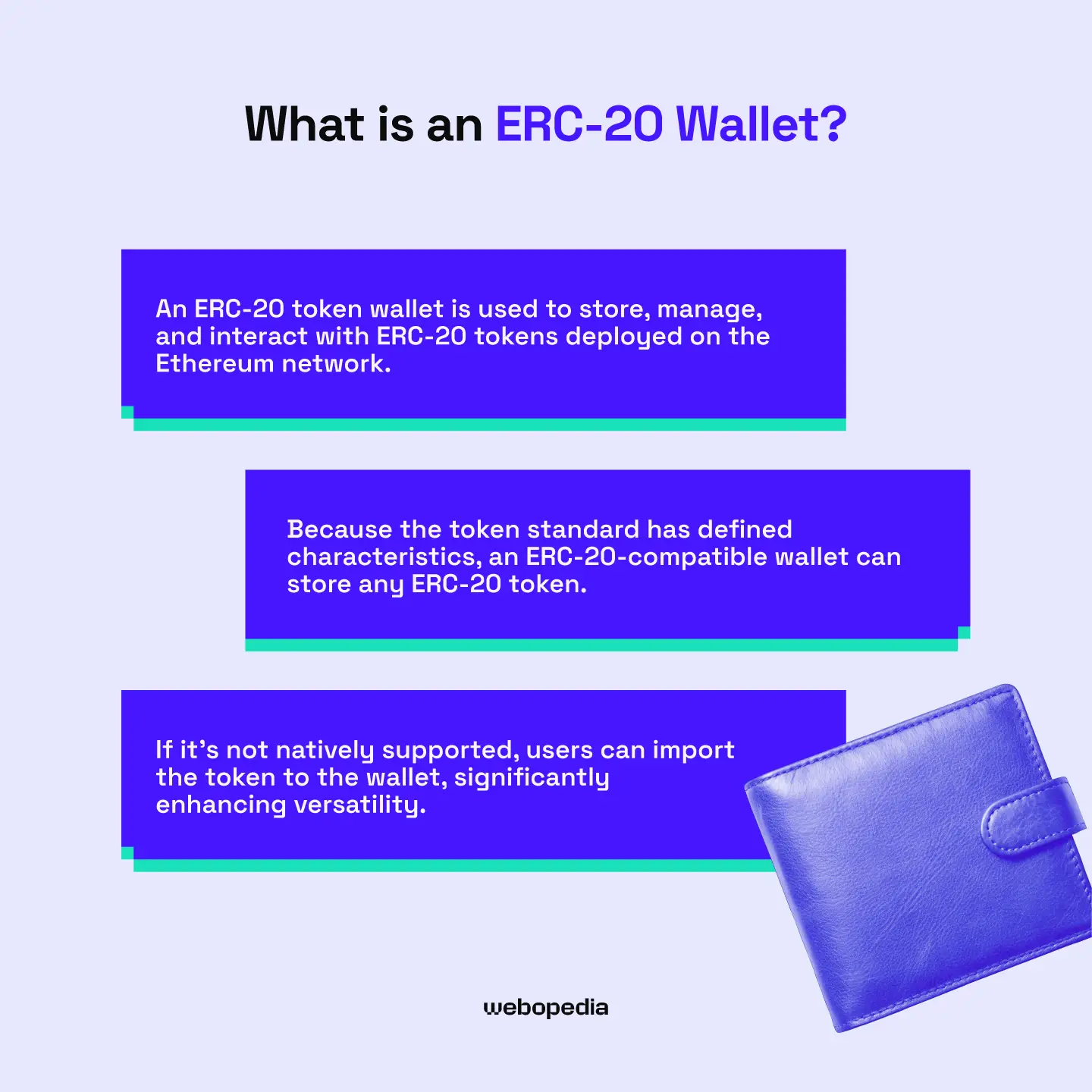
An ERC-20 token wallet is used to store, manage, and interact with ERC-20 tokens deployed on the Ethereum network. Because the ERC-20 token standard defines its characteristics, an ERC-20-compatible wallet can store any ERC-20 token. If it’s not natively supported, users can import the token to the wallet, significantly enhancing versatility.
The Difference – ERC-20 Tokens vs. Native ETH
So, what’s the difference between an ERC-20 token and ETH?
Ether (ETH) is the native currency of the Ethereum network. It’s used to pay gas (transaction) fees, and users can stake it to earn rewards while contributing to the network. It exists at a protocol level and is not a smart-contract token.
Tokens using ERC-20 are smart contracts deployed on the Ethereum network. They use ETH for gas, and share the same address structure as Ethereum (0x).
However, assets using the ERC-20 token standard have different use cases from ETH. For example, Tether (USDT) is an ERC-20 stablecoin pegged to the value of the US dollar, designed to maintain a $1 price, making it suitable for everyday transactions and storing wealth in cryptocurrency without exposure to volatility.
Non-Custodial Wallets vs. Custodial Wallets
When evaluating the best ERC20 wallets, it is crucial to consider the various types of wallets available to you. There are two main kinds, custodial and non-custodial; each has unique characteristics, benefits, and drawbacks.
Custodial
Beginners may prefer custodial wallets. The issuer manages the private keys/seed phrase on the user’s behalf. This system eliminates the risk of accidentally exposing your seed, which is a common way wallets become compromised. Custodial wallets are also more straightforward to set up compared to non-custodial alternatives.
Users typically access custodial wallets using login credentials. However, these wallets do not allow true crypto ownership because you do not have access to the seed phrase, so you could lose your funds if the platform goes out of business or is forced to suspend operations in your area.
Non-Custodial
If you’re looking to maximize your security and privacy, non-custodial wallets are the best choice. Users have complete control over the seed phrase used for recovery, ensuring they can always access their wallet, even if they lose the device it’s on (as long as they have the seed phrase).
It’s essential to note that non-custodial wallets cannot be recovered if you lose the associated seed phrase, as they exist on the blockchain, not on a specific platform. No intermediary can access the wallet, providing the user with complete control and privacy.
For the majority of people, non-custodial or self-custody wallets are the best option for Ethereum token storage. As long as you store and manage your seed phrase carefully, you’ll never lose access to your wallet, even if all your devices become lost or damaged, providing superior security versus custodial alternatives.
Hot vs. Cold Storage for ERC-20 Tokens
No review of the best ERC-20 wallets would be complete without exploring the benefits of hot vs cold storage. They’re physical devices equipped with special safety features, including security chips and anti-tamper systems. To send a transaction, you must confirm it on the device, protecting against digital attacks and viruses.
So, is hot or cold storage for Ethereum tokens best? The answer depends on your individual goals. Consider what you want from a crypto wallet and note it down. Security, convenience, broad asset support, staking capabilities, or trading functionality are typical requirements.
Below, we explain how software wallets can benefit traders and DeFi enthusiasts, while outlining the circumstances under which it’s best to opt for hardware wallets.
Cold Wallets (Hardware Wallets)
While software wallets are great for temporary storage, cold wallets offer the highest security.
Cold wallets are physical devices that enhance security by introducing hardware security measures, such as secure elements and anti-tamper chips, which cannot be easily modified. They often feature displays, allowing users to verify wallet addresses and seed phrases in a safe environment.
Hardware wallets, such as the Ledger Nano X or the Trezor Model T, enable the offline storage of private keys, minimizing the risk of their exposure. They limit external connectivity and require physical access when transacting, enhancing protection. If your goal is long-term storage, consider cold storage for Ethereum tokens.
Hot Wallets (Software & Mobile)
If you’re a trader or want to participate in Decentralized Finance (DeFi) protocols or utilize other Web3 services, the best option is to keep a hot wallet with a small amount of funds, then secure the bulk of your holdings in cold storage.
MetaMask and Trust Wallet are popular hot wallets that offer strong security measures, can store ERC-20 tokens, and boast straightforward dApp interaction.
Hot wallets offer unrivalled convenience. They’re available as mobile app wallets, browser extensions, or desktop downloads, enabling widespread accessibility. However, they’re inherently internet-connected, which poses the risk of network attacks. As such, it’s essential to follow security best practices, like setting up a PIN and securely storing your seed phrase.
By splitting your holdings, you minimize the damage incurred when accidentally interacting with a malicious Decentralized Application (dApp) or exchange. Instead of risking all your ERC-20 tokens, only the assets you’ve designated for trading or DeFi will be lost, so using multiple wallets is almost always a good idea.
The Best ERC-20 Wallets – Compared
Below, we compare some of the top wallets to help our readers decide which is best for them.
| Brand Name | Wallet Type | Security Features | Supported Crypto | Backup and Recovery | Staking Support | Cost |
|---|---|---|---|---|---|---|
| Tangem Wallet | Cold | EAL6+ security chip, 25-year warranty, audited, no external connectivity, PIN system | 5,000+ | Cards come in multi-packs, providing redundancy, seedless | Yes | $54.90 to $160 |
| Bitget Wallet | Hot | Multi-Party Computation, $300 million protection fund, encryption | 1 million+ | Seed phrase | Yes | Free |
| SafePal S1 | Cold | EAL6+ chip, air-gapped, open-source, self-destruct mechanism, passphrase | Thousands of tokens on 200+ blockchains | Seed phrase | Yes | $49.99 |
| Uphold Wallet | Hot | Regulated, private key encryption, employee background checks, and regular audits | 325 | Username and password | Yes | Free |
| Zengo Wallet | Hot | MPC, seedless, create segregated wallets, Multi-Factor Authentication | 1000+ | Email authentication, recovery file, 3D FaceLock (optional) | Yes | Free ($9.99 monthly premium subscription) |
| Blockstream Jade | Cold | Virtual secure element, air-gapped QR codes, open-source | Bitcoin | SeedPhrase | No | $79 |
| Trezor Safe 3 | Cold | EAL6+ security chip, PIN/passphrase systems, TOR routing | 7,000+ | Seed phrase, multi-share backup (split seed into multiple shares) | Yes | $79 |
| Cypherock X1 | Cold | Audited by Keylabs, open-source, EAL6+ secure element | 18,000+ | Seed phrase, multi-sig (2 of 4 cards required for recovery)p | Yes | $129 |
| Binance | Hot | MPC, self-custody, risk detection, technical audits | Thousands of assets on 34 networks | Quick Backup, recovery password | Yes | Free |
How to Securely Set Up Your ERC-20 Wallet
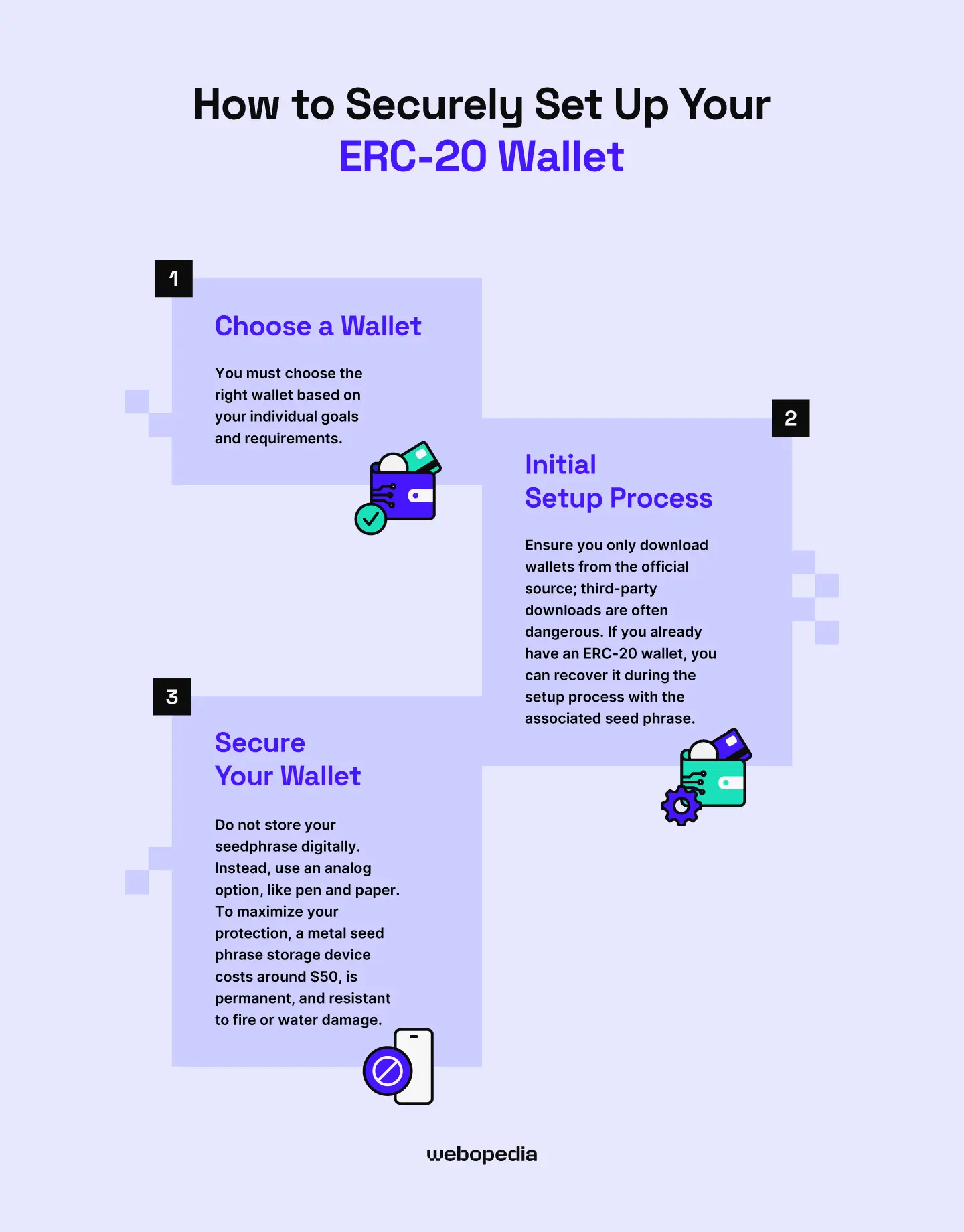
Wondering how to set up an ERC-20 wallet? The process is simple, but it differs for each wallet. Thankfully, the general procedure is largely similar: choose a wallet best suited to your needs, complete the initial setup, and then enhance your security.
1. Choose a Wallet
The first step is arguably the most important. You must choose the right wallet based on your individual goals and requirements. Long-term investors should consider hardware wallets like Tangem, while non-custodial hot wallets, such as the Bitget Web3 Wallet, will better serve individuals who use products like Decentralized Exchanges (DEXs).
Create a list of your needs, then consider your wants, and compare both to the available wallets. The top choice will be whichever option best matches your requirements.
2. Initial Setup Process
Secure wallet setup is essential to avoid accidentally compromising your ERC-20 holdings. Ensure you only download wallets from the official source; third-party downloads are often dangerous.
If you already have an ERC-20 wallet, you can recover it during the setup process with the associated seed phrase. Alternatively, click the ‘Create a New Wallet’ option and follow the prompts, which will guide you through the setup process for the specific wallet you’ve chosen.
Towards the end of the setup process, you’ll be prompted to set up a PIN, which acts as an extra word in your seed phrase. Even if they have your wallet device, they won’t be able to access the funds it contains if you set a PIN, so it’s worth considering.
3. Secure Your Wallet
After completing the initial setup, it’s essential to take steps to enhance your security. Regardless of whether you’re storing a small sum or a significant investment, there’s no benefit to avoiding optional security measures.
Most crucially, store your private keys or seed phrase securely. Never use digital methods, like a screenshot. Instead, use an analog option, like pen and paper. To maximize your protection, a metal seed phrase storage device costs around $50, is permanent, and resistant to fire or water damage.
Other ERC-20 token wallet safety tips include creating multiple seed phrase backups and storing them in separate locations, utilizing biometric security (such as fingerprint or facial recognition), and setting anti-phishing codes. You should also verify the authenticity of a dApp before connecting your wallet, as malicious dApps could compromise your safety.
Understanding Seed Phrase Protocol
Your seed phrase is the heart and soul of your ERC-20 wallet. It can be used to recover your wallet (and the assets it contains) to any other compatible wallet software, even a different brand. No information other than the seed phrase is required, so proper management is essential.
A seed is a 12 or 24-word recovery phrase (sometimes called a mnemonic phrase). The best ERC-20 wallets will allow you to view the seed, which gives you complete control and ownership over your assets.
There is no way to recover a wallet if you lose the seed, so following a proper storage protocol is crucial. You should:
- Backup Seed: Use a pen and paper to create multiple offline seed phrase backups and store them in separate locations.
- Avoid Digital Storage: Never store your seed phrase digitally, such as in a screenshot or text file. Doing so leaves you vulnerable to computer viruses and makes it easy to accidentally lose your seed if your device becomes damaged.
- Secure Seed Usage: Most hardware wallets feature a display that allows users to verify their seed phrase (or enter it for recovery) without needing to input it into a computer or phone. When available, always verify sensitive information, such as the seed phrase or destination address, on the hardware wallet device.
Following the steps outlined above will effectively secure your seed phrase for the long term. However, it’s essential to consider whether your storage location is likely to be disturbed; ideally, access should be difficult for others, but convenient for you. Never show your seed to anyone, even friends or family.
How ERC-20 Transactions Work (Sending and Receiving ERC-20 Tokens)
Before you start trading ERC-20 tokens, it’s essential to have gas fees explained and understand Ethereum’s fee structure.
ERC-20 token fees are denominated in gas units, which are priced in gwei, a unit of Ether representing 0.000000001 ETH.
The current price per gas unit is around 0.09 gwei according to Etherscan’s gas tracker. Therefore, a transaction requiring 21,000 gas costs 1,890 gwei, equivalent to 0.00000189 ETH or $0.0055.
Sending ERC-20 tokens incurs higher transaction fees than native ETH. A regular ETH transaction requires approximately 21,000 gas units ($0.0055), but an ERC-20 token transaction can cost around three times as much, or roughly 65,000 gas units ($0.017). There’s no charge for receiving tokens.
The best ERC-20 wallets will clearly display the transaction fee and allow you to choose between multiple fee levels, either to save on costs or to prioritize your transaction. Always check fees before sending a transaction to ensure fees are reasonable and that you do not accidentally send more than intended.
Key Takeaways
- Self-custody or non-custodial wallets are recommended for most users as they provide excellent security and complete ownership of funds.
- ERC-20 token transfers are more expensive than standard Ethereum transactions.
- Always store your seed phrase safely, using an analog method like pen and paper, and never store it digitally.
- It’s advisable to maintain a hot wallet for storing trading funds or interacting with dApps, and keep a cold wallet for long-term investments.
- You can recover your ERC-20 wallet even if it’s damaged or lost using the associated seed phrase.
FAQ Section
What happens if I lose my hardware wallet device?
Losing your hardware wallet can cause your heart to sink. However, it’s not the end of the world. As long as you have access to your seed phrase, you can recover your wallet using any compatible hardware or software wallet. However, recovery is impossible if you lose the seed.
What are gas fees, and why do I need ETH to send an ERC-20 token?
Every transaction that takes place on the Ethereum network requires gas, which is paid in ETH and sent to validators who approve transactions. ERC-20 tokens exist on the Ethereum network, so transfers incur gas fees.
Is Tangem the safest wallet?
If you’re looking for a secure wallet for long-term storage, Tangem could be the best option. The device boasts a 25-year warranty, minimal moving parts, an EAL6+ security chip, an anti-tamper mechanism, and an IP69K certification. Moreover, it doesn’t require charging, enhancing convenience and longevity.
Can I use an exchange wallet to store ERC-20 tokens?
Yes, most exchange wallets allow you to store ERC-20 tokens. However, unlike non-custodial wallets, you cannot store every ERC-20 token. Only those that the exchange offers for trading will be supported. If you send an unsupported ERC-20 to an exchange wallet, it will be permanently lost.