Best Crypto Cold Wallets 2026


- When you click links on this page, we may earn an affiliate commission. By using this website you agree to our terms and conditions and privacy policy.
- Participation in online gambling may be illegal in your country and is subject to age restrictions (18, 19, or 21, depending on the jurisdiction). Verify legality and age requirements before participating. Learn more
Cold crypto wallets are a specific type of hardware wallet that stores private keys offline and offers minimal connectivity capabilities. It is precisely this air-gapped nature that makes cold wallets resistant to online threats and the ultimate protection for crypto assets.
Soon, you will know more about the best cold wallets you can choose from in 2026. We will also give you our take on their security, features, and ease of use. You will learn more about the differences between cold and hot wallets, and even show you how to set up and use a cold wallet for your needs.
The Best Cold Wallets for Storing Crypto
Let’s take a closer look at the best offline crypto wallets. In the list below, you can find all of our recommendations, along with their features, strengths, and weaknesses, and quickly compare them.
Detailed Reviews of the Top Cold Wallets
Safepal

SafePal offers a unique dual approach by providing both hardware wallet devices and a mobile software wallet that work together seamlessly. You can store your cryptocurrencies offline on the hardware device while using the mobile app to interact with decentralized finance (DeFi) protocols and perform cross-chain transactions. The platform targets users who want maximum security without sacrificing convenience for daily crypto activities.
The hardware wallet operates completely air-gapped with no USB, Bluetooth, or WiFi connections, communicating through QR codes. The software wallet supports over 100 blockchains and thousands of tokens with built-in decentralized exchange (DEX) access. Cross-chain swap functionality allows you to trade between different blockchain networks, and the native SFP token provides fee discounts.
Pros
-
Air-gapped hardware design eliminates connection vulnerabilities
-
Supports multiple blockchain networks and token standards
-
Built-in DeFi access through the mobile application
-
Cross-chain trading without using multiple platforms
-
Affordable hardware wallet pricing compared to competitors
Cons
-
QR code communication can feel slow for frequent transactions
-
Software wallet security depends on mobile device protection
-
Limited customer support channels for troubleshooting
-
Hardware wallet screen is smaller than premium alternatives
-
Learning curve for users unfamiliar with QR-based transactions
- Bitcoin
- Ethereum
-
Tether
89
No result
- English
- German
-
Spanish
12
No result

Tangem
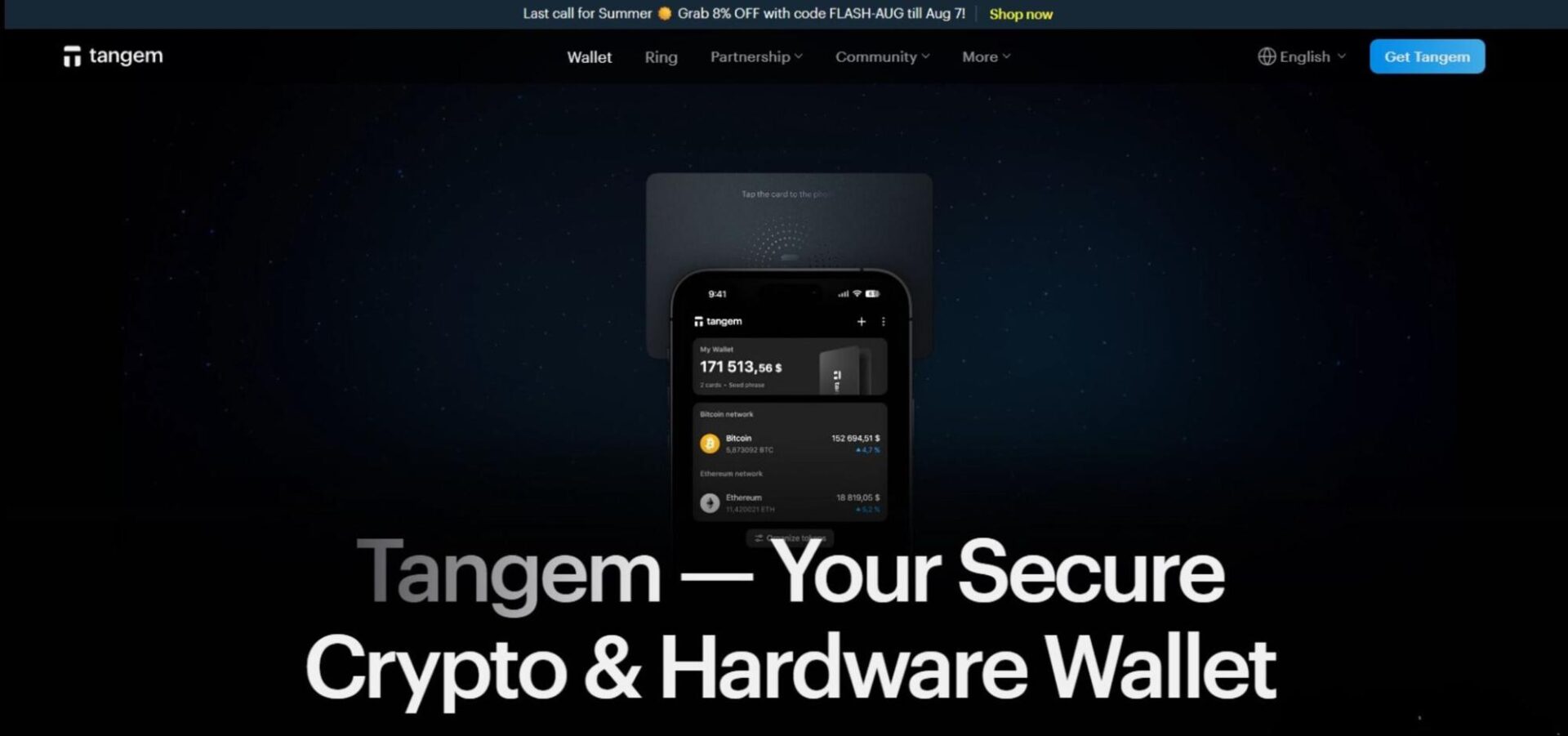
If you’re seeking a portable, truly offline cold wallet, Tangem could be perfect. The credit card-style cold storage solution can easily fit into a wallet for transport, but it doesn’t sacrifice security. Tangem’s most significant advantage is using NFC, which enables a 25+ year lifespan with no battery, enhancing security and portability.
Tangem’s core security is focused on the microcomputer chips embedded in each card. They’re EAL6+ rated, indicating top-level security and audited by two firms, including Kudelski Security. The chips generate a random private key entirely offline. As Tangem Wallets come in multi-packs, users have a backup even if they lose a card.
The two-card set costs $54.80, while the three-card option is $69.90. Users can also purchase a bundle containing two cards and a ring for $150. With support for over 13,000 cryptocurrencies and zero hacks between 6+ million devices across seven years, Tangem Wallet offers phenomenal cryptocurrency security.
Pros
-
Support for 13,000+ cryptocurrencies
-
25+ year life span
-
No battery or recharging system
-
EAL6+ certification
-
Seed phrase (optional) and card-based recovery options
-
Audited by multiple third-party firms
Cons
-
Must be connected to a phone to manage the wallet
-
Each wallet stores the whole seed, not keyshares like MPC wallets
- Bitcoin
- Ethereum
-
Tether
70
No result
- English
- German
-
French
3
No result

BitBox
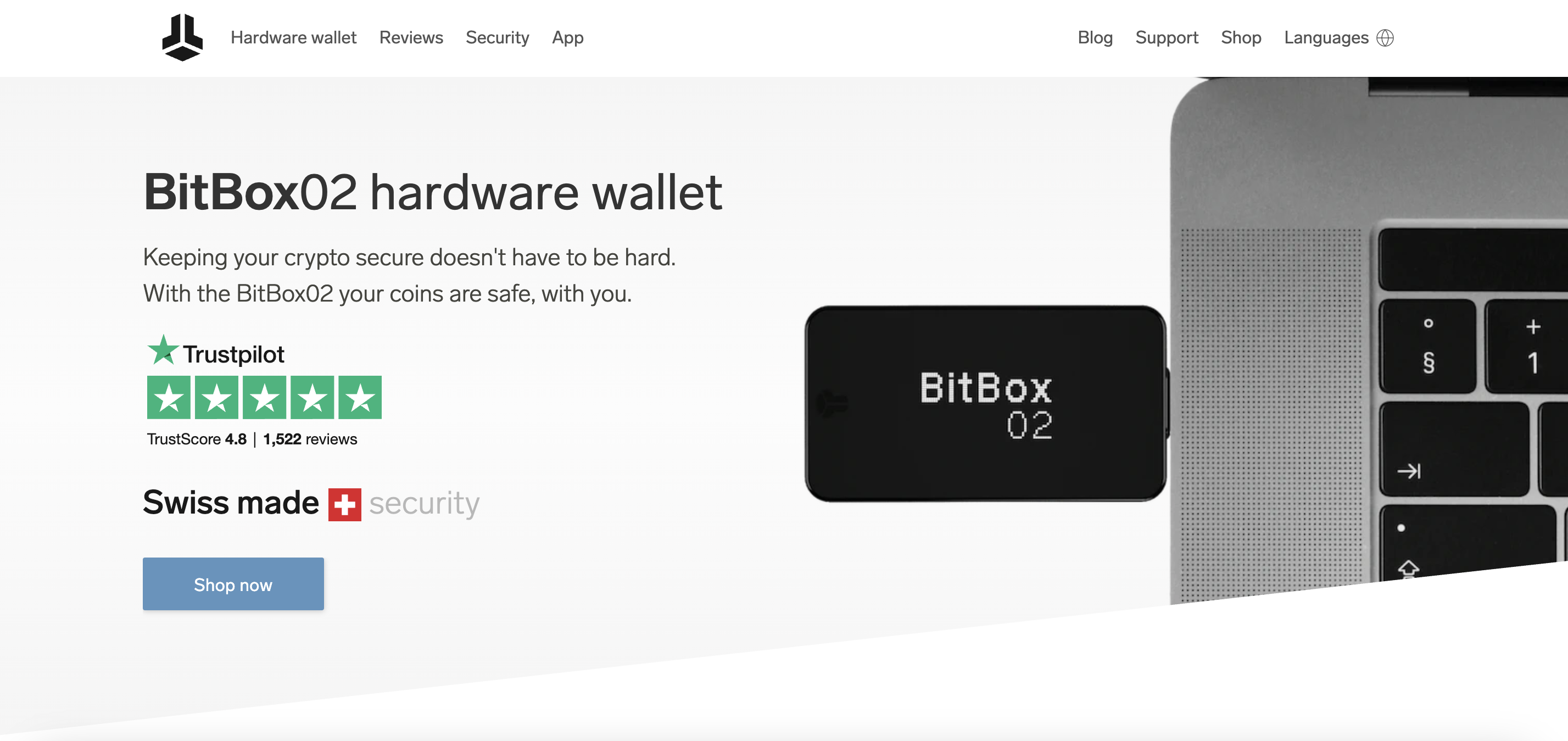
BitBox creates hardware wallets that emphasize transparency and privacy through completely open-source code. You can verify every aspect of the wallet's software and firmware, ensuring no hidden vulnerabilities or backdoors exist. The Swiss-made device focuses on essential security functions rather than bells and whistles, appealing to users who value substance over flashy features.
The hardware wallet runs entirely open-source firmware that you can audit and compile yourself. A secure chip provides tamper resistance, while the companion app offers Bitcoin-only and multi-coin versions. Tor integration protects your privacy during transactions, and the device supports both single-signature and multi-signature wallet setups.
Pros
-
Fully open-source design allows complete transparency
-
Swiss manufacturing ensures high build quality standards
-
Privacy-focused features, including Tor network support
-
Simple interface reduces potential user errors
-
Multi-signature capability enhances security options
Cons
-
Limited cryptocurrency support compared to mainstream wallets
-
Higher price point than some hardware wallet alternatives
-
Minimal screen size restricts transaction information display
-
Fewer third-party integrations than popular competitors
-
Learning curve for users new to open-source concepts

Blockstream

Blockstream Green provides a Bitcoin-focused wallet solution developed by one of Bitcoin's most influential development companies. You get access to cutting-edge Bitcoin technologies, including Lightning Network payments and liquid sidechain transactions. The platform targets users who understand Bitcoin's technical aspects and want access to the latest protocol improvements before they reach mainstream adoption.
The wallet implements 2FA security without requiring phone numbers, using hardware tokens or authenticator apps instead. Lightning Network integration enables instant, low-fee Bitcoin payments. Liquid Network support allows faster settlement times and confidential transactions. Hardware wallet compatibility is supported by most popular devices, including Ledger and Trezor.
Pros
-
Developed by Bitcoin protocol contributors with deep expertise
-
Lightning Network functionality for instant payments
-
Privacy-enhanced features through Liquid sidechain integration
-
Hardware wallet support across multiple device types
-
No phone number requirement for 2FA security
Cons
-
Bitcoin-only focus excludes other cryptocurrency options
-
Technical features may confuse less experienced users
-
Limited customer support compared to consumer-focused wallets
-
Interface design prioritizes function over user experience
-
Liquid Network adoption remains limited outside technical circles

Bitkey
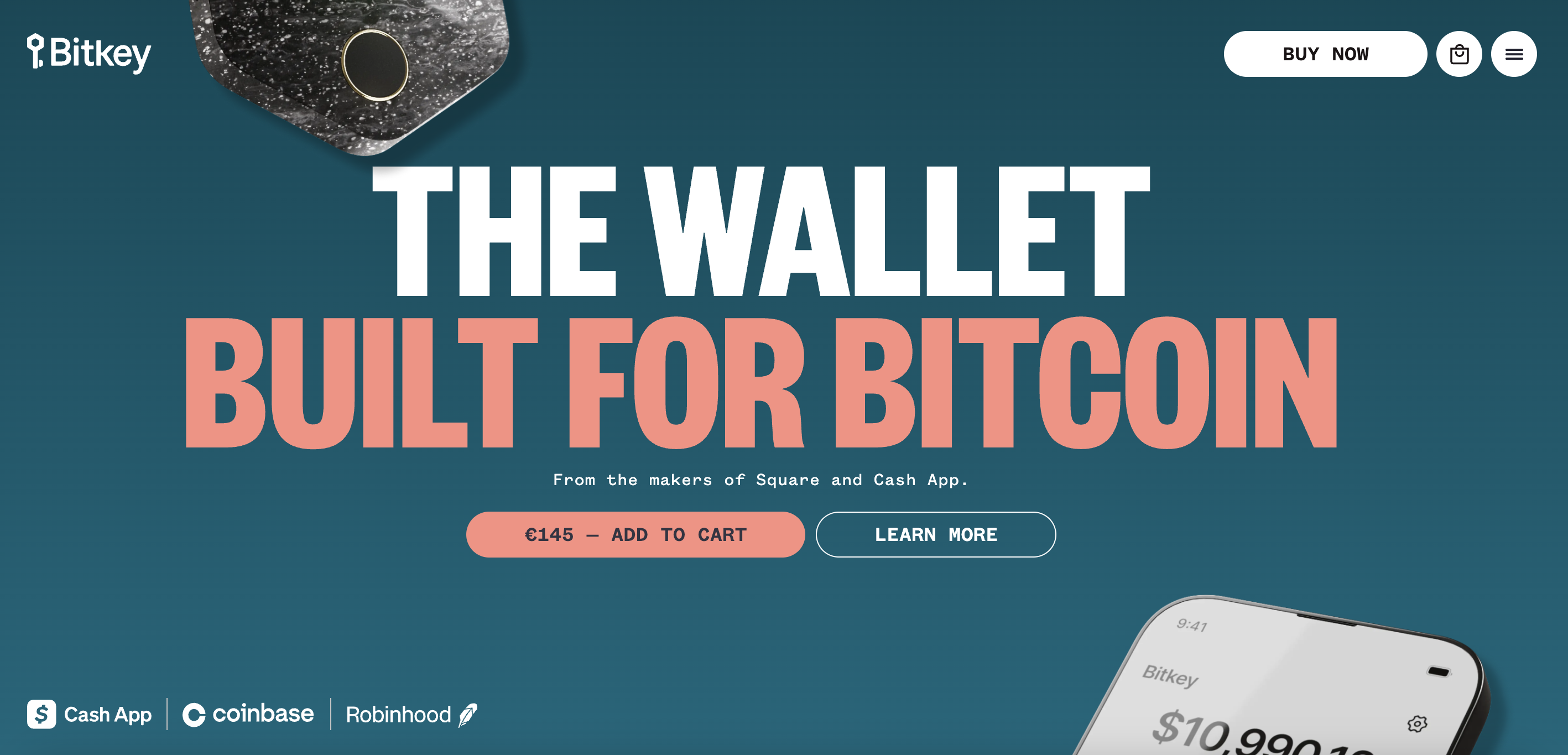
Bitkey represents Block's approach to making Bitcoin storage accessible to everyday users through a three-part system combining hardware, mobile app, and cloud-based recovery. You get the security of a hardware wallet without the complexity that often intimidates newcomers. The platform focuses exclusively on Bitcoin, streamlining the experience by avoiding the confusion of multiple crypto options.
The system uses a 2-of-3 multi-signature setup with keys split between the hardware device, mobile app, and Block's servers. Social recovery allows trusted contacts to help restore access if you lose your device. The hardware wallet connects via Near Field Communication (NFC) to your smartphone, eliminating cables and complicated setup procedures. Inheritance planning features help transfer Bitcoin to beneficiaries.
Pros
-
Simplified setup process removes technical barriers
-
Social recovery system prevents permanent fund loss
-
NFC connectivity eliminates connection hassles
-
Inheritance features address long-term planning needs
-
Block's reputation provides user confidence
Cons
-
Bitcoin-only support limits cryptocurrency diversification
-
Requires ongoing trust in Block's infrastructure
-
Social recovery depends on reliable, trusted contacts
-
Higher cost than basic software wallet alternatives
-
Limited availability in international markets initially
- Bitcoin
- English
Trezor
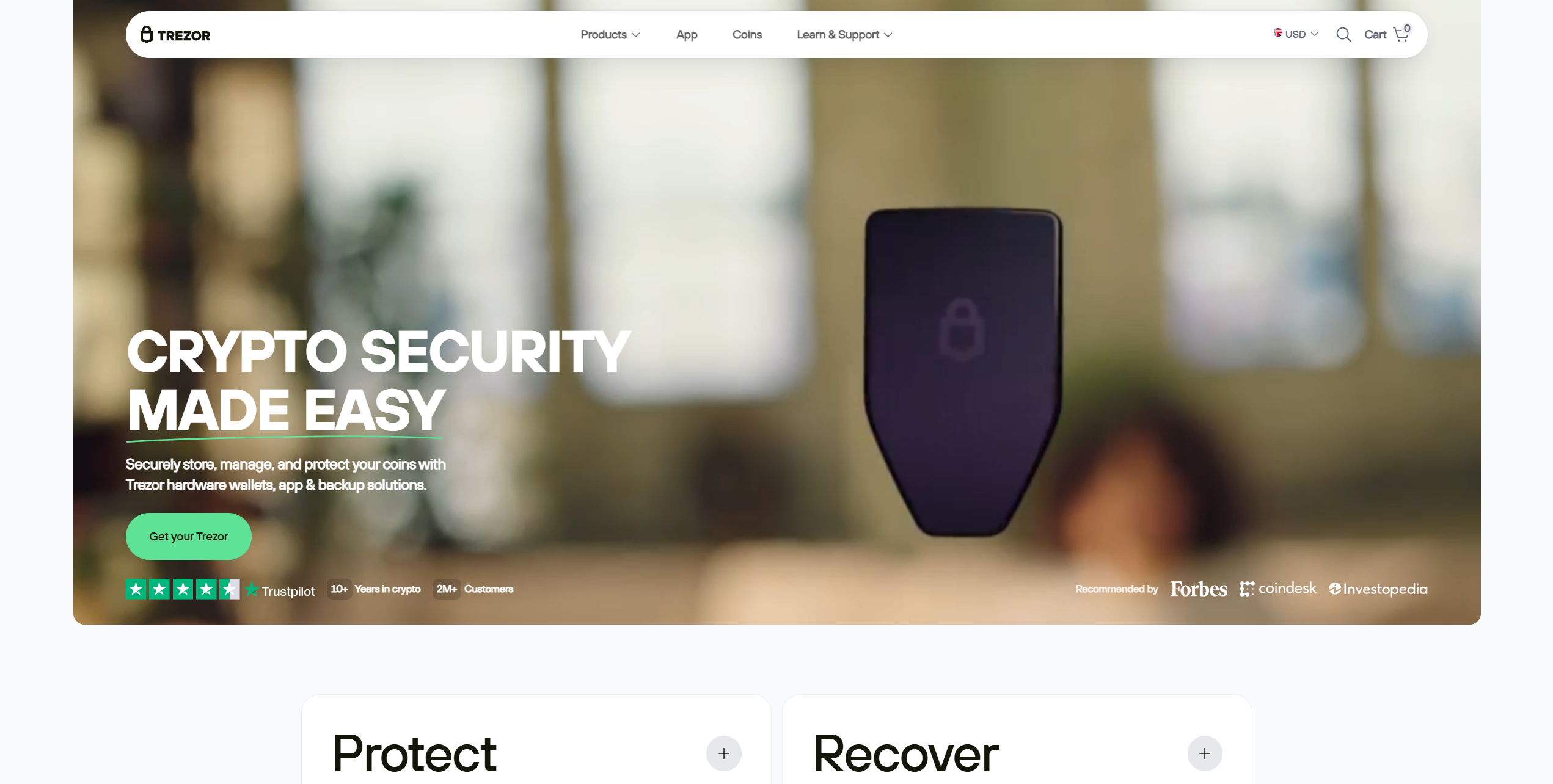
Trezor wallets are similar in function to Ledger wallets, boasting an open-source security architecture that enables users or researchers to independently audit the devices for bugs or vulnerabilities. If you're seeking a budget hardware wallet, the Trezor Model One doesn't get much better. Priced at $49, users get a small two-button device with an optional PIN system. It can store over 1,000 cryptocurrencies, but lacks some key assets, including XRP and Solana.
The Trezor Model T is a premium hardware wallet with a 1.54-inch touchscreen and USB-C connection. It offers the same seed phrase-splitting tool as the Safe 3, but is significantly more expensive at $129. Moreover, it can be used as a 2FA passkey device, enhancing flexibility. While all of Trezor's wallets are managed via Trezor Suite, which provides swap and purchase functionality, the Safe 3 is the best overall offering due to its EAL6+ security chip and seed-splitting tool. However, keep in mind that they're view-only on iOS. iPhone users cannot use Trezor wallets without another device.
Pros
-
Broad crypto asset support
-
Can connect to dApps and DeFi protocols
-
One of the most well-known hardware wallet brands
-
Products at multiple price points
-
EAL6+ security chips for Safe 3
-
Budget-friendly hardware wallet
Cons
-
No native iOS support for transactions
-
Absolute beginners might struggle with the interface at first
- Bitcoin
- Ethereum
-
Tether
204
No result
- English
- Czech
Hot Wallet vs Cold Wallet, Pros and Cons

Depending on the criteria used for classification, cryptocurrency wallets can be split into multiple categories and types. Based on their connectivity capabilities, the crypto community recognizes two main types of crypto wallets: hot and cold.
Hot Wallets
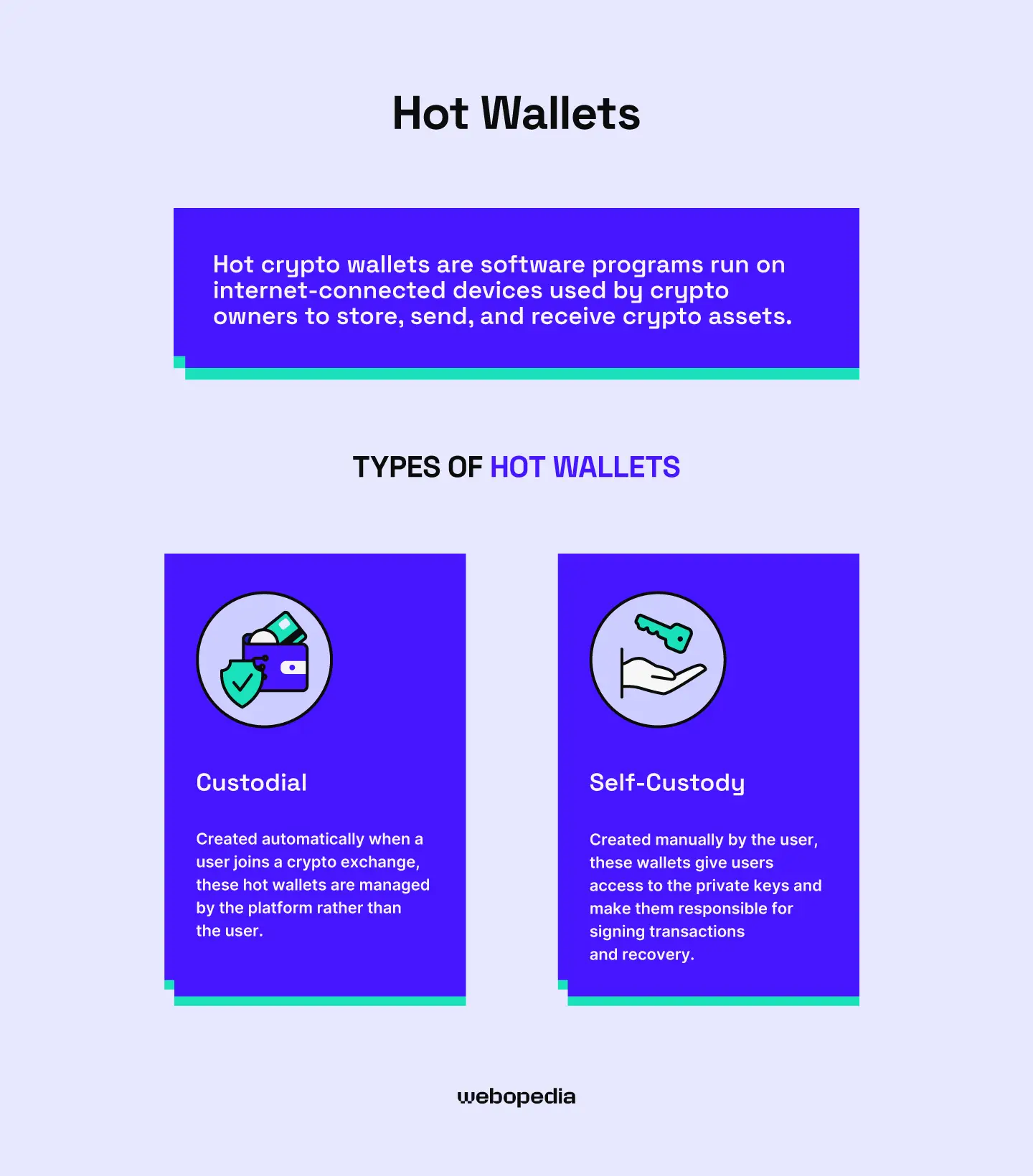
Hot crypto wallets are software programs run on internet-connected devices, used by crypto owners to store, send, and receive crypto assets. These wallets are not tangible; they exist solely in digital form, most commonly as mobile apps or browser extensions.
Depending on their approach to private key management, hot wallets can also be split into two types:
- Custodial – Created automatically when a user joins a crypto exchange, these hot wallets are managed by the platform rather than the user.
- Self-Custody – Created manually by the user, these wallets give users access to the private keys and make them responsible for signing transactions and recovery.
Because of their ability to interact with the internet, hot wallets are necessary for using cryptocurrencies beyond just HODLing, sending, and receiving. Particularly, Web3 or DeFi self-custody wallets enable access to online blockchain services and give the user the option to lend, borrow, stake, and trade assets directly from their wallet.
However, their constant internet connectivity makes them vulnerable to online threats. Every device or application connected to the internet is potentially exposed to cyberattacks and hacking attempts. Even though they are secured with advanced security measures, skillful hackers can sometimes find exploits and breach hot wallets.
Advantages of using Hot Wallets
- Most of them are free of charge
- They are easy to set up and use
- Give users access to crypto services
- Highly accessible and convenient
Disadvantages of Using Hot Wallets
- Highly prone to being hacked
- Only as safe as the device they run on
Cold Wallets
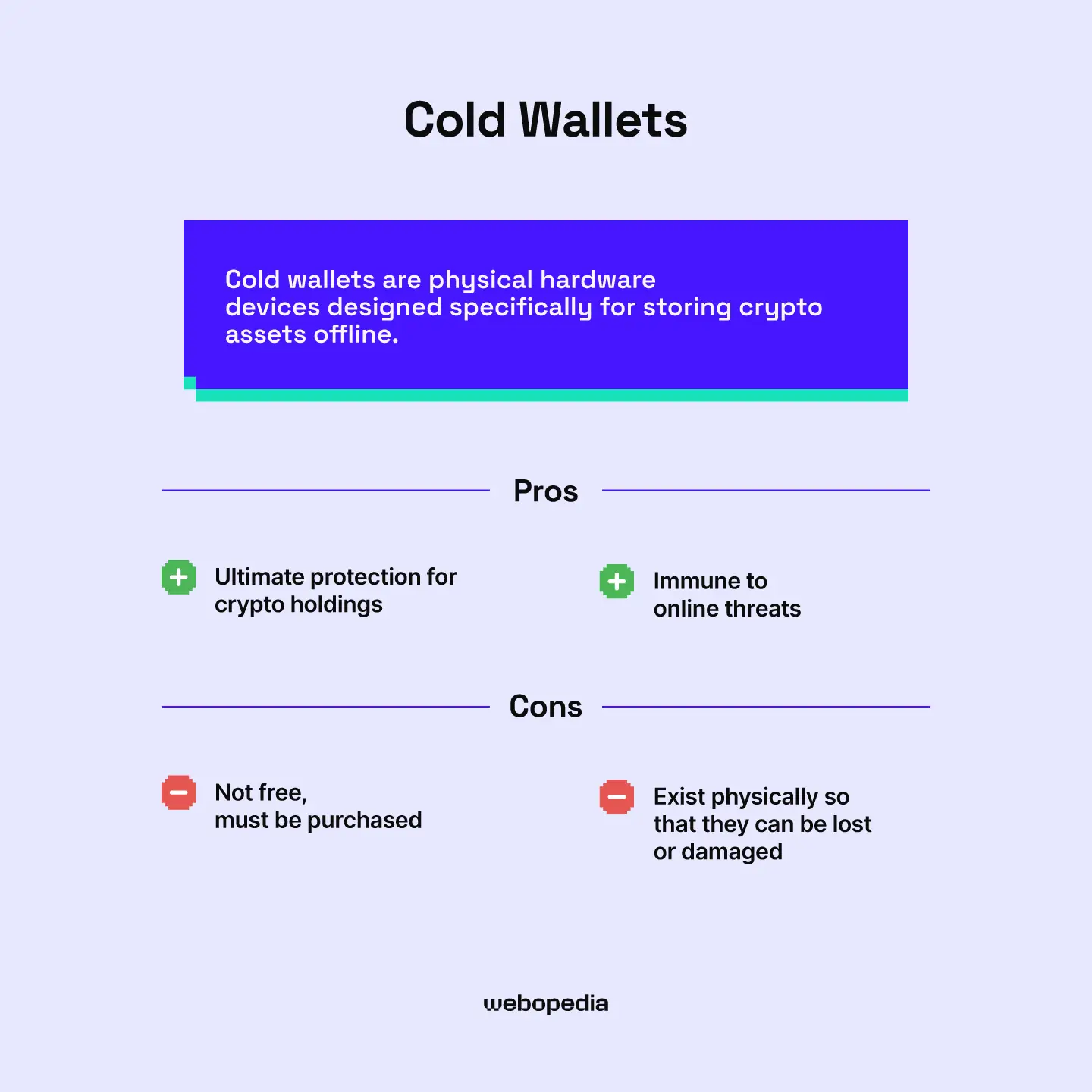
Cold wallets are physical hardware devices designed specifically for storing crypto assets offline. By giving users the ability to keep their private keys disconnected from the internet, cold wallets are the solution to mitigating the security risks faced by hot wallets that run online.
By themselves, cold wallets cannot directly interact with blockchain networks or dApps. These devices need an internet-connected interface or integrations with other hot wallets that have the ability to go online to provide users with the basic functionalities like buying, selling, trading, sending, receiving, or staking cryptocurrencies.
For this reason, most crypto users take a combined approach and use both hot and cold wallets to maximize their security without compromising usability. A common practice is to store the bulk of your crypto holdings in a cold wallet for safekeeping and allocate a smaller portion to your hot wallets for everyday transactions.
While some services provide cold custodial solutions to institutions, the cold wallets we’re discussing in this article, aimed at individual users, are self-custodial. This means that they put the responsibility of securing the recovery seed phrase in the hands of the user.
Advantages of Using Cold Wallets
- Ultimate protection for crypto holdings
- Immune to online threats
- Safer hardware than a mobile phone or a PC
- Ideal for long-term storage
Disadvantages of Using Cold Wallets
- Not free, must be purchased
- Exist physically, so they can be lost, stolen, or damaged
How to Set Up and Use a Cold Wallet

Earlier, we promised to present you with the best cold wallets in 2026, but also to help you set up your device and show you how to use it securely. Now, it’s time to deliver on that promise and walk you through the entire setup process from start to finish.
Here are detailed, yet simple, step-by-step instructions on how to set up and start using a new cold wallet and sign transactions safely while keeping your private keys offline.
Step 1 – Unbox and Inspect the Device
The first thing you should do after receiving your cold wallet is to inspect the contents of your package and verify that it is, in fact, the wallet you ordered. Make sure that the seal is still intact and there are no signs of tampering.
Moreover, check the additional items and ensure you got the necessary components for your wallet. These may include a recovery sheet, an instruction manual, a USB cable, and potentially other accessories.
If you are happy with the condition and authenticity of the device, you can move on to the next step.
Step 2 – Connect Your Cold Wallet to Your PC
Once you make sure everything checks out, you can connect your cold wallet to your PC and initialize the setup. Most wallets require additional software or companion apps to function, so download it from the manufacturer’s official website.
Follow the on-screen instructions and complete the initial setup. If you get prompted about a firmware update, be sure to install it before you proceed.
Step 3 – Generate and Secure Your Recovery Seed Phrase
During the initial setup, the wallet’s software companion will generate a recovery seed phrase and present it to you on the screen. Make sure you write this 12 or 24-word phrase down on a piece of paper, as this is the only time you will have the chance to do so.
As we mentioned earlier, cold wallets are self-custodial, which means they are not supported by a central platform that can help you recover lost access.
This recovery seed phrase is your only backup and lifeline to your funds, so be sure to store it in a safe location where no one will find it, and it won’t get damaged or destroyed.
Step 4 – Configure Your Cold Wallet
If you have secured the seed phrase and finished the initial setup, you can now start configuring your cold wallet to your liking. This includes enabling additional security measures, like a PIN code or a passphrase, and installing the necessary “apps” for managing cryptocurrencies.
To avoid getting bloated, wallet software companions don’t support all cryptocurrencies from the start, so you will need to get additional firmware modules, called wallet apps, to get the necessary software for their support.
Luckily, most companions have an “app store” or a manager you can use to download and install them easily. Simply pick the coins you wish to store in your wallet and let the software handle the rest.
Step 5 – Store Your Cryptocurrency in Your New Cold Wallet
Now that your cold wallet is set up and configured, you can start storing your cryptocurrency in it. You can do this by generating a public address using your software companion and sharing it with the sender or platform from which you’re transferring funds.
For example, if you are looking to move cryptocurrency you currently keep on an exchange, initiate a withdrawal, and transfer it to the public address you generate on your cold wallet.
Or, if someone else wants to send you some crypto from their wallet, you can safely share this public address with them. Some wallets even generate QR codes to ease this process.
Step 6 – Integrate Your Cold Wallet With a Hot Wallet
With that last step, your cryptocurrency is now securely stored in your cold wallet, completely offline and safe from online threats. But what if you want to use these funds to interact with dApps and DeFi platforms?
Well, you can always move your coins back to a hot wallet and use them freely, but this will, once again, expose them to online risks. However, there is another, much safer way to interact with blockchain applications without compromising security, and that’s linking your cold wallet with a web3 hot wallet that supports hardware wallet integration.
If you integrate your cold wallet with the right web3 wallet, you will be able to interact with dApps while keeping your private keys and signing transactions offline. This way, you will be able to enjoy both the connectivity of a hot wallet and the security of a cold wallet at the same time.
To do this, you will need to:
- Find the right web3 wallet that is integrable with your cold wallet
- Install it on your device and set it up
- Connect your cold wallet to your PC
- Request to link a hardware wallet to your web3 wallet
- Approve the connection from your hardware wallet
- Check out the balance on your Web3 wallet to see if the integration is successful
If everything goes well, you will be able to use your web3 wallet’s interface to interact with dApps and DeFi platforms and still be able to sign transactions offline with your cold wallet.
Conclusion
Cold wallets are an important piece of maximizing the security of your crypto holdings. However, not even the best and safest cold wallets can be used to directly interact with blockchain applications. It is important that you understand the roles that cold and hot wallets play in crypto management and utilize them accordingly to balance security and usability.
As a final thought, remember that cold wallets are self-custodial, which means they are not supported by a customer service team regarding backup. Make sure that your recovery seed phrase is always safe, and never share it with anyone to avoid losing the opportunity to recover your funds in case of unfortunate events.
Our Methodology
Webopedia is a free, informative resource that provides its readers with the latest, fact-checked, and objective insights on cryptocurrency. Our goal is to break complex blockchain matters down to an easily digestible format and ensure users from all experience levels get access to accurate and unbiased information.
We are comprised of dedicated professionals experienced in several relevant fields, including finance, trading, blockchain technology, and cybersecurity. We’ve written countless articles on various subject matters, from evaluating mining machines and crypto platforms to reviewing the safest cold wallets.
To make it easier for you to pick the best option, we created these detailed reviews of our recommendations. Feel free to check them out, learn more about these cold wallets, and choose the one that best fits your needs and trading preferences.
FAQ
Are cold wallets safer than hot wallets?
Yes, cold wallets are objectively a safer crypto storage solution than hot wallets. This is because hot wallets are software programs that are constantly connected to the internet, while cold wallets are hardware devices that keep the private keys offline.
Given that skillful hackers can exploit vulnerabilities in software, hot wallets are constantly at risk of being breached, even though they employ advanced security measures. Cold wallets that are not connected to the internet completely eliminate this risk, as they have no online access point for hackers to exploit.
Can I store any cryptocurrency in a cold wallet?
Any given cold wallet supports a limited number of blockchains and cryptocurrencies, which means, no, you can’t store ANY cryptocurrency in a cold wallet. You can only store the cryptocurrencies that the wallet supports.
What happens if I lose my cold wallet?
If you lose your cold wallet device but still have your recovery seed phrase, you can still recover the funds from it. Simply set up a crypto wallet and enter the recovery phrase during the wallet setup process. The funds from the lost wallet will be restored.
However, if you lose both your recovery seed phrase and your cold wallet, your funds may be lost permanently, so make sure you take good care of it
Can a cold wallet be hacked?
While cold wallets can’t be hacked remotely, through the internet, as they leave no access points, they can still be breached if the hacker can access them physically. This is why it is important to use a strong PIN or passphrase on your cold wallet to reduce the chance of an unauthorized party accessing it.