Best Wallets for Dogecoin (DOGE) in 2026

- When you click links on this page, we may earn an affiliate commission. By using this website you agree to our terms and conditions and privacy policy.
- Participation in online gambling may be illegal in your country and is subject to age restrictions (18, 19, or 21, depending on the jurisdiction). Verify legality and age requirements before participating. Learn more
Some of the best Doge wallets in 2026 are offered by top exchanges. The Dogecoin network handles tens of thousands of transactions per day, according to BitInfoCharts, making DOGE wallets a valuable target for bad actors. As such, choosing a secure self-custody wallet is essential; however, selecting one can be challenging given the number of options and wallet types available.
Throughout this guide, we’ll examine the best wallets for Dogecoin, explain whether you can stake DOGE, detail the network’s fee structure, and provide actionable security tips that anyone can leverage to enhance their wallet’s protection. Let’s get started.
TL;DR
- The best Dogecoin wallets in 2026 are Tagem, Zengo, Safepal, and Bitget Wallet.
- Dogecoin is a POW cryptocurrency using the Scrypt algorithm and the UTXO model. Because Dogecoin uses Proof-of-Work (POW) consensus, it makes it important to prioritize self-custody wallets.
- You can’t stake Dogecoin natively, so any staking rewards offered by exchanges are mainly centralized yield products (due to this, the rewards are usually small when compared to the amount staked).
- Dogecoin fees are not fixed; they vary over time and are based on transaction size.
- Dogecoin Network does not support smart contracts but inscription-based protocols, which now enable limited token/NFT-like assets.
- The best security practices for Dogecoin wallets include offline storage of the seed phrase, use of a hardware wallet, and multi-factor authentication.
Top Wallets for Dogecoin in 2026
Don’t invest unless you’re prepared to lose all the money you invest.
Detailed Review of the Best Wallets for Dogecoin
Safepal
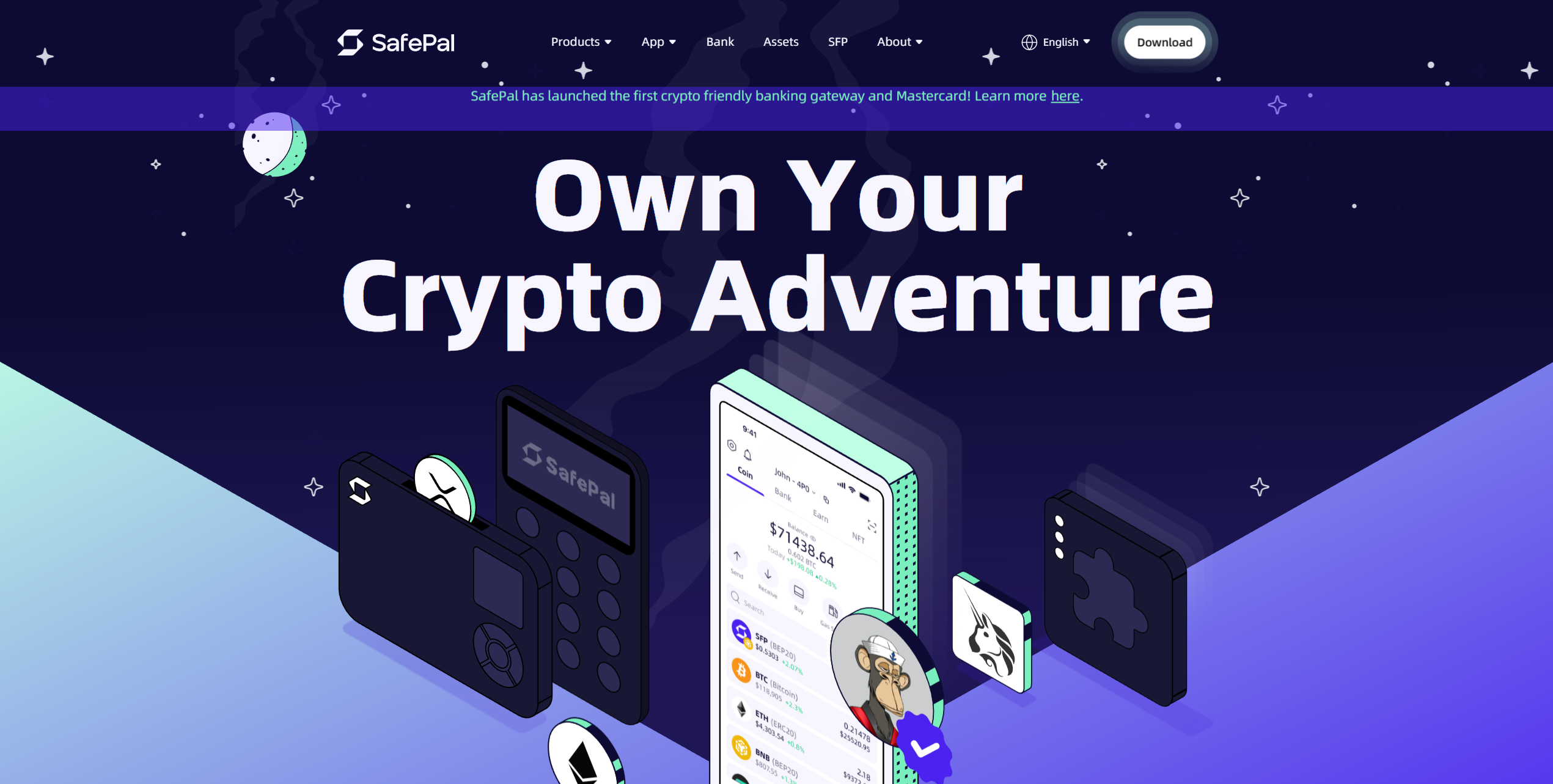
If you’re looking for a secure and cost-effective Dogecoin cold storage solution, the $49.99 SafePal S1 is worth considering. Although it’s one of the most affordable hardware wallets, the S1 is also one of the most fully featured. It boasts excellent security, dApp connectivity, and support for thousands of assets.
The S1 is roughly credit-card-sized, featuring a small display and D-pad system for navigation. An EAL6+ security chip, an anti-tamper self-destruct mechanism, and a passphrase protect the device. Moreover, the S1 is open source and 100% air-gapped, helping secure the wallet against bugs and network attacks.
Users manage the SafePal S1 via a mobile app, a browser extension, or a Telegram mini-app. It supports buying crypto, storing NFTs, and earning rewards on your holdings. Additionally, the app integrates Binance, enabling crypto-to-crypto swaps and cross-chain bridging without relying on an external platform.
The S1 offers superior value to almost any other Dogecoin hardware wallet on the market. It’s highly secure, exceptionally versatile, and integrates powerful trading features, making it a strong all-around option. With its capabilities and competitive price, the SafePal S1 is the best Dogecoin wallet for budget-conscious investors.
Pros
-
Affordable hardware wallet
-
EAL6+ security chip
-
Binance integration
-
Support for many crypto assets
-
Portable and easy to store
Cons
-
Long delivery times
-
Shipping is relatively costly (around $15)
- Bitcoin
- Ethereum
-
Tether
89
No result
- English
- German
-
Spanish
12
No result
Tangem
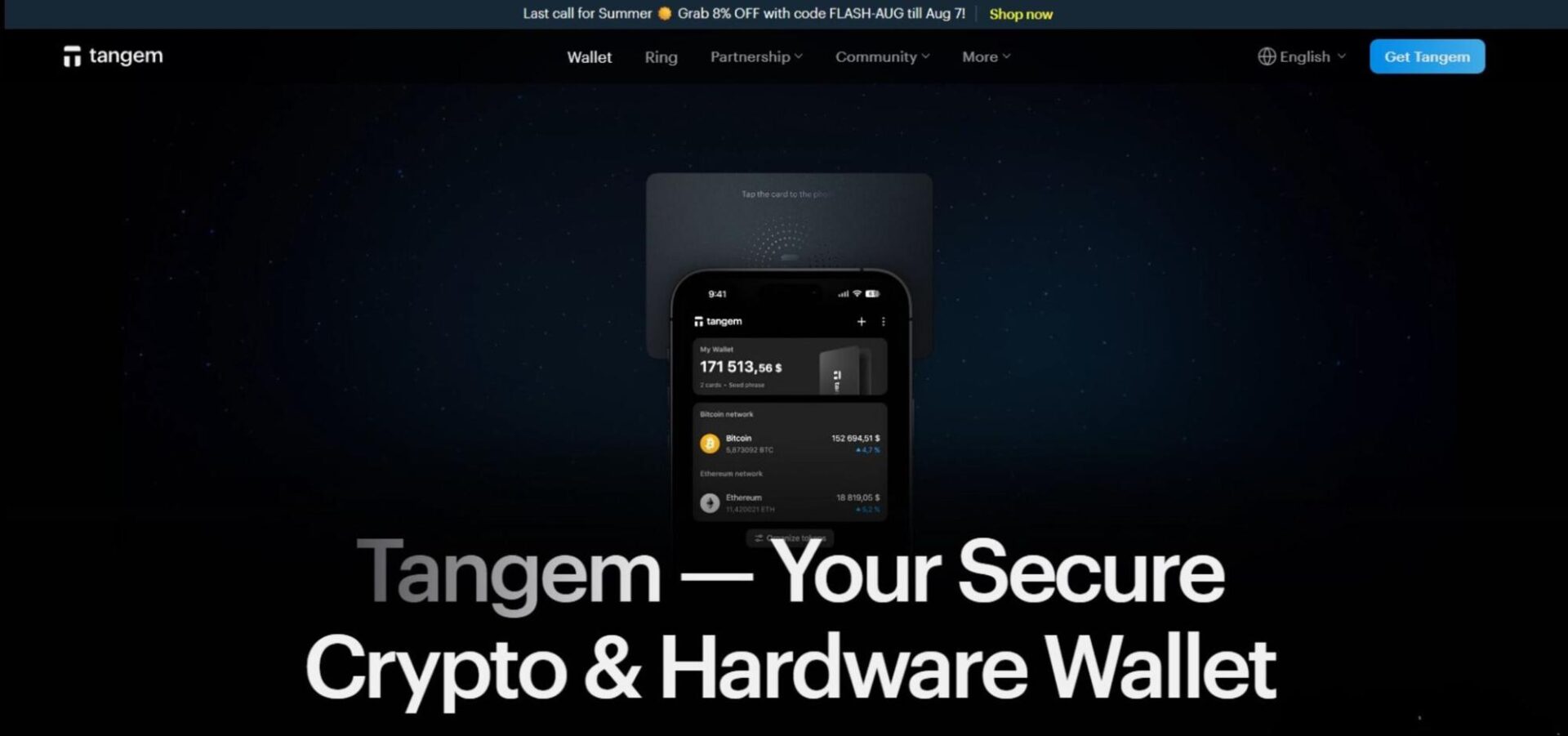
Tangem is a Dogecoin hardware wallet. It’s shaped like a credit card and doesn’t feature a display or battery. Instead, it uses low-energy NFC for connectivity with mobile devices and an app to manage the wallet. Unfortunately, this means a mobile device is required to use Tangem; computers are not supported.
The wallet comes in packs of two or three cards. Multiple cards can be linked to a single wallet, creating redundancy that ensures the wallet can always be accessed even if one card is lost. Tangem also boasts an EAL6+ rated security chip, PIN system, and a 25-year warranty.
Tangem is ideal for individuals with diverse investment portfolios. It can store over 10,000 assets across 86 networks. Users can purchase crypto, track their investments, and stake certain assets within the Tangem mobile app. Users can easily connect to dApps and Decentralized Finance (DeFi) products via Tangem’s WalletConnect integration.
Being affordable ($54.90 for two cards or $69.90 for three cards), highly secure, and extremely versatile, Tangem is an excellent option for people wishing to maximize their Dogecoin security. The no-battery design, IP69K certification, and 25-year warranty make it ideal for long-term storage.
Pros
-
EAL6+ security chip
-
Extremely robust
-
Tailored for long-term storage
-
Supports many assets
-
Affordable hardware wallet
Cons
-
No display for verifying wallet address or seed phrases
-
Must be used with a mobile phone
- Bitcoin
- Ethereum
-
Tether
70
No result
- English
- German
-
French
3
No result
RockWallet
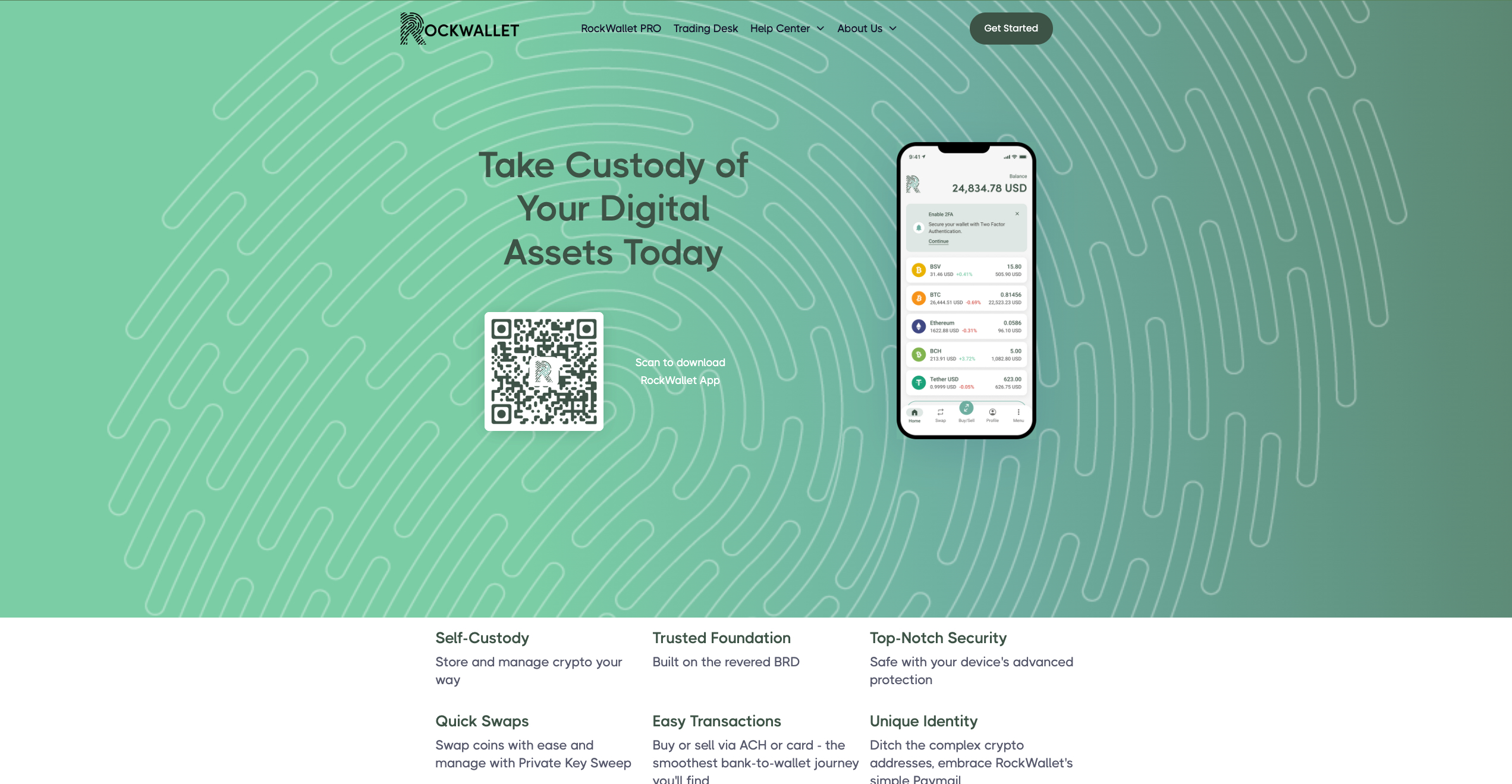
RockWallet focuses on providing straightforward crypto access for American users through a mobile-first platform with traditional banking integration. You can connect your bank account directly to buy, sell, and store popular cryptocurrencies without navigating complex exchange interfaces. The platform emphasizes regulatory compliance and user-friendly design over advanced trading features, making it suitable for people who want basic crypto functionality with familiar banking-style operations.
The wallet supports major cryptocurrencies, including Bitcoin, Ethereum, and Litecoin, with direct bank account linking for purchases. ACH transfers allow fee-free deposits from connected bank accounts. Built-in price tracking helps monitor portfolio performance, while the mobile app provides core wallet functions including sending, receiving, and storing coins.
Pros
-
Direct bank account integration simplifies funding
-
Fee-free ACH deposits reduce transaction costs
-
Regulated US operations provide legal compliance assurance
-
Simple interface suitable for crypto newcomers
-
Mobile-focused design offers convenient access
Cons
-
Limited crypto selection compared to major platforms
-
US-only availability restricts international users
-
Basic feature set may disappoint advanced traders
-
Limited customer support options for problem resolution
- Bitcoin
- Ethereum
-
Tether
10
No result
- English
Kraken
Established in 2011, Kraken is a trusted cryptocurrency exchange renowned for its longevity and diverse trading interfaces, catering to a broad user base.
- Bitcoin
- Ethereum
-
Tether
83
No result
- Spanish
- English
-
French
4
No result
Uphold
Uphold functions as a financial platform that lets you store and exchange cryptocurrencies along with traditional fiat currencies, precious metals, and other alternative investments. You can instantly convert between different asset types without going through multiple platforms or exchanges. The service targets users who want flexibility in managing diverse portfolios that span both traditional and cryptocurrency markets.
The platform supports over 250 cryptocurrencies plus fiat currencies from multiple countries, allowing instant conversions between any supported assets. Real-time settlement means transactions are completed immediately without waiting periods. The transparency dashboard shows exactly how your funds are held and backed. Social trading features allow you to copy successful traders' strategies automatically.
Pros
-
Instant conversion between crypto and fiat currencies
-
Wide selection of both traditional and cryptocurrency options
-
Transparent fund backing builds user confidence
-
Social trading capabilities for strategy copying
-
Real-time settlement eliminates transaction delays
Cons
-
Higher spreads on conversions reduce value compared to dedicated exchanges
-
Limited advanced trading tools for experienced traders
-
Customer support responsiveness varies by region
-
Platform complexity may overwhelm simple storage needs
-
Regulatory restrictions affect availability in certain jurisdictions
- Tether
- TrueUSD
-
USD Coin
144
No result
- English
Don’t invest unless you’re prepared to lose all the money you invest.
Coinbase
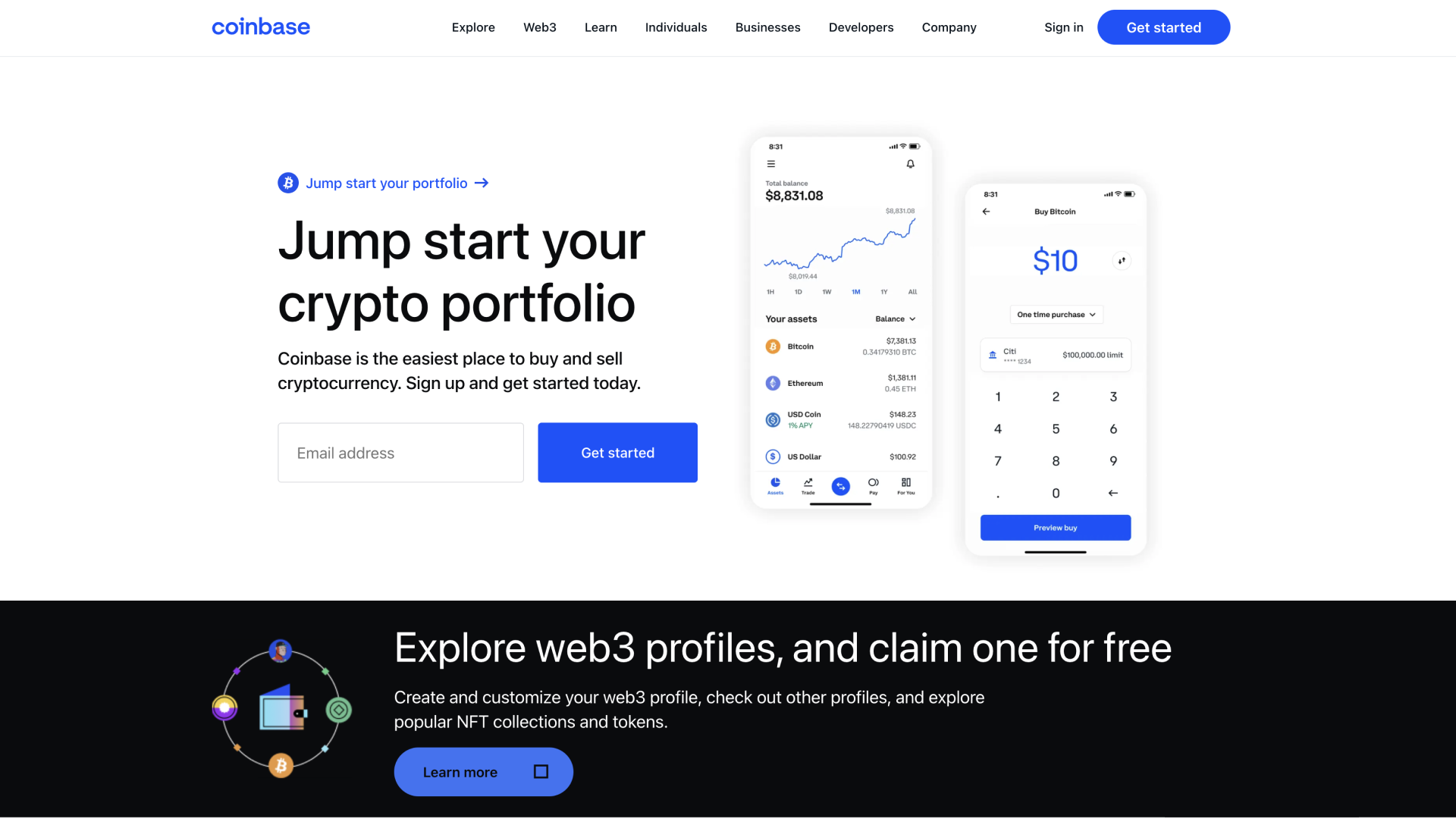
Base App represents Coinbase's evolution of its original wallet into an all-in-one platform that combines crypto storage with social networking features. You can manage your coins and collectibles while participating in a creative economy where content creation gets rewarded. The platform bridges traditional crypto wallet functions with modern social app experiences, targeting users who want both financial tools and community interaction in one application.
The app stores cryptocurrencies, non-fungible tokens (NFTs), and DeFi positions across multiple blockchain networks, including Bitcoin, Ethereum, and Solana. Built-in buying, swapping, staking, and minting capabilities eliminate the need for external services. USDC rewards provide passive income opportunities, while passkey backups simplify wallet recovery. Smart wallet technology offers sponsored transaction fees, and the platform supports millions of tokens across popular networks.
Pros
-
Integration with Coinbase's established ecosystem and reputation
-
Social features combine finance with community interaction
-
Supports extensive cryptocurrency and NFT collections
-
Multiple payment methods available in over 120 countries
-
Simplified backup process using modern passkey technology
Cons
-
Platform transition may confuse existing Coinbase Wallet users
-
Social networking focus might not appeal to privacy-conscious users
-
Dependency on Coinbase's infrastructure creates centralization concerns
-
Less suitable for users wanting pure wallet functionality
- Bitcoin
- Ethereum
-
Tether
68
No result
- English
Trezor
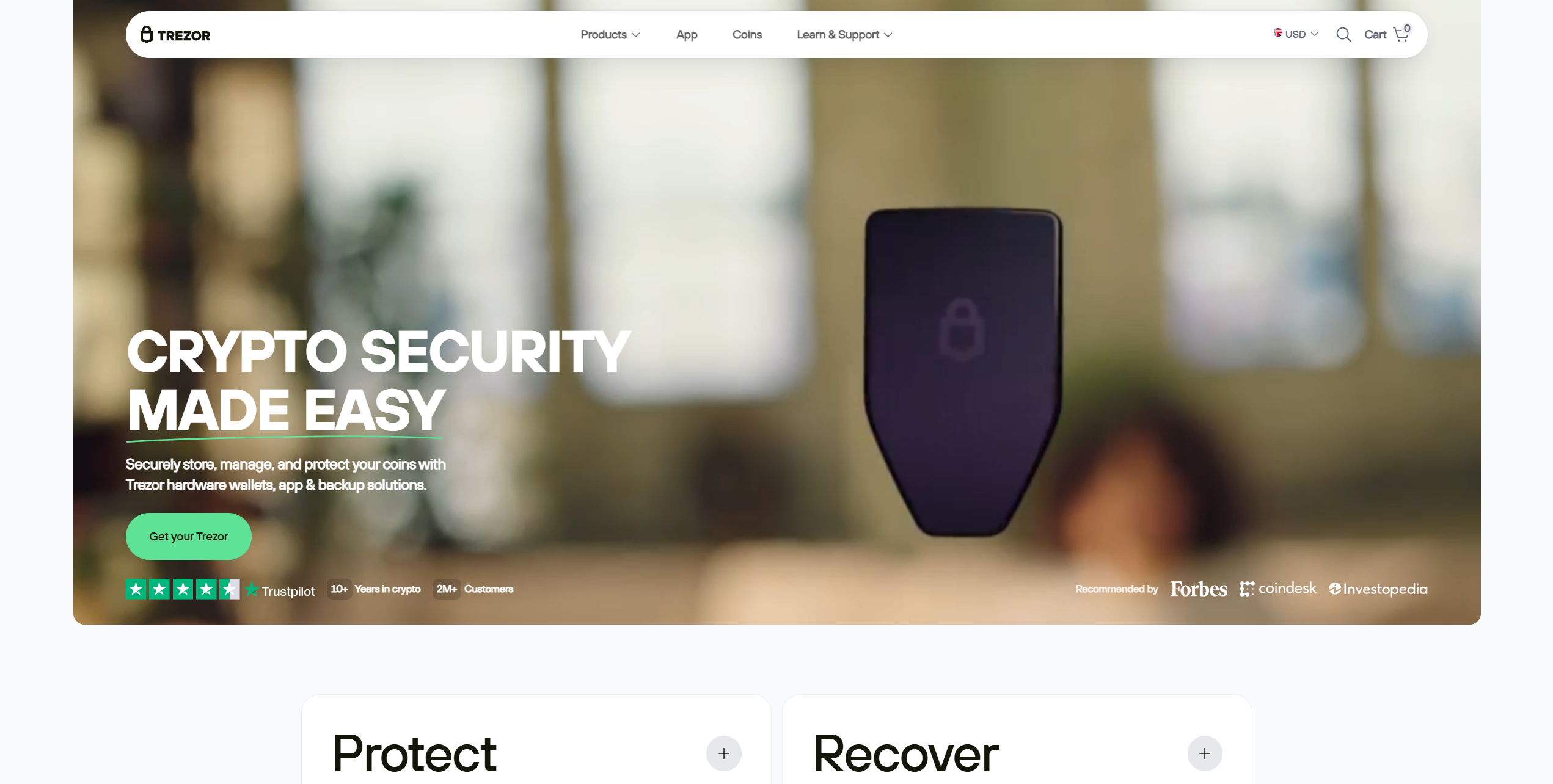
Trezor wallets are similar in function to Ledger wallets, boasting an open-source security architecture that enables users or researchers to audit the devices for bugs or vulnerabilities independently. If you're seeking a budget hardware wallet, the Trezor Model One doesn't get much better. Priced at $49, users get a small two-button device with an optional PIN system. It can store over 1,000 cryptocurrencies, but lacks some key assets, including XRP and Solana.
The Trezor Model T is a premium hardware wallet with a 1.54-inch touchscreen and USB-C connection. It offers the same seed phrase-splitting tool as the Safe 3, but is significantly more expensive at $129. Moreover, it can be used as a 2FA passkey device, enhancing flexibility. While all of Trezor's wallets are managed via Trezor Suite, which provides swap and purchase functionality, the Safe 3 is the best overall offering due to its EAL6+ security chip and seed-splitting tool. However, keep in mind that they're view-only on iOS. iPhone users cannot use Trezor wallets without another device.
Pros
-
Broad crypto asset support
-
Can connect to dApps and DeFi protocols
-
One of the most well-known hardware wallet brands
-
Products at multiple price points
-
EAL6+ security chips for Safe 3
-
Budget-friendly hardware wallet
Cons
-
No native iOS support for transactions
-
Absolute beginners might struggle with the interface at first
- Bitcoin
- Ethereum
-
Tether
204
No result
- English
- Czech
Zengo
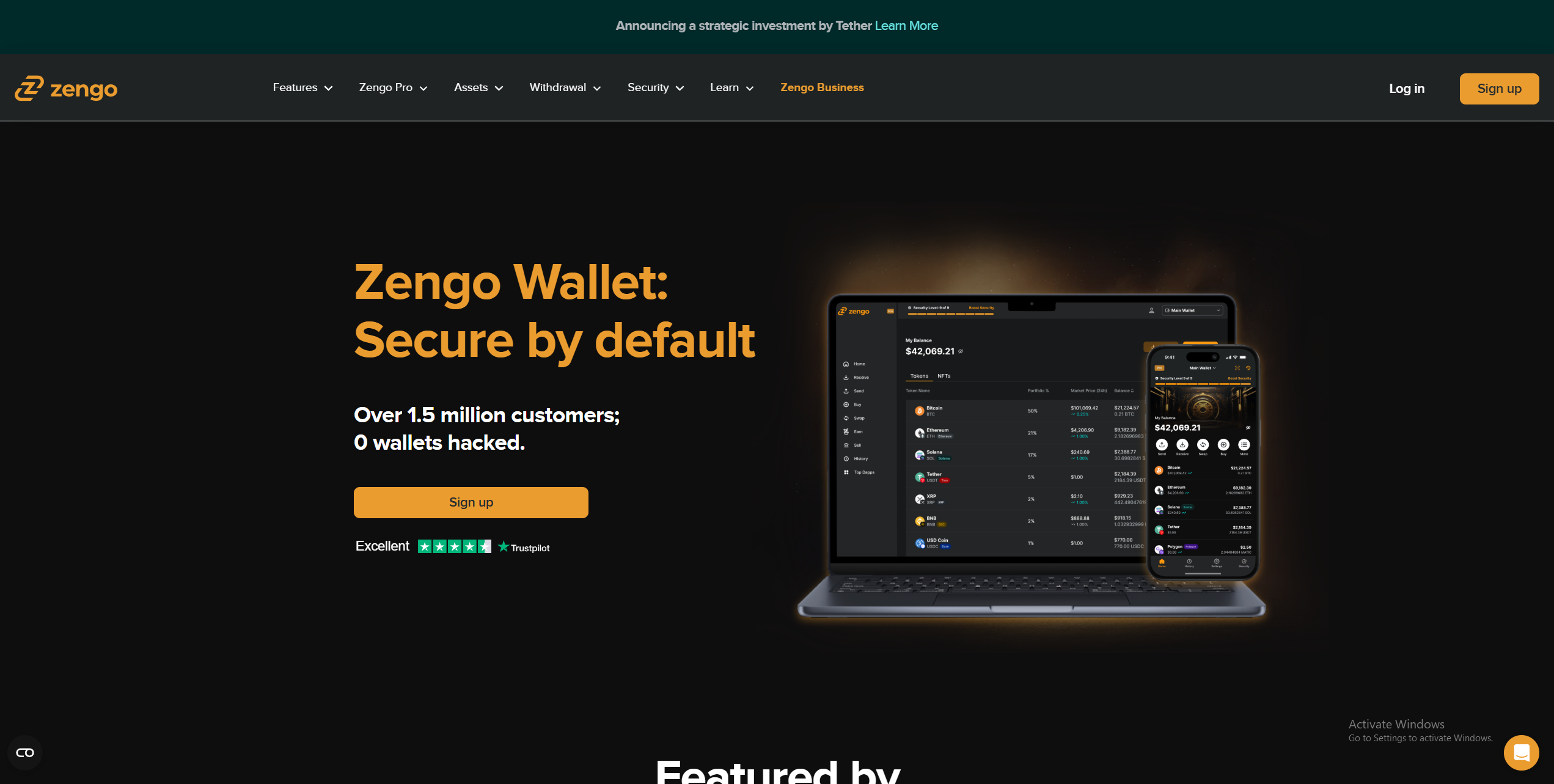
Zengo is an innovative wallet primarily designed for mobile use, with a web platform for desktop users. The app is designed for simplicity, making it a great Dogecoin mobile wallet for beginners. All features are easily accessible, and the wallet boasts strong security without requiring additional setup.
Like the Binance Web3 Wallet, Zengo uses MPC technology, which eliminates seed phrase usage; a significant advantage for beginners, as accidental seed exposure is a common way wallets become compromised. The Zengo Recovery Kit includes email verification, a cloud-based recovery file, and an optional facial scan.
In addition to managing their crypto holdings, Zengo users can buy, sell, and swap 524 assets, including Dogecoin. Unfortunately, crypto staking is only available for ETH. Users can store NFTs on Zengo and connect to dApps.
A $9.99 monthly Zengo Pro subscription provides access to Multi-Factor Authentication, priority support, and a special ‘Private Transaction Mode’ (DOGE and BTC only), which creates a new wallet address for every transaction, while keeping previous addresses open to catch transfers.
With its straightforward interface, robust but simple security system, and built-in trading features, Zengo is one of the best software wallets for Dogecoin beginners. Despite locking certain features behind a premium subscription, Zengo is a well-rounded wallet perfect for beginners, mobile users, and those who value simplicity.
Pros
-
MPC technology for superior security
-
Beginner-friendly recovery system
-
Excellent mobile experience
-
Private DOGE transactions
-
Solid range of features
Cons
-
Certain features require a premium subscription
-
No way to earn rewards from DOGE
- Bitcoin
- Ethereum
-
Tether
68
No result
- English
Comparing the Best DOGE Wallets in 2026
| Brand Name | Wallet Type | Security Features | Supported Crypto | Backup and Recovery | Staking Support | Cost |
|---|---|---|---|---|---|---|
| Tangem Wallet | Cold | EAL6+ security chip, 25-year warranty, audited, no external connectivity, PIN system | 5,000+ | Cards come in multi-packs, providing redundancy, seedless | Yes | $54.90 to $160 |
| Bitget Wallet | Hot | Multi-Party Computation, $300 million protection fund, encryption | 1 million+ | Seed phrase | Yes | Free |
| SafePal S1 | Cold | EAL6+ chip, air-gapped, open-source, self-destruct mechanism, passphrase | Thousands of tokens on 200+ blockchains | Seed phrase | Yes | $49.99 |
| Uphold Wallet | Hot | Regulated, private key encryption, employee background checks, and regular audits | 325 | Username and password | Yes | Free |
| Zengo Wallet | Hot | MPC, seedless, create segregated wallets, Multi-Factor Authentication | 1000+ | Email authentication, recovery file, 3D FaceLock (optional) | Yes | Free ($9.99 monthly premium subscription) |
| Binance Wallet | Hot | MPC, self-custody, risk detection, technical audits | Thousands of assets on 34 networks | Quick Backup, recovery password | Yes | Free |
| Trezor Safe 3 | Cold | EAL6+ security chip, PIN/passphrase systems, TOR routing | 7,000+ | Seed phrase, multi-share backup (split seed into multiple shares) | Yes | $79 |
| Rockwallet | Hot | SOC 2 Type II/ISO27001 certification, 2FA, biometrics | 18 | Seed phrase | No | Free |
| Cypherock X1 | Cold | Audited by Keylabs, open-source, EAL6+ secure element | 18,000+ | Seed phrase, multi-sig (2 of 4 cards required for recovery) | Yes | $129 |
| Coinbase Wallet | Hot | End-to-end encryption, biometric/PIN locks, and Secure Enclave tech | 5000+ | Private Keys, 12-word recovery Phrase | Yes | Free |
Technical Features Critical for Dogecoin Holders
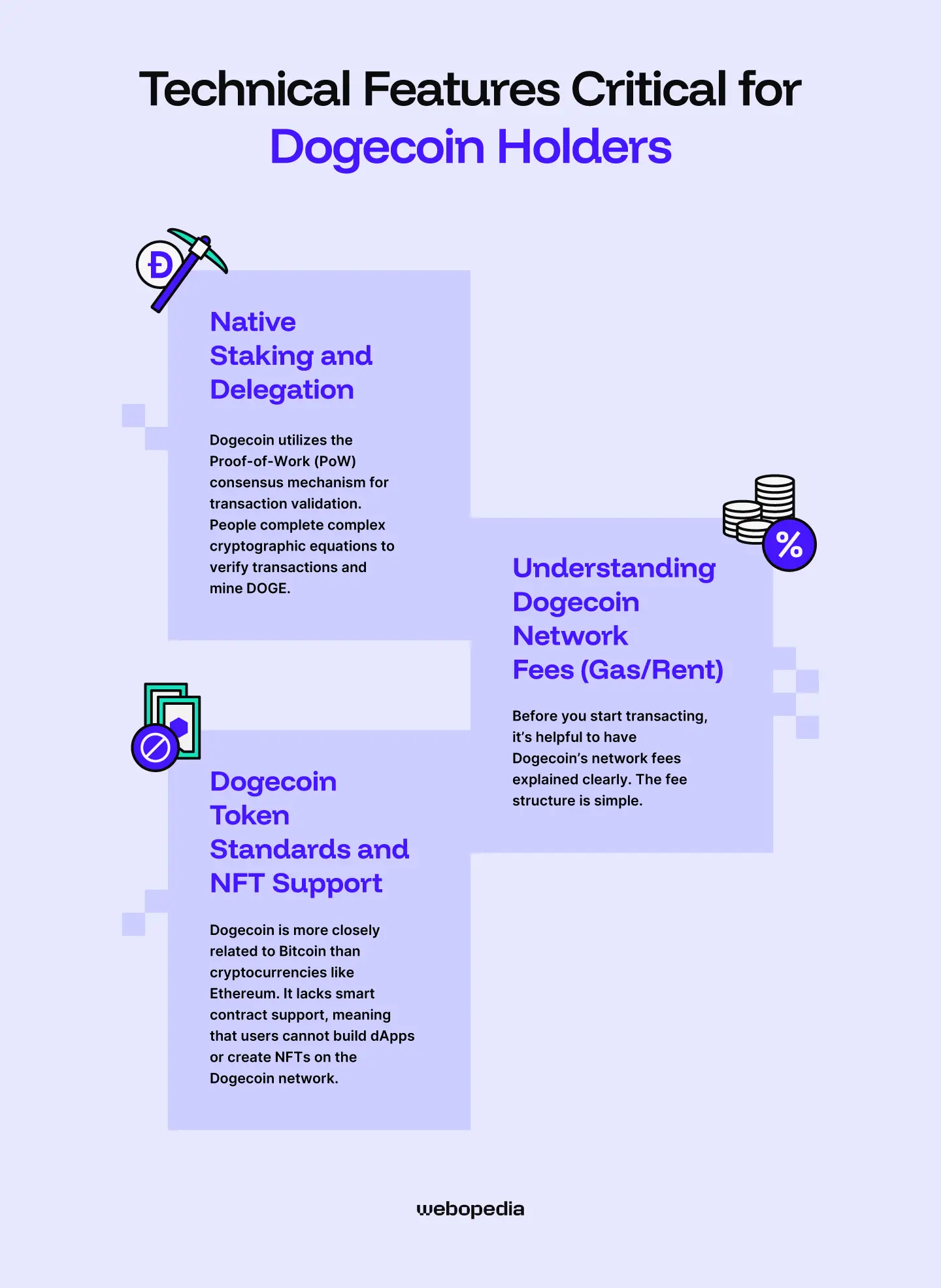
Released in 2013, Dogecoin was initially created as a joke, a satirical alternative to Bitcoin. As such, the two cryptocurrencies share a surprising number of similarities, including the use of the Unspent Transaction Output (UTXO) model and the Proof-of-Work (PoW) consensus mechanism.
Native Staking and Delegation
As we touched on, Dogecoin utilizes the Proof-of-Work (PoW) consensus mechanism for transaction validation.
People complete complex cryptographic equations to verify transactions and merge-mine DOGE with Litecoin. Because Dogecoin uses the Scrypt algorithm, specialized ASIC miners are required; GPU mining is uneconomical.
Wondering how to stake Dogecoin with a wallet? Only cryptocurrencies using the Proof-of-Stake (PoS) consensus mechanism support staking; there’s no way to register as a Dogecoin validator. However, some exchanges, like Binance, offer ‘Earn products’ by using CeFi/yield-farming protocols to offer rewards on DOGE holdings, but the rates are low (around 0.1%).
Understanding Dogecoin Network Fees (Gas/Rent)
Before you start transacting, it’s helpful to have Dogecoin’s network fees explained clearly. The fee structure is simple. Every transaction incurs a network fee, which is paid directly to miners for their computational resources and verification efforts.
The transaction size determines the fee. A typical Dogecoin transaction is approximately 439 bytes, while the average cost is 0.00087 DOGE per byte, meaning a transaction will usually cost around 0.382 DOGE or $0.054.
Some wallets let you set custom fees to reduce costs or transaction processing times. The higher the fee, the faster your transaction will be recorded on the blockchain. To optimize your DOGE fees, it’s worth checking the average for the day and entering a bid close to it.
Dogecoin Token Standards and NFT Support
Dogecoin is more closely related to Bitcoin than cryptocurrencies like Ethereum. As of today, there are Token/NFT-like protocols on Dogecoin.
Dogecoin L1 does not support general-purpose smart contracts, but NFT-like functionality is now available through DRC-20 inscriptions (which do not require smart contracts). Full smart contract capability is available only via Dogechain (L2), not on the Dogecoin base chain.
Security Best Practices for Your Dogecoin
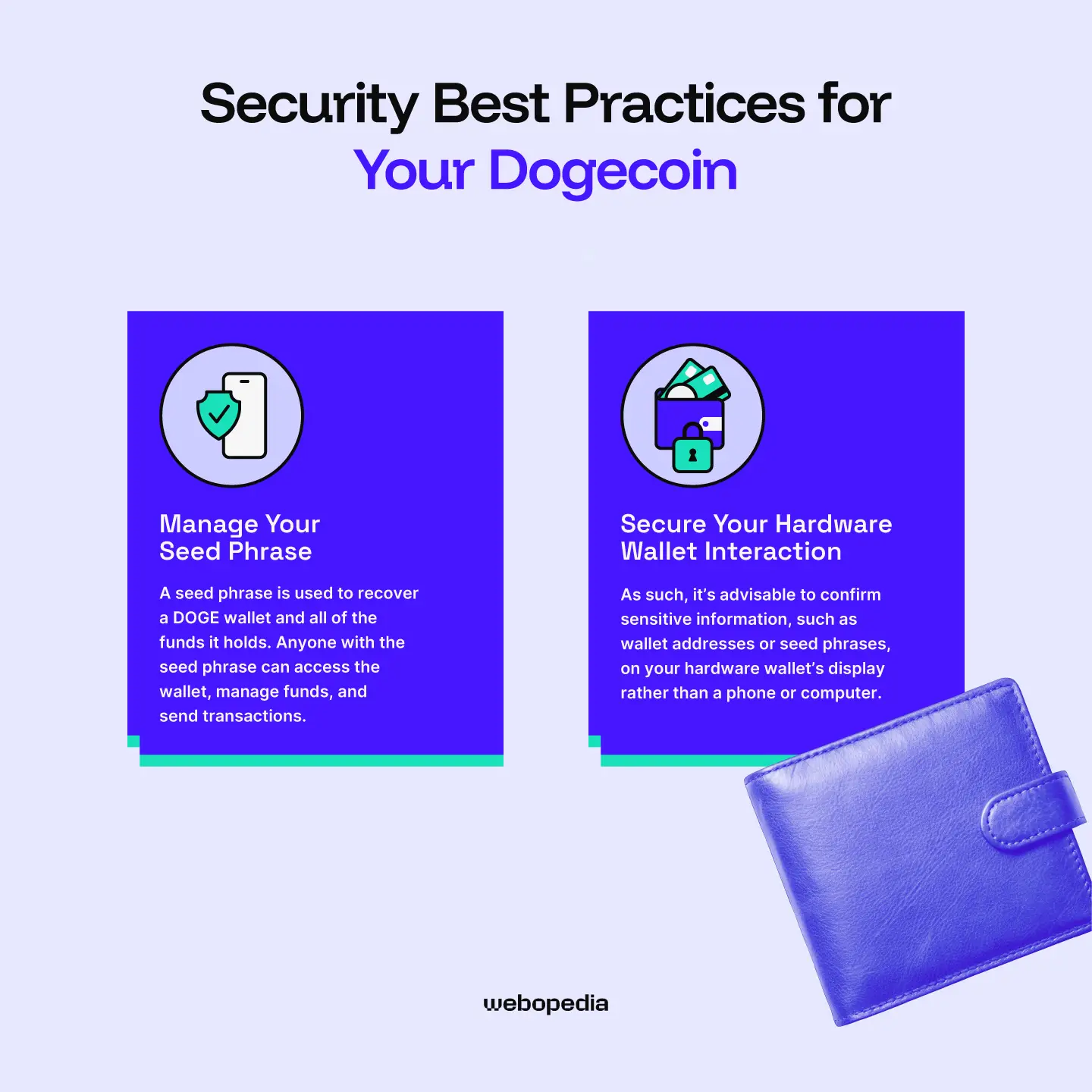
Even if you’ve picked the best wallet for Dogecoin, you should take care to enhance your security. There are a few simple techniques that drastically improve the wallet’s protection. They include:
Manage Your Seed Phrase
A seed phrase is used to recover a DOGE wallet and all of the funds it holds. Anyone with the seed phrase can access the wallet, manage funds, and send transactions. No additional information, like login credentials, is required. As such, storing your seed phrase privately and securely is essential.
Never store your seed phrase digitally. For example, as a screenshot or text file. Storing a seed using these methods leaves you vulnerable to network attacks or malware, which can scan your files and steal valuable information.
Instead, opt for analog storage methods. Writing your seed using pen and paper is a solid option. It’s entirely offline and enables users to create multiple backups for almost nothing, which they can store off-site.
Alternatively, you can purchase a metal seed phrase storage solution. They cost around $50, record seeds permanently, and even protect against fire/water damage. While acquiring a Dogecoin hardware wallet and a metal seed storage device can be relatively expensive, combining the two maximizes security.
Secure Your Hardware Wallet Interaction
Hardware wallets feature specialized security measures, including anti-tamper mechanisms and on-board security chips, making them far safer than mobile devices or computers.
As such, it’s advisable to confirm sensitive information, such as wallet addresses or seed phrases, on your hardware wallet’s display rather than a phone or computer. If this isn’t possible, ensure you’re in a private space, using legitimate wallet software, and are on a computer/mobile that hasn’t been compromised.
Conclusion & Final Recommendation
Finding the best Dogecoin wallet can be challenging. However, you can simplify it by considering your individual requirements (trading capabilities, convenient dApp access, maximum security, etc.), and comparing them to each wallet. The best choice will be one that completely fulfils your requirements.
Some investors require dApp connectivity to access decentralized exchanges, such as PancakeSwap, or to utilize yield farming protocols to earn rewards on their holdings. The Bitget Web3 Wallet boasts a comprehensive dApp browser, WalletConnect integration, and in-built trading capabilities, making it a strong choice for Web3 enthusiasts.
If you’re new to cryptocurrency or prefer using simple Dogecoin wallets, then Zengo could be ideal for you. It’s free, but a premium subscription enables private DOGE transactions. Navigation is straightforward, and it’s easy to use and available on both mobile devices/computers, making Zengo a versatile Dogecoin wallet.
If you want to maximize your security, there’s nothing better than a hardware wallet. Tangem wallets are affordable and well-protected, boasting an EAL6+ security chip and a PIN system. Moreover, they’re warrantied for 25 years and do not require charging, making them an excellent solution for long-term Dogecoin storage.
FAQ Section
What is the best Dogecoin NFT wallet?
Dogecoin does not support smart contracts, nor does it maintain a unified token standard allowing developers to build assets on its network. As such, there is no way to mint or purchase Dogecoin NFTs.
How much does it cost to send Dogecoin from one wallet to another?
The cost of sending DOGE between wallets depends on network congestion and the amount of data being transferred. For a typical transaction on the Dogecoin network, you can expect to pay around 0.382 DOGE or $0.054. However, the rate will differ from day-to-day.
If I lose my phone, can I recover my Dogecoin wallet?
Losing your phone is bad enough, but if it contains your Dogecoin wallet, things can quickly spiral out of control. However, as long as you have access to your seed phrase, you can recover your DOGE using any comptable wallet software. As such, always take precautions when storing your seed phrase.
What is the best wallet for Dogecoin?
The best Dogecoin wallet is a matter of personal preference. It varies from person to person based on their intended use case and individual requirements. Hot wallets, such as Bitget or Binance, are ideal for temporary storage and interacting with dApps, while cold wallets, like Tangem and SafePal, prioritize long-term security.