Best Wallets for USDT in 2026: Staking, dApps & Top Security Features

- When you click links on this page, we may earn an affiliate commission. By using this website you agree to our terms and conditions and privacy policy.
- Participation in online gambling may be illegal in your country and is subject to age restrictions (18, 19, or 21, depending on the jurisdiction). Verify legality and age requirements before participating. Learn more
According to Visa Onchain Analytics, approximately $1.5 trillion in stablecoin volume was recorded in October 2025, with USDT accounting for around 70% due to its widespread support and cross-chain availability, underscoring the stablecoin’s demand and, therefore, the need for a secure self-custody wallet.
The best wallets for USDT will be secure, versatile, and user-friendly. But the specific option you would select should vary depending on your personal needs. For example, whether you require cold storage, trading capabilities, or USDT staking support.
Throughout this article, we examine the top USDT wallets, highlighting key features, benefits, and disadvantages. Our selections are based on security measures, staking support, Web3 connectivity, general usability, and ease of use. We provide our top picks and provide helpful security tips.
Best USDT Crypto Wallet Summary
- Some of the best USDT crypto wallets are Binance Wallet, Tangem Wallet, and Bitget Wallet.
- USDT cannot be staked on-chain because it is not a Proof-of-stake asset; any ‘USDT staking’ you see is actually lending or liquidity-based yield from exchanges or Defi Platforms.
- Network fees depend mainly on the blockchain used. Ethereum transfer fees are often higher, while Tron, BNB Chain, and Solana remain among the cheapest.
- USDT exists across many chains (ERC-20, TRC-20, SPL, etc), but each chain uses its own token standard.
- The best security practices for your USDT wallet are to keep your seed phrase offline, use metal backups, and verify addresses on hardware wallets to avoid tampering or loss.
Comparing the Best Wallets for USDT (Tether) in 2026
| Brand Name | Wallet Type | Security Features | Supported Crypto | Backup and Recovery | Staking Support | Cost |
|---|---|---|---|---|---|---|
| Tangem Wallet | Cold | EAL6+ security chip, 25-year warranty, audited, no external connectivity, PIN system | 5,000+ | Cards come in multi-packs, providing redundancy, seedless | Yes | $54.90 to $160 |
| Bitget Wallet | Hot | Multi-Party Computation, $300 million protection fund, encryption | 1 million+ | Seed phrase | Yes | Free |
| SafePal S1 | Cold | EAL6+ chip, air-gapped, open-source, self-destruct mechanism, passphrase | Thousands of tokens on 200+ blockchains | Seed phrase | Yes | $49.99 |
| Uphold Wallet | Hot | Regulated, private key encryption, employee background checks, and regular audits | 325 | Username and password | Yes | Free |
| Zengo Wallet | Hot | MPC, seedless, create segregated wallets, Multi-Factor Authentication | 1000+ | Email authentication, recovery file, 3D FaceLock (optional) | Yes | Free ($9.99 monthly premium subscription) |
| Binance Wallet | Hot | MPC, self-custody, risk detection, technical audits | Thousands of assets on 34 networks | Quick Backup, recovery password | Yes | Free |
| Trezor Safe 3 | Cold | EAL6+ security chip, PIN/passphrase systems, TOR routing | 7,000+ | Seed phrase, multi-share backup (split seed into multiple shares) | Yes | $79 |
| Rockwallet | Hot | SOC 2 Type II/ISO27001 certification, 2FA, biometrics | 18 | Seed phrase | No | Free |
| Cypherock X1 | Cold | Audited by Keylabs, open-source, EAL6+ secure element | 18,000+ | Seed phrase, multi-sig (2 of 4 cards required for recovery) | Yes | $129 |
| Coinbase Wallet | Hot | End-to-end encryption, biometric/PIN locks, and Secure Enclave tech | 5000+ | Private Keys, 12-word recovery Phrase | Yes | Free |
Top Crypto Wallets for USDT in 2026
If you’re looking for a secure wallet for USDT, many excellent options are available. The best choice will differ based on your individual goals and requirements. For example, exchange hot wallets are ideal for temporarily storing trading funds, while cold wallets excel for long-term (offline) storage.

Don’t invest unless you’re prepared to lose all the money you invest.
In-depth Review of the Best USDT Crypto Wallet
Safepal
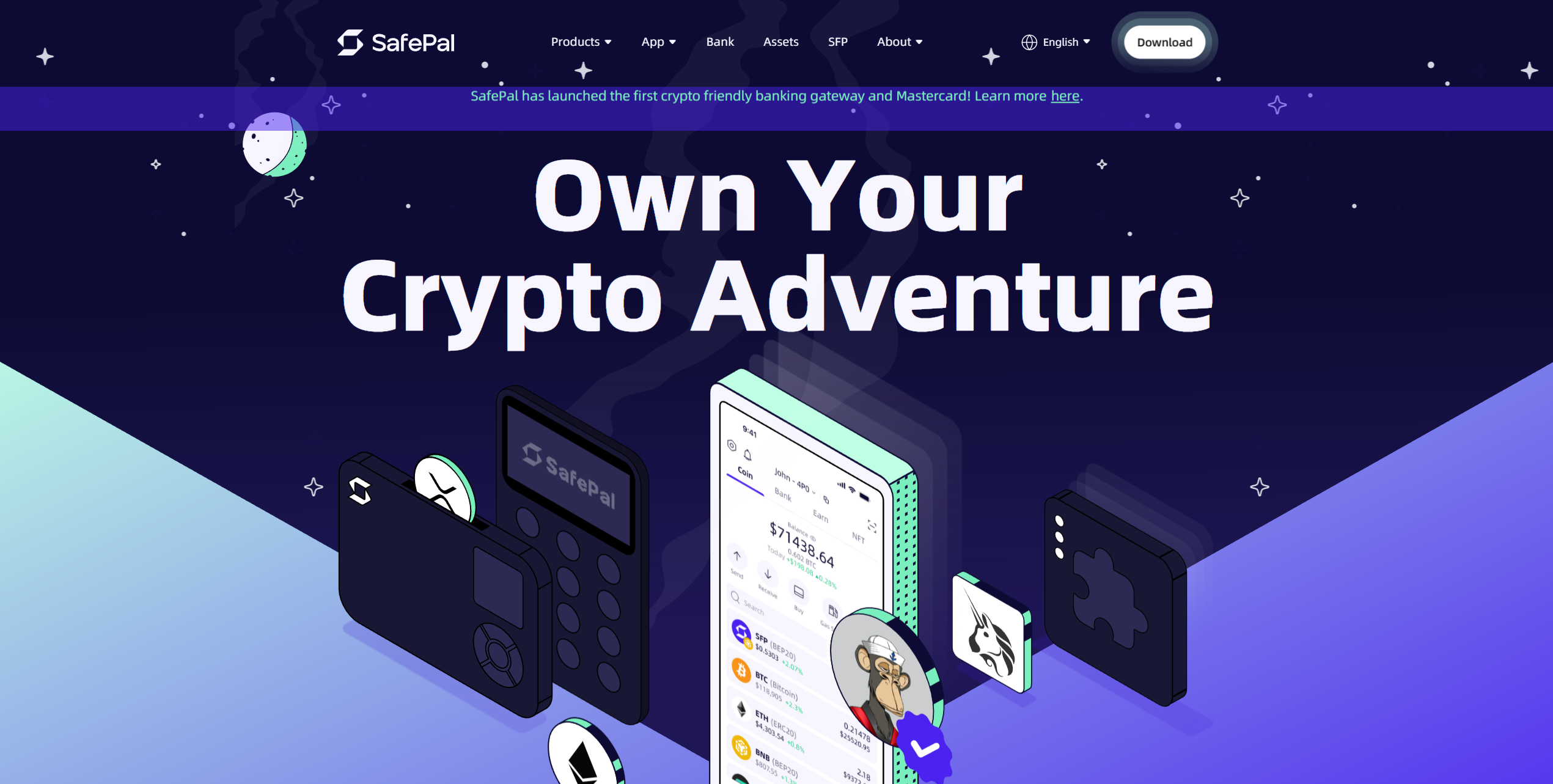
The SafePal S1 is budget-friendly (costing $49.99) and highly secure. It's 100% air-gapped (users sign transactions by scanning QR codes), comes equipped with an EAL6+ security chip, and has an optional passphrase system, providing top-level protection at an affordable price.
Roughly the size of a credit card, the SafePal S1 can be easily transported or concealed, allowing users to manage their funds safely while traveling. It features D-Pad-style navigation buttons, making it convenient to use. Moreover, the SafePal S1 can store thousands of assets across over 200 blockchains.
The SafePal app facilitates cross-chain swaps, provides yield-generating opportunities, and enables easy connection to dApps. Moreover, it can handle ERC-20 tokens, making it a suitable USDT NFT wallet. Overall, the SafePal S1 is a well-rounded and highly secure hardware wallet.
Pros
-
Highly affordable compared to alternatives
-
Can store USDT on multiple networks
-
Supports NFTs
-
Available as an app or browser extension
-
EAL6+ security chip
-
No network connectivity
Cons
-
Requires charging (400 mAh battery)
-
The SafePal S1 and a mobile device are required for use
- Bitcoin
- Ethereum
-
Tether
89
No result
- English
- German
-
Spanish
12
No result
Tangem
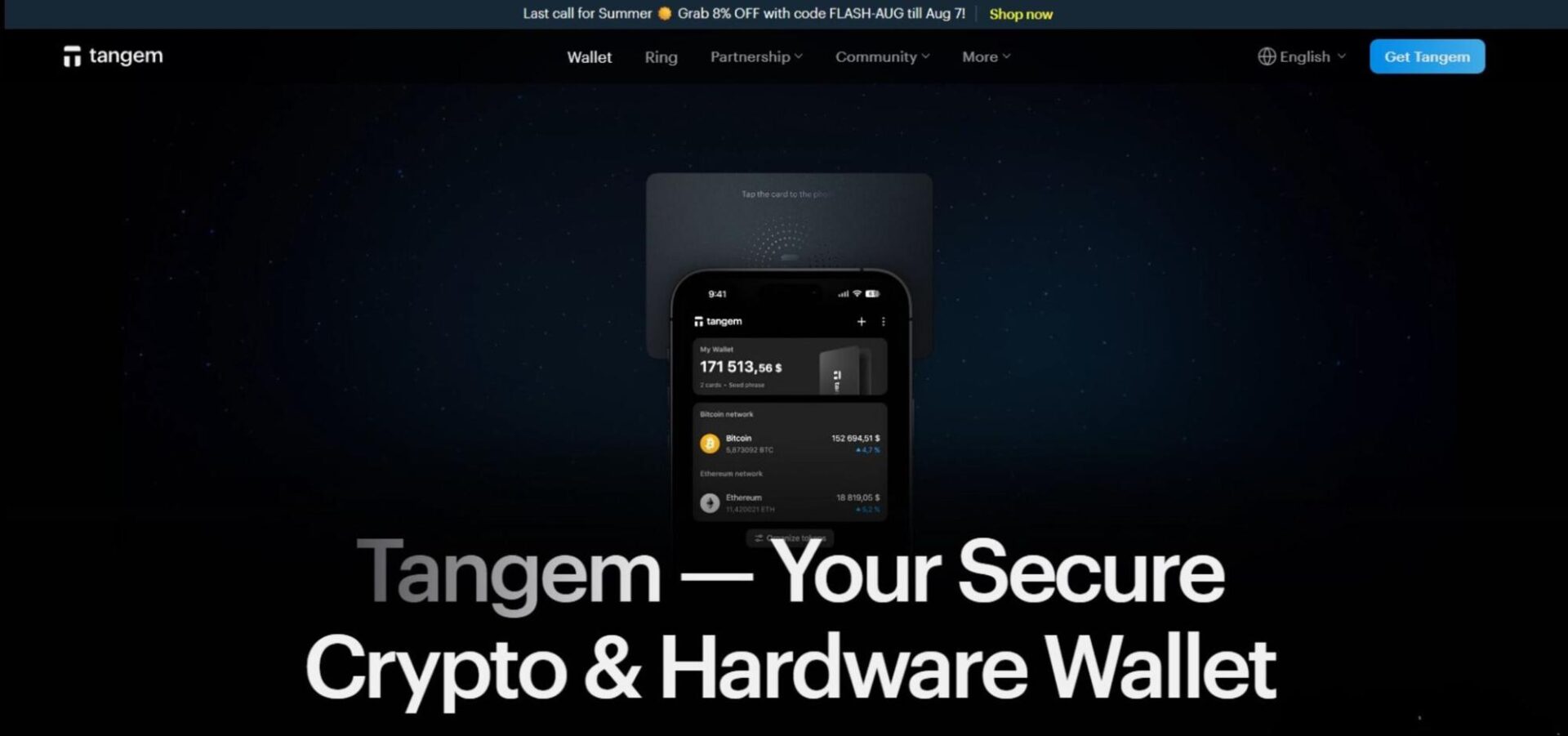
Tangem is an air-gapped, Swiss-made, credit card-style hardware wallet that can be easily stored in a wallet or drawer, making safekeeping and maintaining wallet access when traveling convenient. It comes with an EAL6+ security chip and a 25-year warranty, underscoring Tangem's commitment to long-term safety.
The wallet utilizes NFC as its sole means of connectivity. There's no Bluetooth, USB connection, or WiFi. It requires a mobile for management, as users tap their cards to their phones to sign transactions. Users can also set up biometric authentication for the app and a PIN for the wallet.
Tangem can store USDT across eight blockchains (including Ethereum/Solana/Tron) and thousands of other assets. It costs $54.90 (two cards), $69.90 (three cards), or $160 (Tangem Ring + two cards). They're designed for redundancy, enabling recovery even if one is lost, making Tangem one of the best USDT wallets.
Pros
-
Supports USDT on multiple networks
-
EAL6+ security chip
-
Minimal external connectivity
-
Buy and trade USD on the Tangem app
-
Available at various price points
Cons
-
Must be managed on mobile
-
No screen for verifying addresses or seed phrases on-device
- Bitcoin
- Ethereum
-
Tether
70
No result
- English
- German
-
French
3
No result
RockWallet
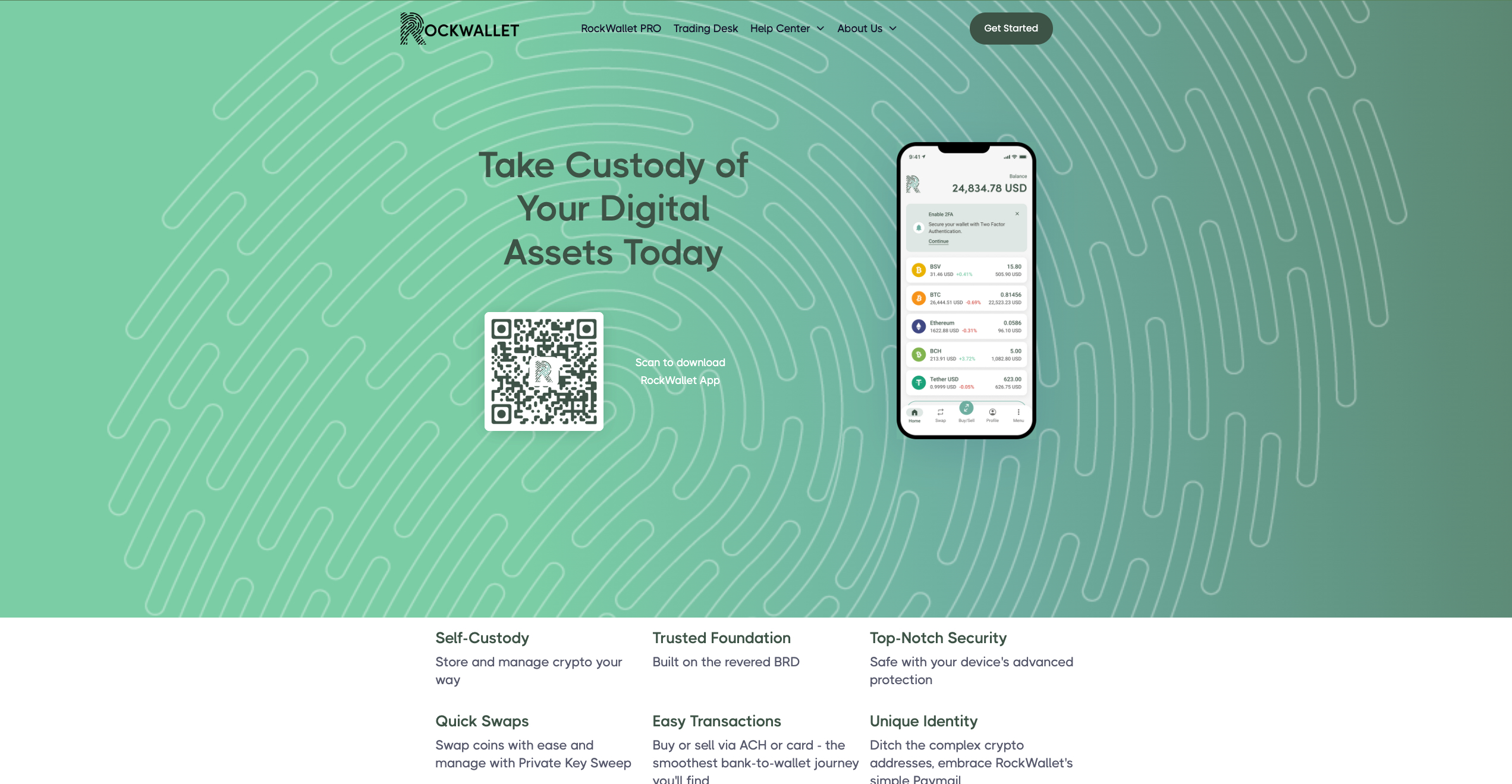
If you're looking for a simple and secure way to store your USDT, then it's worth taking a look at RockWallet. Available exclusively as an iOS or Android app, RockWallet can store 18 assets, but only supports ERC-20 (Ethereum) USDT; other networks are unsupported.
RockWallet is seed phrase-based with 2FA, biometric authentication, and a PIN system to enhance protection. It's basic, but features a simple crypto-to-crypto swaps tool and a fiat on/off-ramp. While RockWallet is approachable, it lacks features and is not suitable for individuals learning how to stake USDT with a wallet.
Pros
-
Simple to use
-
Mobile-friendly wallet
-
Simple tool for swapping USDT
-
Fiat on-ramp
-
No dApp or DeFi connectivity
Cons
-
Only supports Ethereum USDT
-
No staking capabilities
- Bitcoin
- Ethereum
-
Tether
10
No result
- English
Kraken
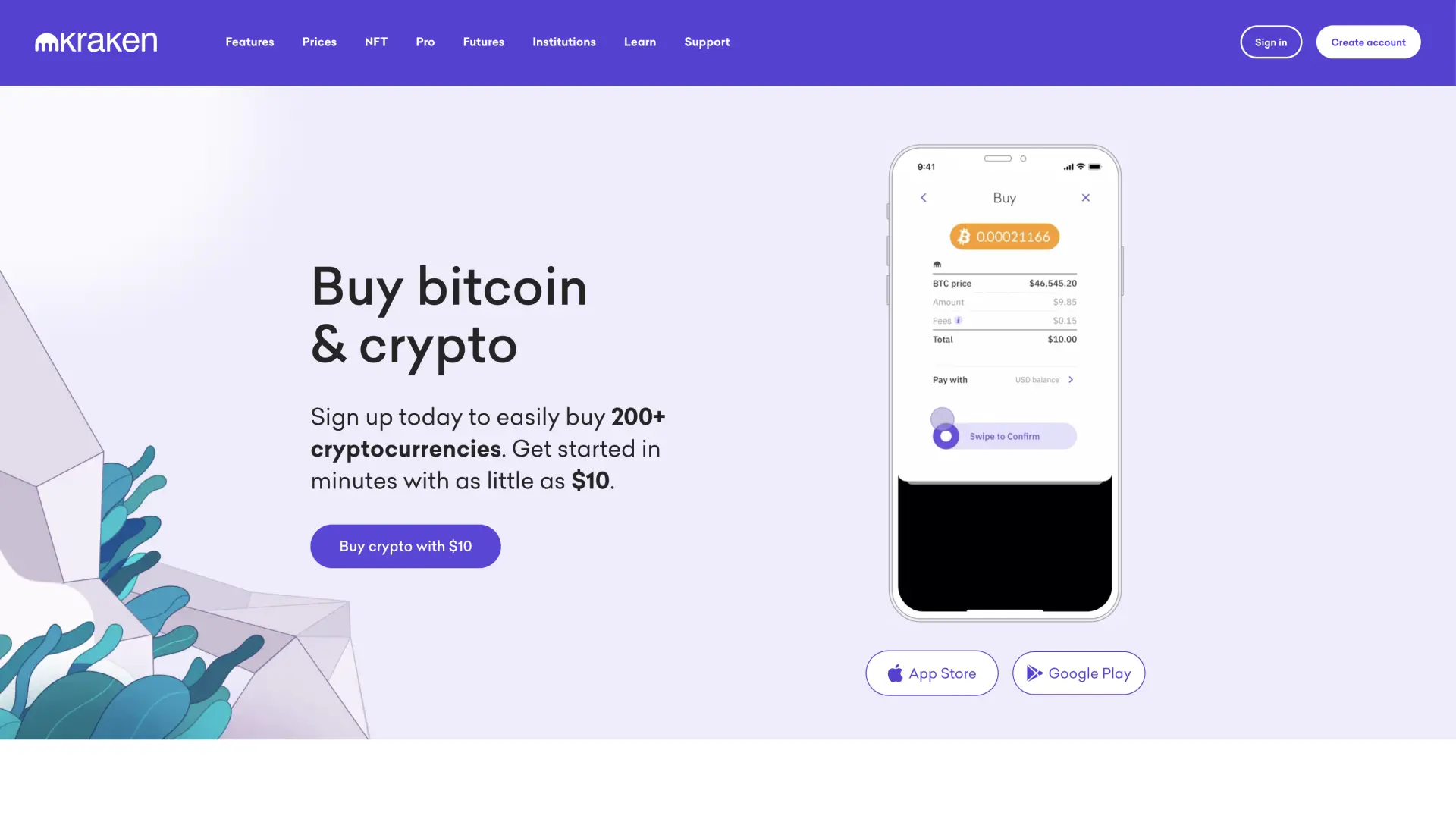
Kraken wallet is a non-custodial wallet for privacy-conscious users, a reputable exchange with strong security practices and DeFi integration.
Kraken Wallet operates as a self-custody solution separate from Kraken's main exchange platform, giving you complete control over your private keys while benefiting from the company's security expertise. You can interact with dApps and manage multiple cryptocurrencies without relying on centralized storage. The wallet targets users who understand the importance of self-custody but want the backing of an established crypto company.
It supports Bitcoin, Ethereum, and various ERC-20 tokens with full private key control. DeFi integration allows direct interaction with decentralized protocols for lending, borrowing, and yield farming. Multi-chain support includes popular networks beyond Ethereum, while hardware wallet compatibility works with Ledger and Trezor devices. Built-in portfolio tracking shows your holdings across different blockchains.
Pros
-
Self-custody design gives you complete fund control
-
Backed by Kraken's established security reputation
-
DeFi protocol integration for decentralized finance access
-
Multi-chain support covers popular blockchain networks
-
Hardware wallet compatibility enhances security options
Cons
-
Self-custody responsibility means no recovery assistance if keys are lost
-
Limited cryptocurrency selection compared to the main Kraken exchange
-
DeFi features may confuse users unfamiliar with decentralized protocols
-
No customer support for wallet recovery issues
-
Interface complexity exceeds basic storage needs
- Bitcoin
- Ethereum
-
Tether
83
No result
- Spanish
- English
-
French
4
No result
Uphold
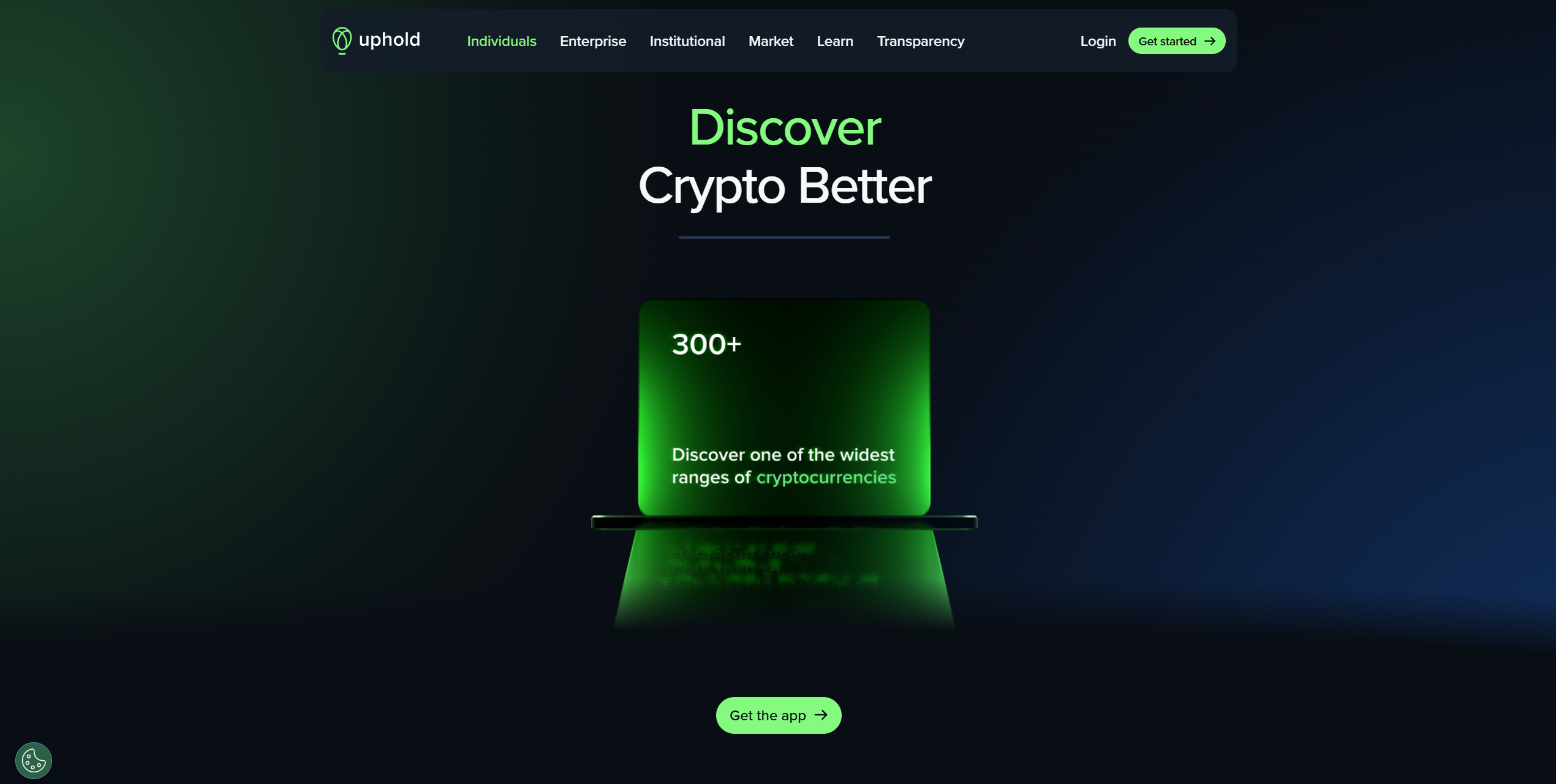
Uphold is an FCA and FinCEN-regulated trading platform that supports 329 assets. Users can deposit USDT via 11 networks, including Ethereum, Solana, and Polkadot. Although Zengo offers staking, USDT is unsupported. However, it integrates with various tax software, such as Blockpit or Kryptos, which can streamline the tax filing process.
Alongside its crypto storage capabilities, Uphold offers a straightforward fiat on-ramp and a user-friendly trading interface, making it highly accessible, regardless of users' experience levels. Users can set up 2FA, but no additional security measures are available. As such, Uphold is suitable for traders who prioritize convenience over safety.
Pros
-
Can handle USDT deposits on 10+ blockchains
-
Regulated by top-tier authorities
-
Supports a reasonable selection of assets
-
Trading and asset storage features
-
Simple fiat on-ramp
Cons
-
USDT staking is not supported
-
Relatively limited security features
- Tether
- TrueUSD
-
USD Coin
144
No result
- English
Don’t invest unless you’re prepared to lose all the money you invest.
Coinbase
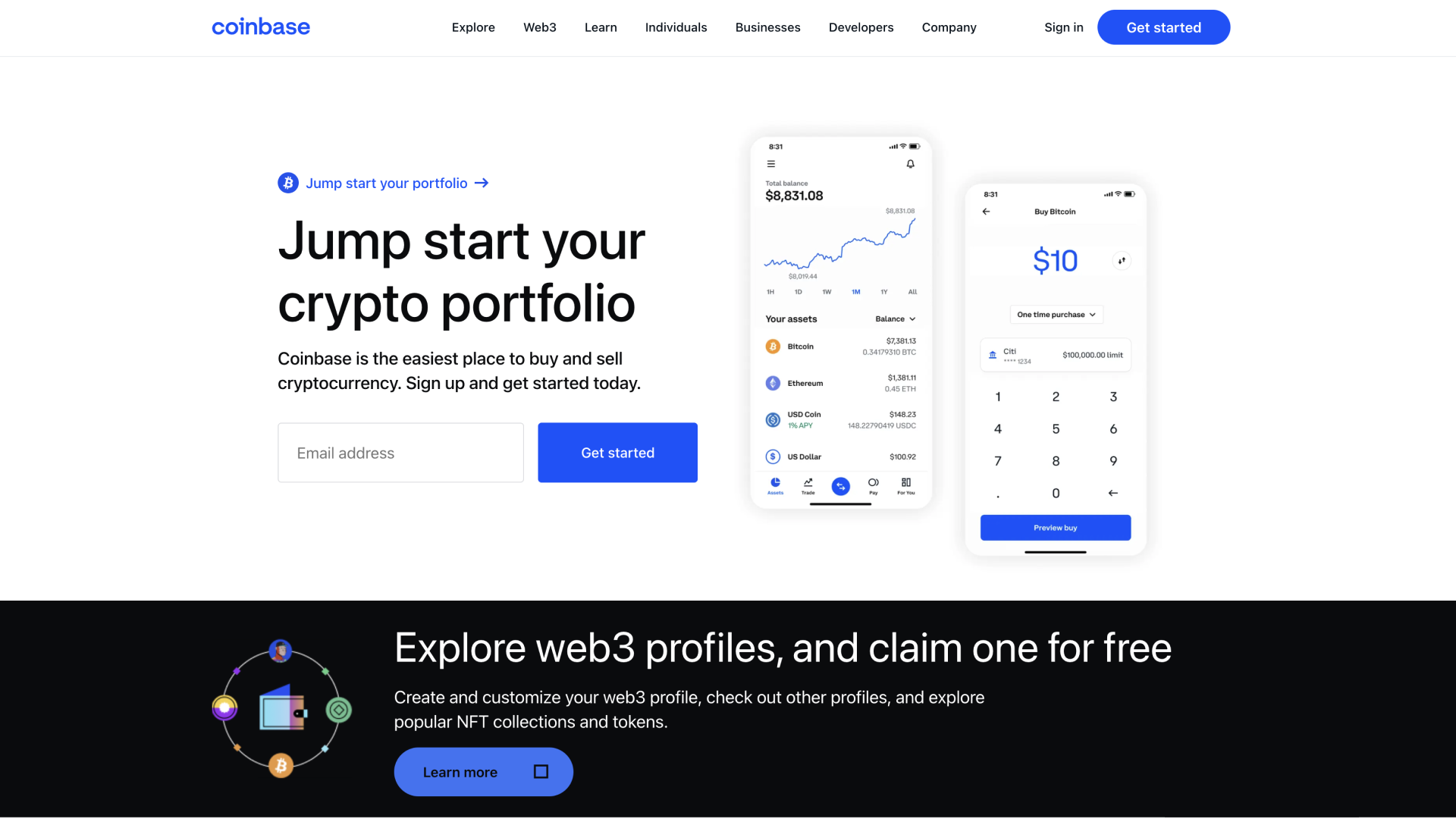
Coinbase is one of the best-known exchanges globally. It's tailored for beginners, but offers an 'Advanced' mode with TradingView charts, providing ample analysis tools and access to derivatives trading. Users can store USDT and 315 other assets, providing reasonable versatility. Staking is available, but not for USDT.
The Coinbase Wallet is a standalone, non-custodial storage solution for USDT and thousands of other assets. It can connect to dApps and DeFi products, which is a significant advantage for crypto enthusiasts. It can handle several networks, supports NFTs, and has a built-in Web3 browser.
Although Coinbase doesn't support USDT staking and lacks optional security measures, it's a good platform for crypto traders seeking a convenient storage solution or individuals looking for a solid, non-custodial wallet that enables straightforward transfers to/from exchanges.
Pros
-
Convenient but powerful
-
Spot and derivatives trading capabilities
-
dApp and DeFi connectivity
-
Custodial and non-custodial options
-
Supports a reasonable amount of assets
Cons
-
Only Ethereum USDT is supported
-
Cannot stake USDT
- Bitcoin
- Ethereum
-
Tether
68
No result
- English
Trezor
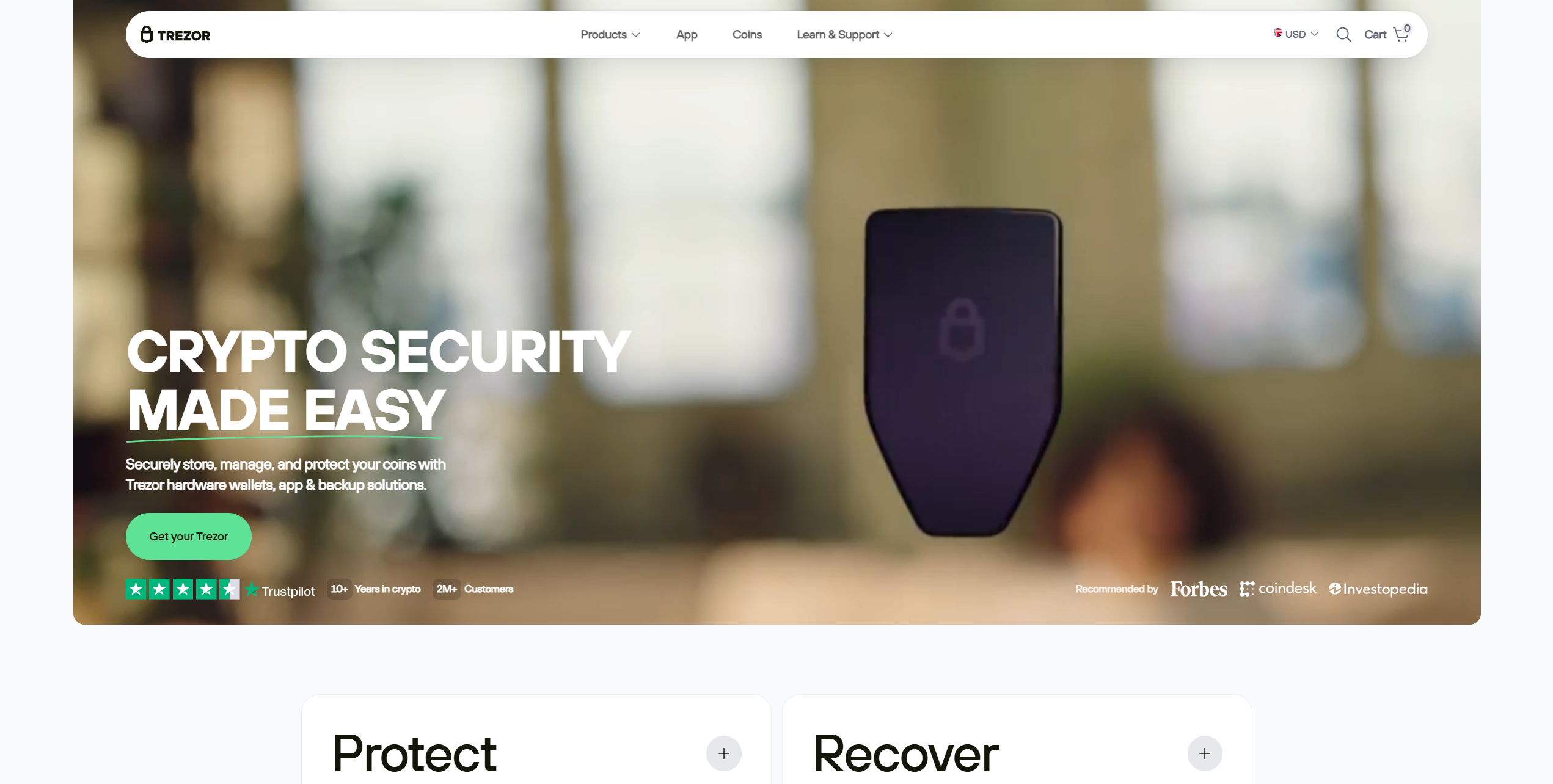
You're not restricted to Ledger devices if you want to benefit from the security a hardware wallet offers. Trezor offers a range of highly popular hardware wallets with open-source security, broad asset support, and a pocket-friendly design. However, they lack iOS support, which limits their usability for iPhone owners.
The Trezor Safe 3 is an affordable and powerful hardware wallet, priced at $79 and featuring an EAL6+ security chip. It features a small 0.96-inch screen with two navigation buttons. Users have USB-C connectivity, support for thousands of assets, and an optional PIN system to enhance security.
The Trezor Model T is a premium alternative. It features a 1.54-inch touchscreen but lacks an EAL-rated security chip, as it is an older model. Trezor devices come with a special system for splitting seed phrases into multiple 20-word shares for enhanced security.
Users manage Trezor devices via the Trezor Suite software. It's available for Android, Windows, macOS, and Linux. Moreover, it supports taking and trading, expanding Trezor's use cases. For general purposes, the Trezor Safe 3 is the best Trezor hardware wallet for USDT, thanks to its EAL6+ security chip.
Pros
-
Options for multiple budgets
-
PIN system improves security
-
Supports splitting seed phrases into multiple shares
-
Open-source security
-
Can trade and stake ADA via Trezor Suite
Cons
-
Trezor Model T has worse security than the Safe 3
-
Extremely limited iOS support (view-only)
- Bitcoin
- Ethereum
-
Tether
204
No result
- English
- Czech
Zengo
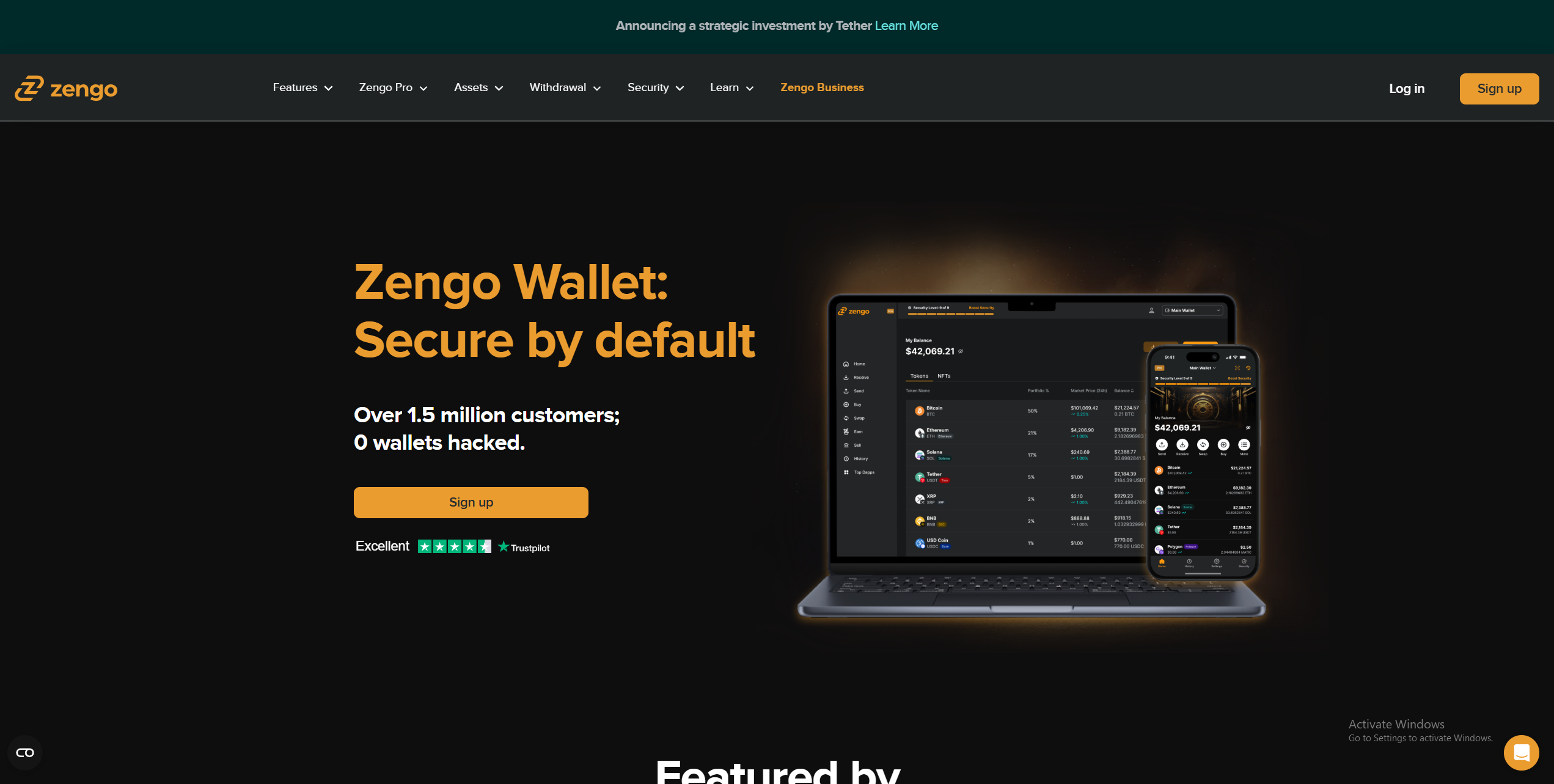
Zengo is a multi-network wallet that leverages Multi-Party Computation (MPC) to divide private keys into multiple shares, which are stored between various devices. In the case of Zengo, one share is stored on the user's mobile device while Zengo's servers store the other, which removes any single point of failure.
The security architecture Zengo utilizes eliminates seed phrases and provides redundancy in case your mobile device is lost or stolen. Zengo can be accessed from a desktop or a mobile device. It enables users to store thousands of assets. Moreover, Zengo can store USDT across eight networks, providing ample flexibility.
A monthly $9.99 Zengo Pro subscription enables users to create up to five segregated wallets, includes an inheritance feature for passing on their assets, provides priority support, and offers free Ethereum L2 gas refills. If you're looking for a top USDT mobile wallet, consider Zengo.
Pros
-
MPC technology eliminates seed phrase storage requirements
-
Broad USDT support
-
Excellent mobile functionality
-
Multi-Factor Authentication (MFA) support
-
WalletConnect enables Web3 connectivity
Cons
-
Zengo locks certain features behind a premium subscription
-
Cannot earn rewards on USDT
- Bitcoin
- Ethereum
-
Tether
68
No result
- English
Technical Features Critical for USDT Holders

While people may buy or hold USDT for various reasons, there are a few technical features that most people will be looking for. They include:
Security and Rewards
Wondering how to stake USDT? The process is simple, but there are important distinctions between USDT and Proof-of-Stake (PoS) assets that support on-chain staking for validation or security purposes.
Because Tether does not use the PoS consensus mechanism, there’s no way to stake it directly on-chain. You cannot download software or create a node to register as a USDT validator.
However, many exchanges and DeFi platforms (such as Bitget and Compound) offer USDT rewards, which they generate by lending users’ USDT, utilizing it for liquidity, or participating in DeFi protocols. Rates vary by platform and demand, but typically range from 1.5% to 4.5%. Some platforms can offer as high as 8-12% depending on the risk level.
Understanding USDT Network Fees (Gas/Rent)
USDT is a multi-chain stablecoin. There is a fee for sending it, which is paid to transaction validators for keeping the network running smoothly, in the appropriate token for the blockchain (e.g., ETH for ERC-20 USDT). As such, the cost of sending a USDT transaction varies depending on which network you’re using.
Costs vary depending on demand and network congestion. Platforms like GasFeesNow.com track the fees for USDT on various networks. Here are the USDT network fees explained for some of the most popular Tether blockchains.
- Tron: $1.50 to $3.50 (sometimes $0.1 -$1; it changes according to peak times)
- Ethereum: $0.20 to $0.30 (sometimes $2 -$7; it changes according to peak times)
- BNB: $0.028
- Solana: $0.001 to $0.018
- Polkadot: $0.0044
There’s no way to avoid paying USDT gas fees. However, you can choose a cheaper network to send USDT; for example, Polkadot instead of Ethereum. However, you must pay gas in an appropriate crypto and ensure that both wallets support the target network to ensure smooth transactions.
USDT Token Standards and NFT Support
There is no fixed USDT token standard. The most common network on which it’s issued is Ethereum, using the ERC-20 standard. It can also be issued on other Ethereum Virtual Machine (EVM)-compatible blockchains, such as Avalanche.
Tether also issues USDT on other popular networks using the matching token standard. For example, SPL on Solana and TRC-20 for Tron. There’s no specific USDT NFT wallet, so if you want to purchase NFTs using USDT, you’ll need to bridge it to the correct network before making the purchase.
Security Best Practices for Your USDT

Storing your crypto securely is the primary function of a crypto wallet. All of the options we’ve discussed handle this well. However, there are several simple methods you can utilize to enhance your wallet’s security, including:
Protect Your Seed Phrase
Arguably, the most impactful step you can take to enhance your wallet’s security is properly storing your seed phrase. The 12 or 24-word phrase displayed when setting up a wallet is the recovery phrase. Entering it into any compatible wallet provides access to the funds, so secure storage is essential.
Using appropriate storage methods is crucial. Avoid digital options, like a text file or screenshot. They leave you vulnerable to network attacks and could be lost if your device is damaged. Instead, using analog methods, such as pen and paper, is advisable.
To maximize your protection, consider a metal seed storage solution. They require some investment, usually costing around $40 to $50. However, they’re permanent. There’s no ink to fade or paper that could rip. Metal seed phrase storage systems are secure, even in the event of a house fire.
Securing Hardware Wallet Interaction
Hardware wallets provide tools for verifying your address directly on the device. It’s recommended to always use them when confirming a destination address. Hardware wallets have special anti-tamper mechanisms that warn you if your device is compromised, while bad actors can more easily inject a malicious address via a computer.
Additionally, if the option is available, always input and verify your seed phrase on the device, rather than on your computer or mobile phone. If your hardware wallet doesn’t have a display, ensure you use the official companion app downloaded from a genuine source to prevent it from being compromised.
Conclusion & Final Recommendation
Picking the right USDT wallet is essential. However, the choice isn’t straightforward. Every platform excels in different areas or employs unique security features. Choosing the best USDT wallet means selecting one that suits your needs. We advise writing down your wants and needs, then comparing them to the available options.
Based on my research and testing, the best USDT wallet for interacting with Decentralized Applications (dApp) and Decentralized Finance (DeFi) products is Bitget. Users have various local/international funding options, while the Bitget Wallet utilizes MPC and supports 130+ networks, ensuring widespread and simple Web3 connectivity.
On the other hand, beginners or those who prefer managing their crypto on a mobile device may prefer Coinbase. It offers an excellent mobile experience and is divided into an exchange and a non-custodial wallet, allowing users to minimize bloat if they don’t require advanced trading capabilities.
However, if you’re a security-conscious investor or want to hold USDT for extended periods, hardware wallets provide unbeatable protection. The SafePal S1 is an excellent choice due to its desktop/mobile support, EAL6+ security chip, and broad USDT network support. If you’re looking for a well-rounded option, it’s worth considering.
FAQ Section
What is the difference between a USDT "account" and a "wallet"?
USDT is a stablecoin issued on various blockchain networks, such as Ethereum. There’s no particular USDT network or account. Instead, it can be stored in any wallet supporting its parent network, for example, SPL-compatible wallets for USDT on Solana.
How much does it cost to send USDT from one wallet to another?
The cost of transferring USDT from one wallet to another varies depending on the network used for the transaction. For example, sending USDT via Ethereum costs around $0.03 to $0.20 (this number changes over time), but sending Solana-USDT often costs around $0.001 to $0.015. Check the fees for every network at GasFeesNow.
If I lose my phone, can I recover my USDT on a different wallet?
Your seed phrase can be used to recover a wallet with no additional data, so as long as you keep it safe, you can easily recover your USDT using any compatible wallet. As such, you should never store your seed digitally, especially on the device you use for managing your wallet.
Can I use my hardware wallet without using the official USDT desktop application?
There is no official USDT application. It’s a highly popular stablecoin available on over a dozen cryptocurrency networks. Most hardware wallets support USDT in one form or another. Tangem, SafePal, Blockstream, Ledger, and Trezor are all popular manufacturers of USDT hardware wallets.


