- TL;DR
- Best Non-Custodial Wallets in 2026
- Best Non-Custodial Wallets in 2026 (Short Reviews)
- What is a Non-Custodial Wallet and Why It Matters
- Hot Wallets vs. Cold Wallets: Which is the Best Storage Option?
- Best Non-Custodial Wallets: Comparison and Recommendations
- Next-Generation Wallets (MPC & Smart Contract)
- How to Set Up Your Non-Custodial Wallet
- How to Secure Your Non-custodial Wallets
- In Conclusion
- FAQ Section
Best Non-Custodial Wallets: Full Ownership, Maximum Security

- When you click links on this page, we may earn an affiliate commission. By using this website you agree to our terms and conditions and privacy policy.
- Participation in online gambling may be illegal in your country and is subject to age restrictions (18, 19, or 21, depending on the jurisdiction). Verify legality and age requirements before participating. Learn more
Most of the best non-custodial wallets are easy to use for both beginners and experienced users. Approximately 41% of crypto investors are still using custodial wallets, despite them not providing true asset ownership and offering limited security compared to non-custodial wallets. Because it can be challenging to pick the best non-custodial wallet independently, we’ve highlighted some of the top options.
Throughout this guide, we’ll examine leading hardware and software wallets, discuss the importance of self-custody wallets, explain how non-custodial wallets utilize private keys and seed phrases, and offer actionable advice on selecting and setting up the right cryptocurrency wallet. Let’s get started.
TL;DR
- The best non-custodial wallets in 2026 are Bitget Wallet, Binance Wallet, and Zengo Wallet
- Software wallets are ideal for storing trading funds and interacting with decentralized applications (dApps), while hardware wallets maximize security and excel in long-term storage.
- You should be aware of network and swap fees when using a non-custodial wallet. Also, consider the cost of any premium subscription.
- Users control the seed phrase of a non-custodial wallet, but the issuer manages the seed phrase of a custodial wallet.
- Instead of login credentials, your seed phrase is required to recover your wallet or access it from a new device, so store it securely.
Best Non-Custodial Wallets in 2026

Best Non-Custodial Wallets in 2026 (Short Reviews)
Safepal
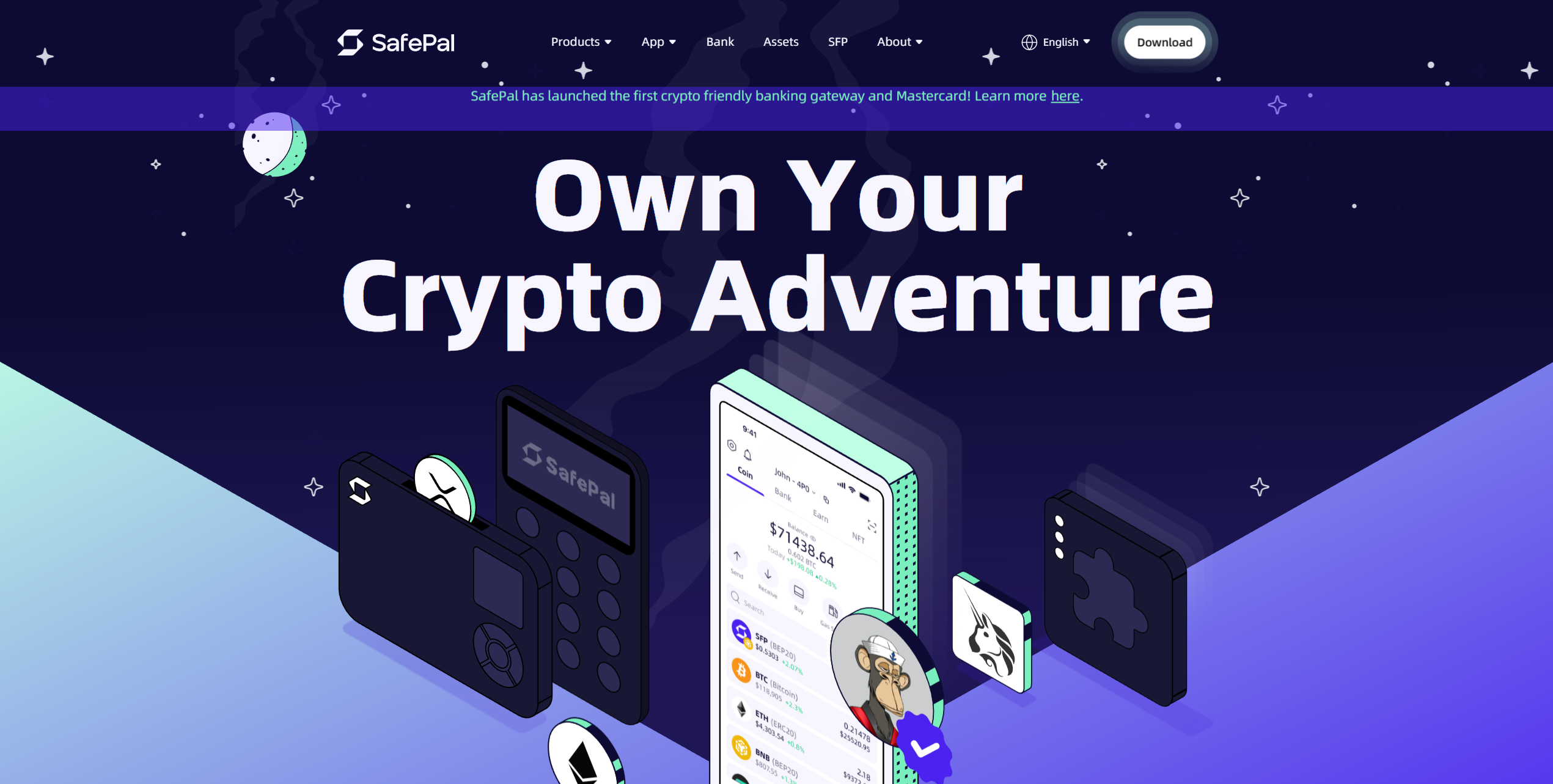
The SafePal S1 is affordable and highly secure. It's roughly the size of a credit card, but thicker. It features a small screen and camera unit for displaying and scanning wallet address QR codes. Users can store over 10,000 assets across 200+ blockchains, making it ideal for diverse portfolios.
Despite costing just $49.99, the SafePal S1 is 100% air-gapped and boasts an EAL6+ security chip, an anti-tamper self-destruct mechanism, a passphrase system, and an open-source architecture. It features a 400mAh battery and a USB-C port for seamless connectivity with computers and mobile devices.
If you have a limited budget and want to maximize your hardware wallet protection, the SafePal S1 could be an ideal choice. It features NFT support, a dApp browser, and tools for buying/swapping crypto. Despite its price tag, the S1 is one of the best-equipped hardware wallets on the market.
Pros
-
EAL6+ security chip
-
Completely air-gapped
-
Works with mobile and desktop devices
-
Seamless dApp connectivity
-
On-ramp and trading functionality
Cons
-
Requires charging
-
Lengthy shipping times (1 to 3 weeks)
- Bitcoin
- Ethereum
-
Tether
89
No result
- English
- German
-
Spanish
12
No result
Tangem
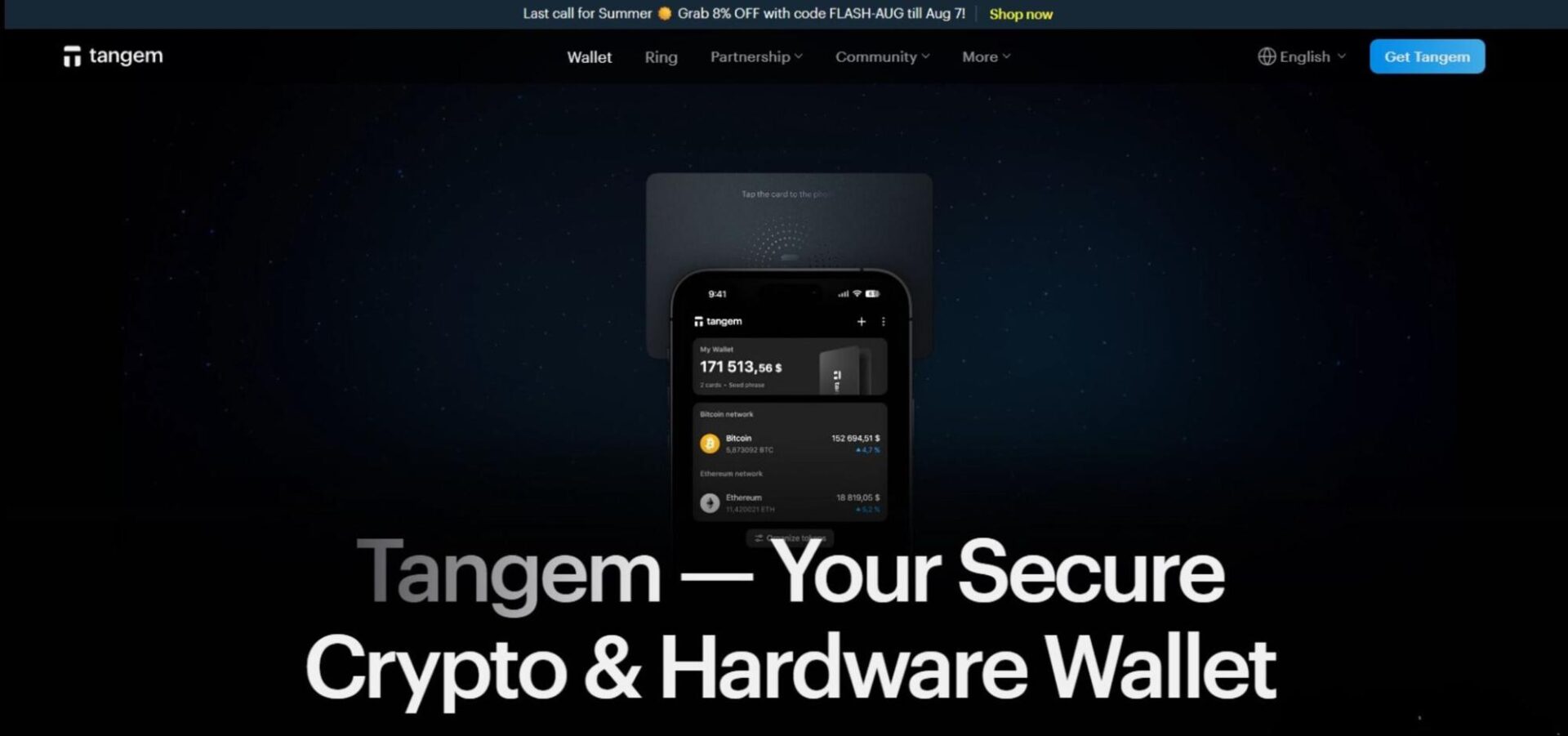
Tangem is one of the best hardware wallets on the market. It resembles a credit card and doesn't feature a display or battery. Instead, it utilizes low-energy NFC to enable long-term mobile connectivity without charging. It's also cheap, costing $54.90 for a two-pack and $69.90 for a three-pack.
The device is protected by an EAL6+ security chip, optional biometric security, a PIN system, and a 25-year warranty. Moreover, it's been audited by two independent firms: Kudelski Security and Riscure. It's robust, boasting IP69K dust/water/temperature resistance as well as x-ray and EMP protection for maximum durability.
With support for over 16,000 cryptocurrencies across dozens of networks, offline private key storage, an affordable price tag, seamless dApp connectivity via WalletConnect, and a robust set of security measures, Tangem wallets are excellent choices for long-term investments and general usage amongst the security-conscious.
Pros
-
EAL6+ security chip
-
Audited by independent firms
-
25-year warranty
-
Extremely durable
-
Supports many assets
Cons
-
No display for verifying wallet addresses
-
Requires a mobile phone (no desktop support)
- Bitcoin
- Ethereum
-
Tether
70
No result
- English
- German
-
French
3
No result

BitBox
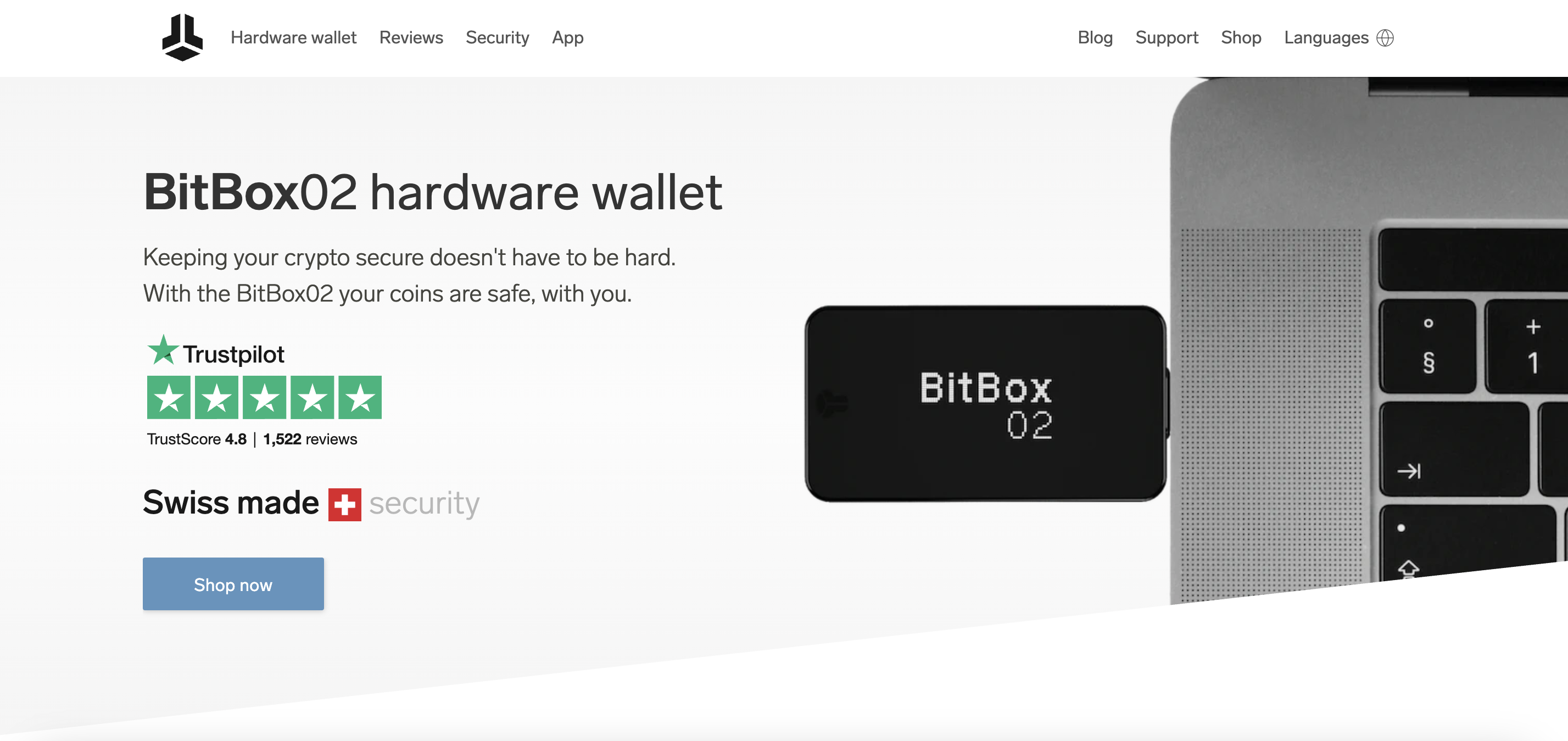
BitBox creates hardware wallets that emphasize transparency and privacy through completely open-source code. You can verify every aspect of the wallet's software and firmware to ensure no hidden vulnerabilities or backdoors exist. The Swiss-made device focuses on essential security functions rather than bells and whistles, appealing to users who value substance over flashy features.
The hardware wallet runs entirely open-source firmware that you can audit and compile yourself. A secure chip provides tamper resistance, while the companion app offers Bitcoin-only and multi-coin versions. Tor integration protects your privacy during transactions, and the device supports both single-signature and multi-signature wallet setups.
Pros
-
Fully open-source design allows complete transparency
-
Swiss manufacturing ensures high build quality standards
-
Privacy-focused features, including Tor network support
-
Simple interface reduces potential user errors
-
Multi-signature capability enhances security options
Cons
-
Limited cryptocurrency support compared to mainstream wallets
-
Higher price point than some hardware wallet alternatives
-
Minimal screen size restricts transaction information display
-
Fewer third-party integrations than popular competitors
-
Learning curve for users new to open-source concepts

Blockstream
Blockstream Green provides a Bitcoin-focused wallet solution developed by one of Bitcoin's most influential development companies. You get access to cutting-edge Bitcoin technologies, including Lightning Network payments and liquid sidechain transactions. The platform targets users who understand Bitcoin's technical aspects and want access to the latest protocol improvements before they reach mainstream adoption.
The wallet implements 2FA security without requiring phone numbers, using hardware tokens or authenticator apps instead. Lightning Network integration enables instant, low-fee Bitcoin payments. Liquid Network support allows faster settlement times and confidential transactions. Hardware wallet compatibility is supported by most popular devices, including Ledger and Trezor.
Pros
-
Developed by Bitcoin protocol contributors with deep expertise
-
Lightning Network functionality for instant payments
-
Privacy-enhanced features through Liquid sidechain integration
-
Hardware wallet support across multiple device types
-
No phone number requirement for 2FA security
Cons
-
Bitcoin-only focus excludes other cryptocurrency options
-
Technical features may confuse less experienced users
-
Limited customer support compared to consumer-focused wallets
-
Interface design prioritizes function over user experience
-
Liquid Network adoption remains limited outside technical circles
Bitkey
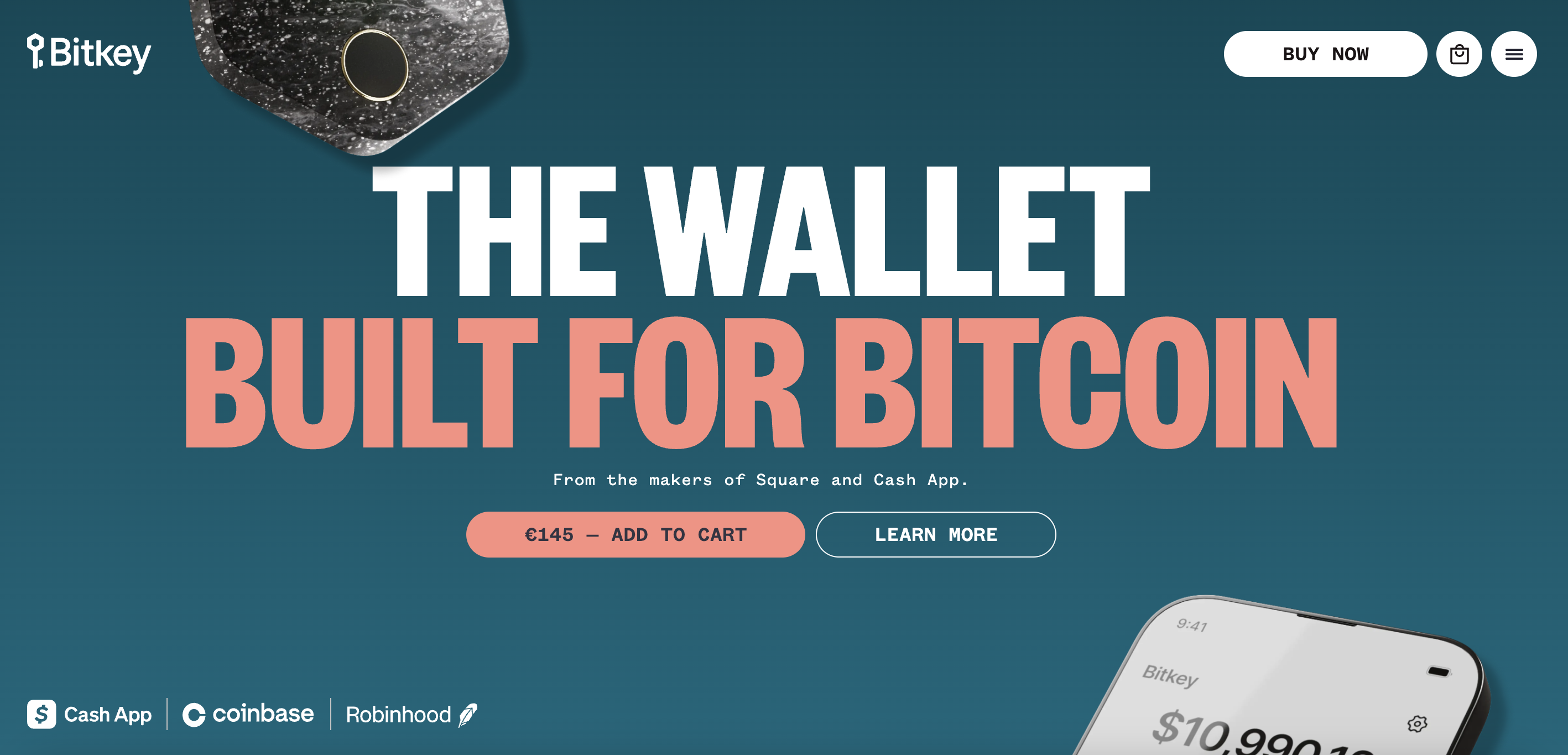
Bitkey represents Block's approach to making Bitcoin storage accessible to everyday users through a three-part system combining hardware, mobile app, and cloud-based recovery. You get the security of a hardware wallet without the complexity that often intimidates newcomers. The platform focuses exclusively on Bitcoin, streamlining the experience by avoiding the confusion of multiple crypto options.
The system uses a 2-of-3 multi-signature setup with keys split between the hardware device, mobile app, and Block's servers. Social recovery allows trusted contacts to help restore access if you lose your device. The hardware wallet connects via Near Field Communication (NFC) to your smartphone, eliminating cables and complicated setup procedures. Inheritance planning features help transfer Bitcoin to beneficiaries.
Pros
-
Simplified setup process removes technical barriers
-
Social recovery system prevents permanent fund loss
-
NFC connectivity eliminates connection hassles
-
Inheritance features address long-term planning needs
-
Block's reputation provides user confidence
Cons
-
Bitcoin-only support limits cryptocurrency diversification
-
Requires ongoing trust in Block's infrastructure
-
Social recovery depends on reliable, trusted contacts
-
Higher cost than basic software wallet alternatives
-
Limited availability in international markets initially
- Bitcoin
- English
RockWallet
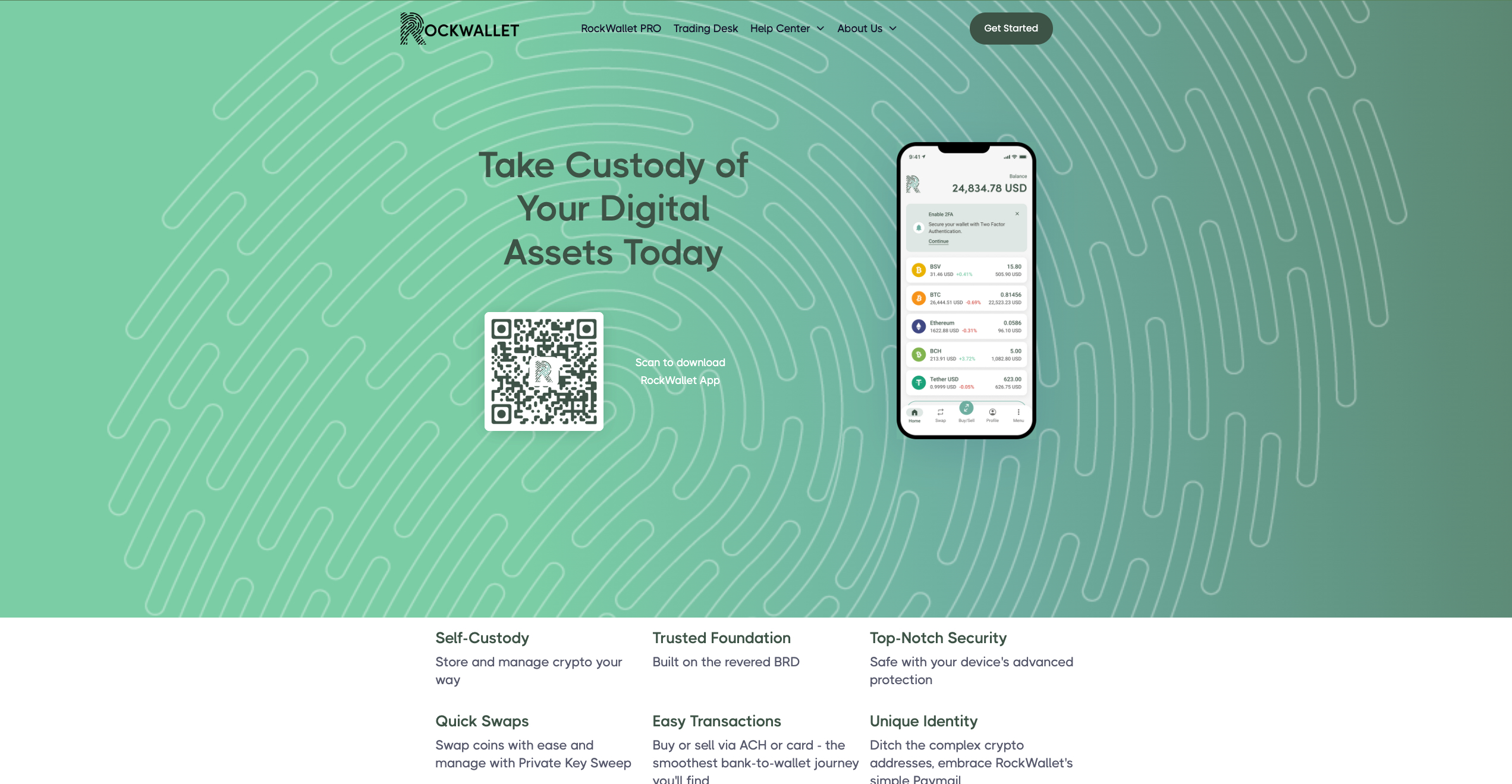
RockWallet focuses on providing straightforward crypto access for American users through a mobile-first platform with traditional banking integration. You can connect your bank account directly to buy, sell, and store popular cryptocurrencies without navigating complex exchange interfaces. The platform emphasizes regulatory compliance and user-friendly design over advanced trading features, making it suitable for people who want basic crypto functionality with familiar banking-style operations.
The wallet supports major cryptocurrencies, including Bitcoin, Ethereum, and Litecoin, with direct bank account linking for purchases. ACH transfers allow fee-free deposits from connected bank accounts. Built-in price tracking helps monitor portfolio performance, while the mobile app provides core wallet functions, including sending, receiving, and storing coins.
Pros
-
Direct bank account integration simplifies funding
-
Fee-free ACH deposits reduce transaction costs
-
Regulated US operations provide legal compliance assurance
-
Simple interface suitable for crypto newcomers
-
Mobile-focused design offers convenient access
Cons
-
Limited crypto selection compared to major platforms
-
US-only availability restricts international users
-
Basic feature set may disappoint advanced traders
-
Higher spreads on crypto purchases than on exchanges
-
Limited customer support options for problem resolution
- Bitcoin
- Ethereum
-
Tether
10
No result
- English
Kraken
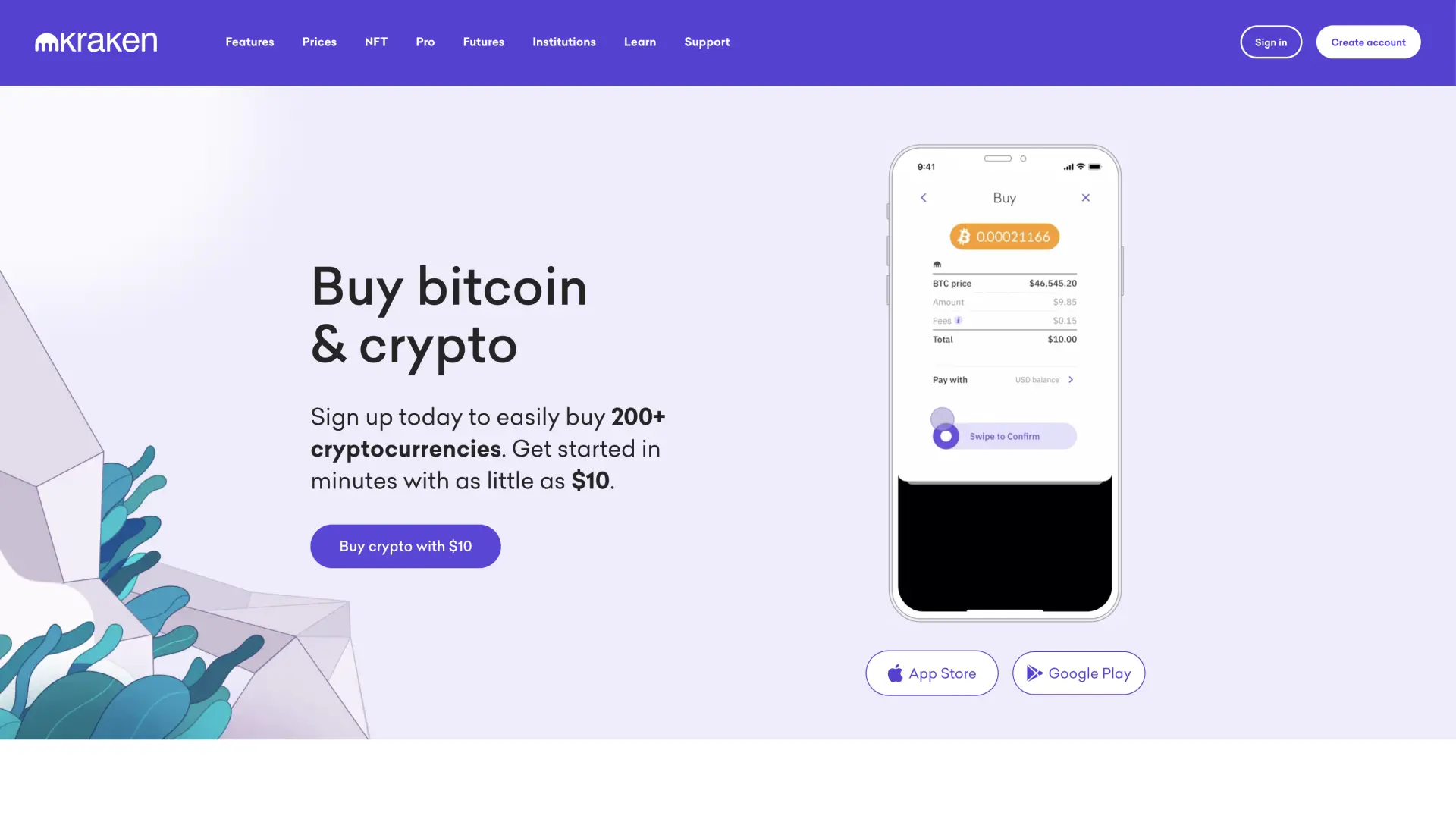
Kraken wallet is a non-custodial wallet for privacy-conscious users, a reputable exchange with strong security practices and DeFi integration.
Kraken Wallet operates as a self-custody solution separate from Kraken's main exchange platform, giving you complete control over your private keys while benefiting from the company's security expertise. You can interact with dApps and manage multiple cryptocurrencies without relying on centralized storage. The wallet targets users who understand the importance of self-custody but want the backing of an established crypto company.
It supports Bitcoin, Ethereum, and various ERC-20 tokens with full private key control. DeFi integration allows direct interaction with decentralized protocols for lending, borrowing, and yield farming. Multi-chain support includes popular networks beyond Ethereum, while hardware wallet compatibility works with Ledger and Trezor devices. Built-in portfolio tracking shows your holdings across different blockchains.
Pros
-
Self-custody design gives you complete fund control
-
Backed by Kraken's established security reputation
-
DeFi protocol integration for decentralized finance access
-
Multi-chain support covers popular blockchain networks
-
Hardware wallet compatibility enhances security options
Cons
-
Self-custody responsibility means no recovery assistance if keys are lost
-
Limited cryptocurrency selection compared to the main Kraken exchange
-
DeFi features may confuse users unfamiliar with decentralized protocols
-
No customer support for wallet recovery issues
-
Interface complexity exceeds basic storage needs
- Bitcoin
- Ethereum
-
Tether
83
No result
- Spanish
- English
-
French
4
No result
Zengo
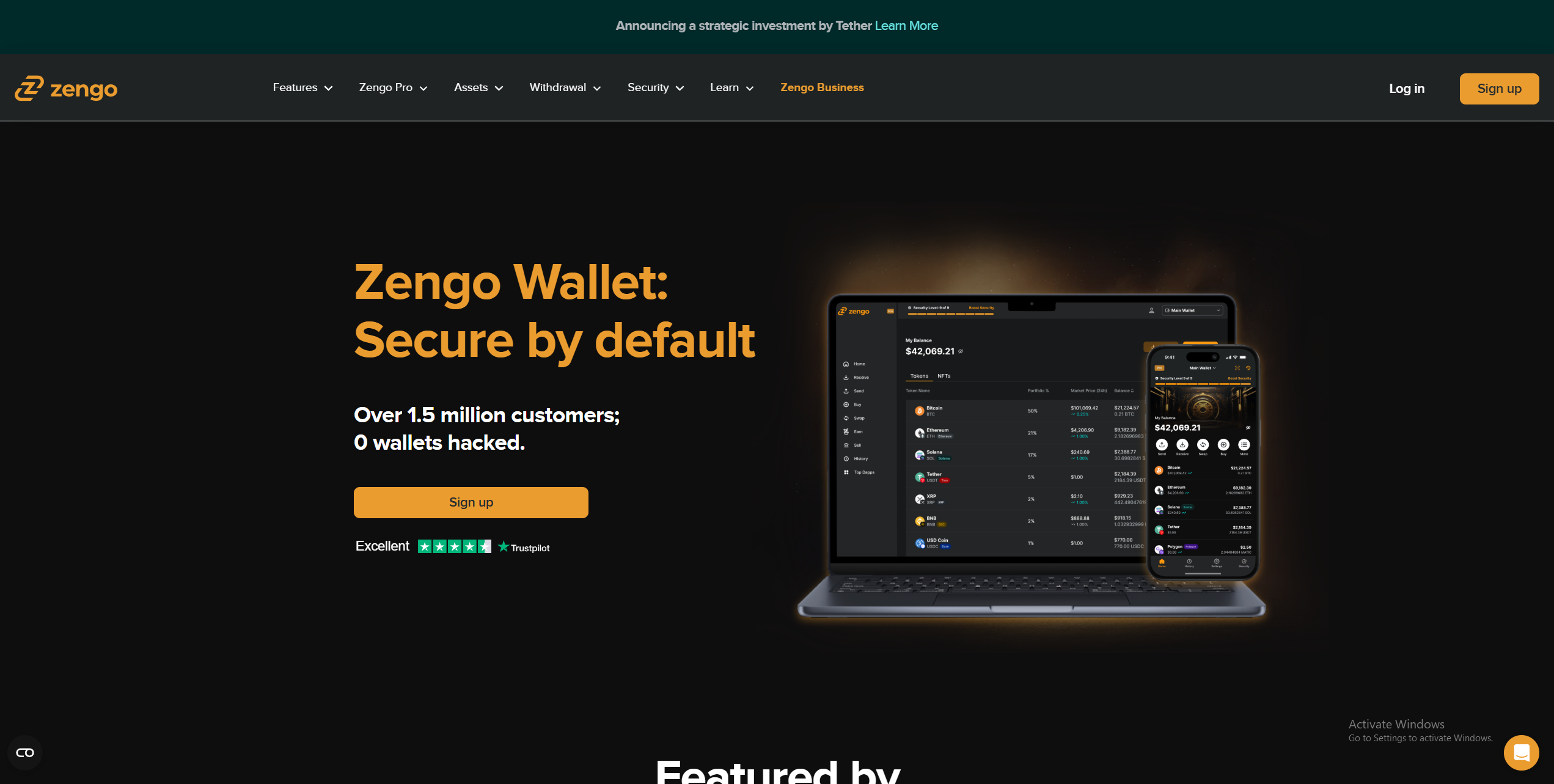
If you prefer to manage your crypto holdings on mobile devices, consider Zengo. It's well-suited to beginners thanks to its simple interface and straightforward recovery system. It's available as a mobile or web application to ensure widespread accessibility.
Instead of seed phrases, Zengo has opted for a three-stage recovery system consisting of email authentication, a cloud-based recovery file, and an optional 3D FaceLock to enhance security. Users also conduct swaps, stake ETH, and connect to DeFi products or dApps using the WalletConnect integration, making it highly versatile.
Zengo is free, but a $9.99 monthly subscription grants users access to priority support, multi-factor authentication (MFA), segregated wallets, and an inheritance tool. It supports 524 assets and serves over a million users, while its straightforward user experience makes it one of the best non-custodial wallets for beginners.
Pros
-
Beginner friendly
-
Simple recovery system
-
dApp connectivity
-
Basic trading and crypto staking capabilities
-
Available on mobile and desktop
Cons
-
Certain features require a premium subscription
-
Cannot be easily recovered with alternative software
- Bitcoin
- Ethereum
-
Tether
68
No result
- English
Uphold
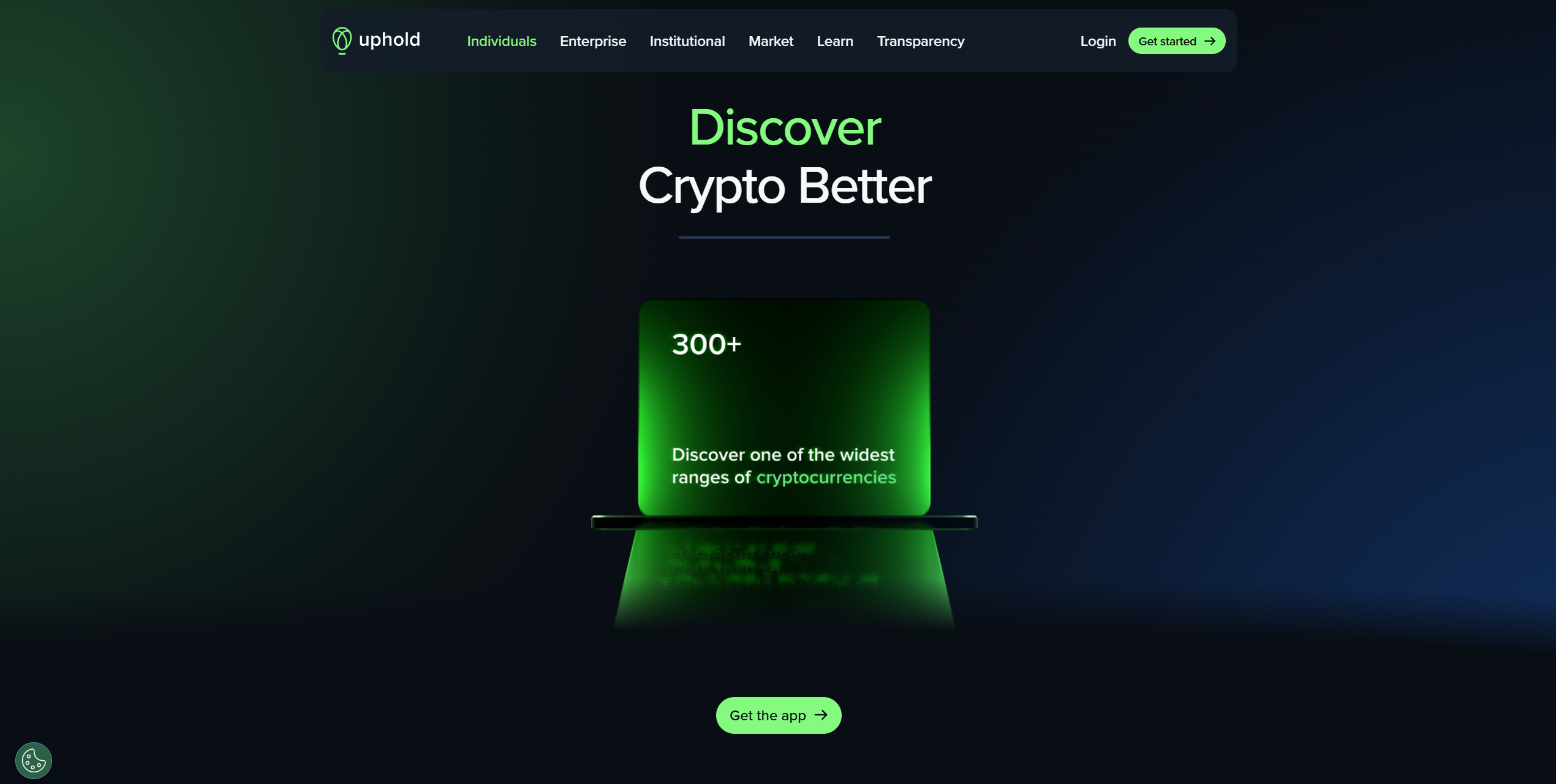
Uphold functions as a financial platform that lets you store and exchange cryptocurrencies along with traditional fiat currencies, precious metals, and other alternative investments. You can instantly convert between different asset types without going through multiple platforms or exchanges. The service targets users who want flexibility in managing diverse portfolios that span both traditional and cryptocurrency markets.
The platform supports over 250 cryptocurrencies plus fiat currencies from multiple countries, allowing instant conversions between any supported assets. Real-time settlement means transactions are completed immediately without waiting periods. The transparency dashboard shows exactly how your funds are held and backed. Social trading features allow you to copy successful traders' strategies automatically.
Pros
-
Instant conversion between crypto and fiat currencies
-
Wide selection of both traditional and cryptocurrency options
-
Transparent fund backing builds user confidence
-
Social trading capabilities for strategy copying
-
Real-time settlement eliminates transaction delays
Cons
-
Higher spreads on conversions reduce value compared to dedicated exchanges
-
Limited advanced trading tools for experienced traders
-
Customer support responsiveness varies by region
-
Platform complexity may overwhelm simple storage needs
-
Regulatory restrictions affect availability in certain jurisdictions
- Tether
- TrueUSD
-
USD Coin
144
No result
- English
Coinbase
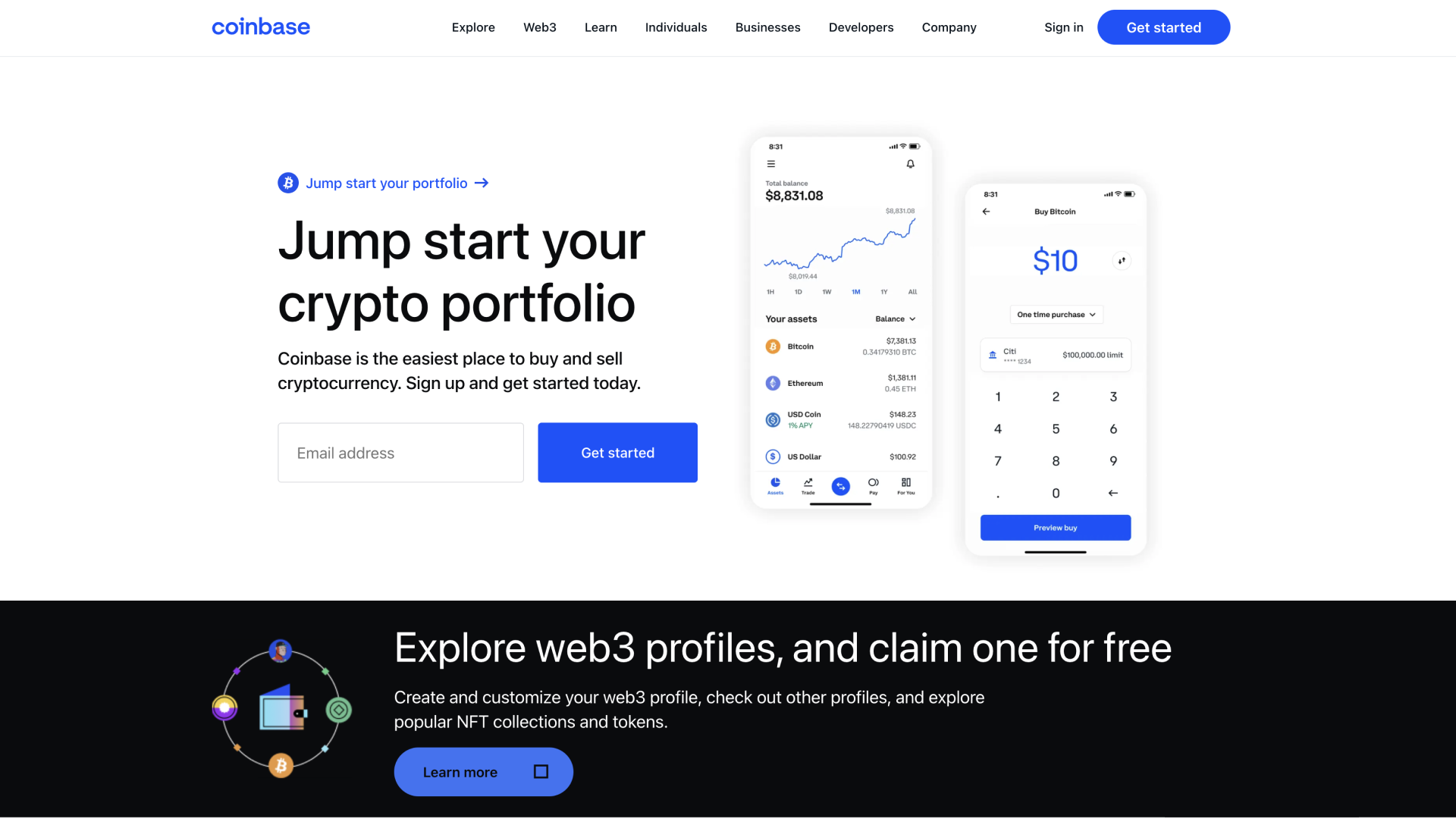
Base App represents Coinbase's evolution of its original wallet into an all-in-one platform that combines crypto storage with social networking features. You can manage your coins and collectibles while participating in a creative economy where content creation gets rewarded. The platform bridges traditional crypto wallet functions with modern social app experiences, targeting users who want both financial tools and community interaction in one application.
The app stores cryptocurrencies, non-fungible tokens (NFTs), and DeFi positions across multiple blockchain networks including Bitcoin, Ethereum, and Solana. Built-in buying, swapping, staking, and minting capabilities eliminate the need for external services. USDC rewards provide passive income opportunities, while passkey backups simplify wallet recovery. Smart wallet technology offers sponsored transaction fees, and the platform supports millions of tokens across popular networks.
Pros
-
Integration with Coinbase's established ecosystem and reputation
-
Social features combine finance with community interaction
-
Supports extensive cryptocurrency and NFT collections
-
Multiple payment methods available in over 120 countries
-
Simplified backup process using modern passkey technology
Cons
-
Platform transition may confuse existing Coinbase Wallet users
-
Social networking focus might not appeal to privacy-conscious users
-
Dependency on Coinbase's infrastructure creates centralization concerns
-
New app format is still in beta development
-
Less suitable for users wanting pure wallet functionality
- Bitcoin
- Ethereum
-
Tether
68
No result
- English
What is a Non-Custodial Wallet and Why It Matters
If you’ve spent much time reading crypto wallet guides and researching the various types of wallets, you’ll likely have heard about non-custodial or self-custody wallets.
“Not your keys, not your coins” is used to highlight how only the person/entity with control over a wallet’s private keys truly owns the funds it contains. While the issuer of a custodial wallet controls the keys, non-custodial wallets provide users with complete control and ownership of their keys.
Non-custodial wallets are entirely private; no intermediary/issuer can approve transactions on behalf of users. Recoverability is also a significant benefit. Using the seed phrase, you can restore your non-custodial wallet with any compatible software, even if it differs from the one used to create the wallet, contributing to versatility.
Custodial vs. Non-Custodial: What is the Difference?
There are two main types of crypto wallets: non-custodial vs custodial. Both provide similar functionality, allowing users to receive, store, and send cryptocurrency in a secure environment. However, there are key differences that dramatically alter effective use cases for each type.
- Custodial Wallet: A custodial wallet is suitable for beginners, as they don’t have to manage a seed phrase, which can compromise their wallet if stored improperly. They’re typically accessed/recovered using login credentials. Strong trading functionality is typical, but users don’t technically own assets stored custodially.
- Non-Custodial Wallet: Custodial wallets are controlled entirely by users. They have access to the seed phrase, but cannot recover the wallet if it becomes lost. They offer enhanced privacy and control, while providing complete ownership of assets they store. However, exposing your seed compromises your wallet, so secure storage is essential.
For the majority of users, we recommend setting up a secure non-custodial wallet. They offer robust protection, connectivity with Decentralized Applications (dApps), privacy, and superior private key control compared to custodial alternatives. However, beginners may prefer a custodial wallet due to their simple setup and recovery processes.
What is the Core of Self-Custody Crypto Storage?
Before choosing the best non-custodial wallet for your needs, it’s beneficial to understand how private keys and seed phrases work when transacting. They’re both critical to a non-custodial wallet’s security, so understanding these concepts puts you in a strong position to use a non-custodial wallet effectively.
Think of a public key as an identifier that can be shared safely, and a private key as a verification measure comprised of a string of numbers that proves ownership of a wallet by signing a transaction.
Unfortunately, private keys are not designed to be readable by humans. They consist of 256 numbers, making them difficult to remember, backup, or input into wallet software. If you misrecord your private key, you could lose access to your wallet, making private keys ineffective for daily use.
Seed phrases, otherwise called mnemonic phrases, make crypto wallets usable in day-to-day life. They’re 12, 18, or 24-word strings that you can easily write down to create a backup or input into wallet software. Your seed or recovery phrase provides complete access to a wallet’s funds, so secure storage is essential.
Hot Wallets vs. Cold Wallets: Which is the Best Storage Option?
If you’ve decided on using a hot wallet to store your crypto, then you’ll need to pick between a hot/software wallet and a cold/hardware wallet. There are pros and cons to each option. While hot wallets are convenient and ideal for dApps, cold wallets offer superior seed phrase security.
Hot Wallets (Software/Online): Speed and Web3 Access
Hot wallets are virtual crypto wallets that are directly connected to the internet. They come in various forms, including exchange wallets (custodial), mobile apps, browser extensions, and desktop downloads, ensuring convenient access regardless of the device or operating system you use.
Hot wallets are ideal for accessing Decentralized Finance (DeFi) products, as they integrate services like WalletConnect, which most dApps support. A good strategy is to store a small amount of funds in a hot wallet for trading or DeFi, while keeping the bulk in cold storage to balance convenience and safety.
While they’re highly convenient, hot wallets are inherently less secure than cold wallets because they’re internet-connected and therefore susceptible to digital threats, like phishing attacks or malware. That said, hot wallets are typically free and boast strong security, making them versatile choices. Some popular wallets include Zengo, MetaMask, and Trust Wallet.
Cold Wallets (Hardware/Offline): The Gold Standard for Long-Term Security
While hot wallets prioritize convenience, cold wallets focus on safety above all else. They’re physical devices with specialized hardware to enhance security. They utilize offline storage for private keys, making them resistant to network attacks. Cold wallets are typically managed using a phone or computer.
Some safety measures commonly integrated into hardware wallets include security chips and anti-tamper mechanisms, which protect against compromise attempts. To maximize your long-term security, there’s no substitute for a hardware wallet. Look for options like Tangem, which are affordable, have EAL6+ security chips, and a simple recovery system.
Best Non-Custodial Wallets: Comparison and Recommendations
Selecting the best non-custodial wallet is challenging. There are many options to choose from, and not all of them will suit your particular use cases. Below, we outline some of the top choices and provide a comparison table to help people quickly compare how each stacks up.
| Brand Name | Wallet Type | Security Features | Supported Crypto | Backup and Recovery | Staking Support | Cost |
|---|---|---|---|---|---|---|
| Tangem Wallet | Cold | EAL6+ security chip, 25-year warranty, audited, no external connectivity, PIN system | 5,000+ | Cards come in multi-packs, providing redundancy, seedless | Yes | $54.90 to $160 |
| Bitget Wallet | Hot | Multi-Party Computation, $300 million protection fund, encryption | 1 million+ | Seed phrase | Yes | Free |
| SafePal S1 | Cold | EAL6+ chip, air-gapped, open-source, self-destruct mechanism, passphrase | Thousands of tokens on 200+ blockchains | Seed phrase | Yes | $49.99 |
| Uphold Wallet | Hot | Regulated, private key encryption, employee background checks, and regular audits | 325 | Username and password | Yes | Free |
| Zengo Wallet | Hot | MPC, seedless, create segregated wallets, Multi-Factor Authentication | 1000+ | Email authentication, recovery file, 3D FaceLock (optional) | Yes | Free ($9.99 monthly premium subscription) |
| Binance Wallet | Hot | MPC, self-custody, risk detection, technical audits | Thousands of assets on 34 networks | Quick Backup, recovery password | Yes | Free |
| Trezor Safe 3 | Cold | EAL6+ security chip, PIN/passphrase systems, TOR routing | 7,000+ | Seed phrase, multi-share backup (split seed into multiple shares) | Yes | $79 |
| eToro | Hot | Encryption, client/customer fund segregation, threat detection system, 2FA, multi-sig wallet | 39 | Username/Password | Yes | Free |
| Cypherock X1 | Cold | Audited by Keylabs, open-source, EAL6+ secure element | 18,000+ | Seed phrase, multi-sig (2 of 4 cards required for recovery) | Yes | $129 |
| Coinbase Wallet | Hot | End-to-end encryption, biometric/PIN locks, and Secure Enclave tech | 5000+ | Private Keys, 12-word recovery Phrase | Yes | Free |
Next-Generation Wallets (MPC & Smart Contract)
Multi-Party Computation (MPC) wallets split private keys into multiple shares, which are stored across several devices, eliminating the need for seed phrase storage and any single point of failure. As such, they’re excellent for beginners. They’re convenient, and there’s no chance of accidentally exposing your seed phrase.
When a user initiates a transaction, the key shares associated with an MPC wallet communicate off-chain to sign/approve the transaction without ever exposing the entire key, resulting in a safer overall storage environment and making MPC wallets an excellent alternative for seed phrase recovery.
MPC wallets are the future of crypto security. Some big names are already entering the space, including:
- Binance Web3 Wallet: The Binance MPC Wallet is available as a mobile app or browser extension. It supports dozens of networks and enables straightforward connections to dApps. Users can bridge assets across networks, swap tokens, and earn rewards on certain assets, while its use of MPC keeps it beginner-friendly and secure.
- Bitget Web3 Wallet: Like Binance, Bitget’s Web3 MPC wallet is available as a mobile app and browser extension. It includes a perpetual trading system with up to 150x leverage, a fiat on-ramp, a dApp browser, and crypto staking functionality, making it an excellent all-around option and particularly effective for traders.
Alternatively, smart contract wallets are another non-custodial option. They exist entirely on the blockchain and are not governed by private keys. They’re not as popular as MPC or traditional non-custodial wallets. However, they enable the automation of specific tasks and support multi-signature setups, requiring multiple approvals to confirm a transaction.
How to Set Up Your Non-Custodial Wallet
If you’re new to cryptocurrency or have previously stored your assets on a centralized exchange (CEX), setting up and securing your non-custodial wallet can be daunting. However, we’ve outlined the process in step-by-step format and provided actionable tips to help our readers get started.
Step 1: Choose a Wallet
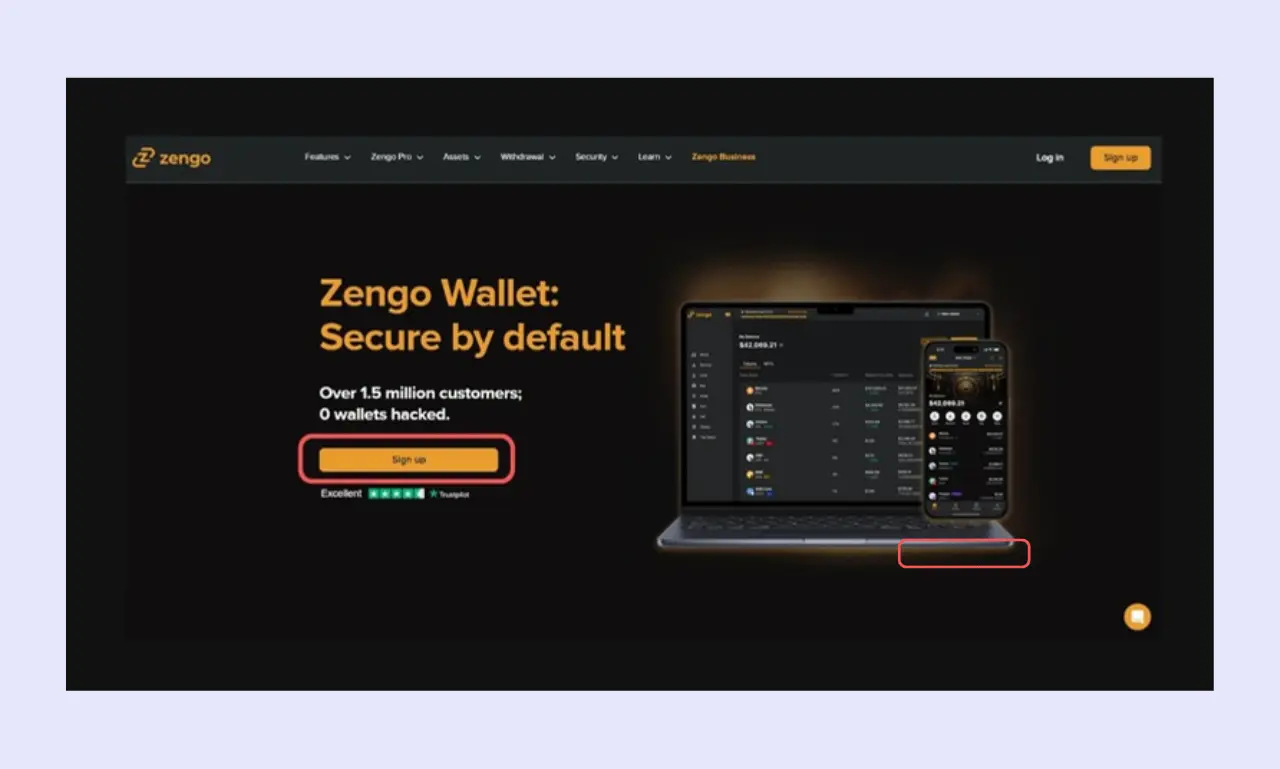
The first step is arguably the most important. You must select a non-custodial wallet that matches your requirements. It’s advisable to consider what you want a wallet for. For example, long-term storage or interacting with dApps. Once you understand your goals, it’s much easier to select a relevant wallet.
- Hot wallets, such as Zengo and the KuCoin Web3 Wallet, are best suited for traders, mobile users, and those who want to temporarily store assets securely.
- Cold wallets, such as Tangem and the SafePal S1, are ideal for long-term storage and those who prioritize security over convenience.
Step 2: Complete the Initial Setup Process
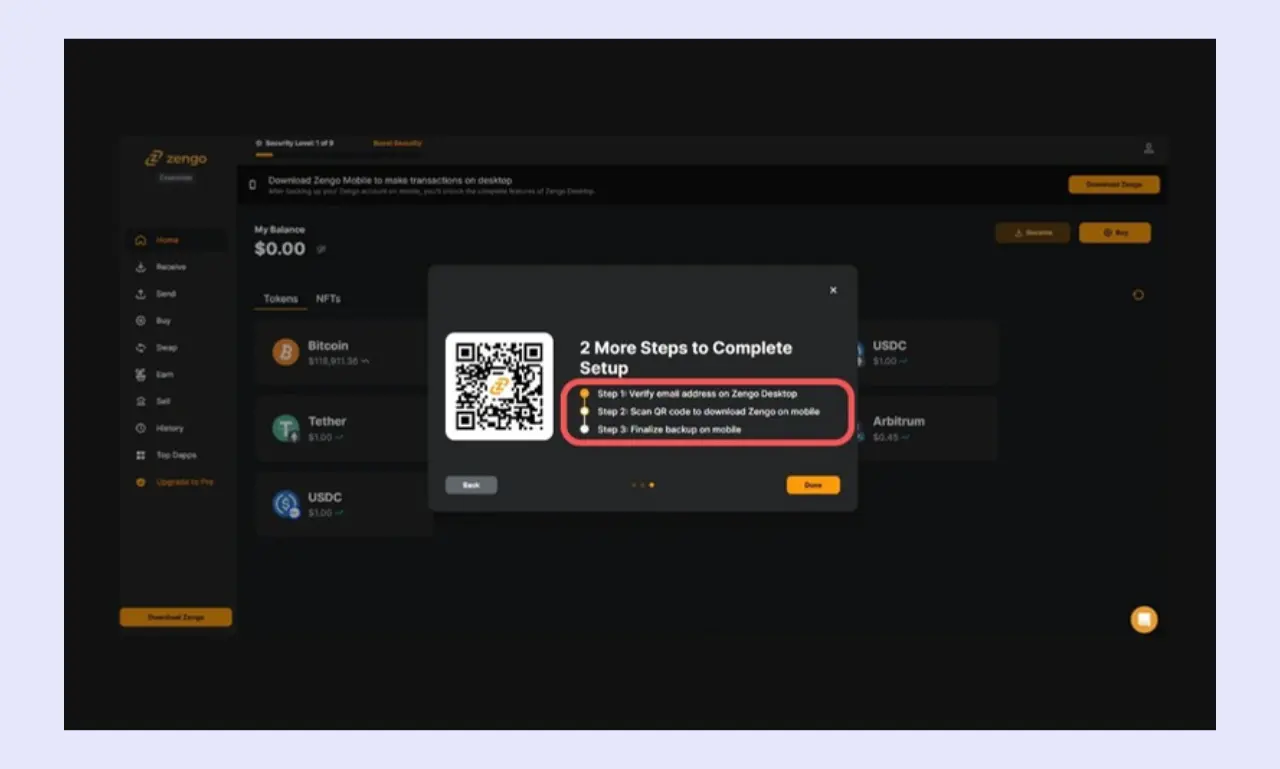
Once you’ve chosen a particular wallet, you’ll need to complete the setup process. It’s typically straightforward and requires you to follow simple on-screen instructions.
The process will differ slightly depending on which wallet you’re using, but the flow is typically as follows: Agree to the terms and conditions, import an existing wallet or create a new one, back up your seed phrase, confirm your seed, and the wallet is ready.
If you misrecord or lose your seed phrase, you may be unable to recover your wallet or access the funds it contains. Therefore, you should store your seed phrase carefully. Create multiple backups and store some off-site in a convenient, secure location. Never reveal your seed, even to friends and family.
Step 3: Enhance Security
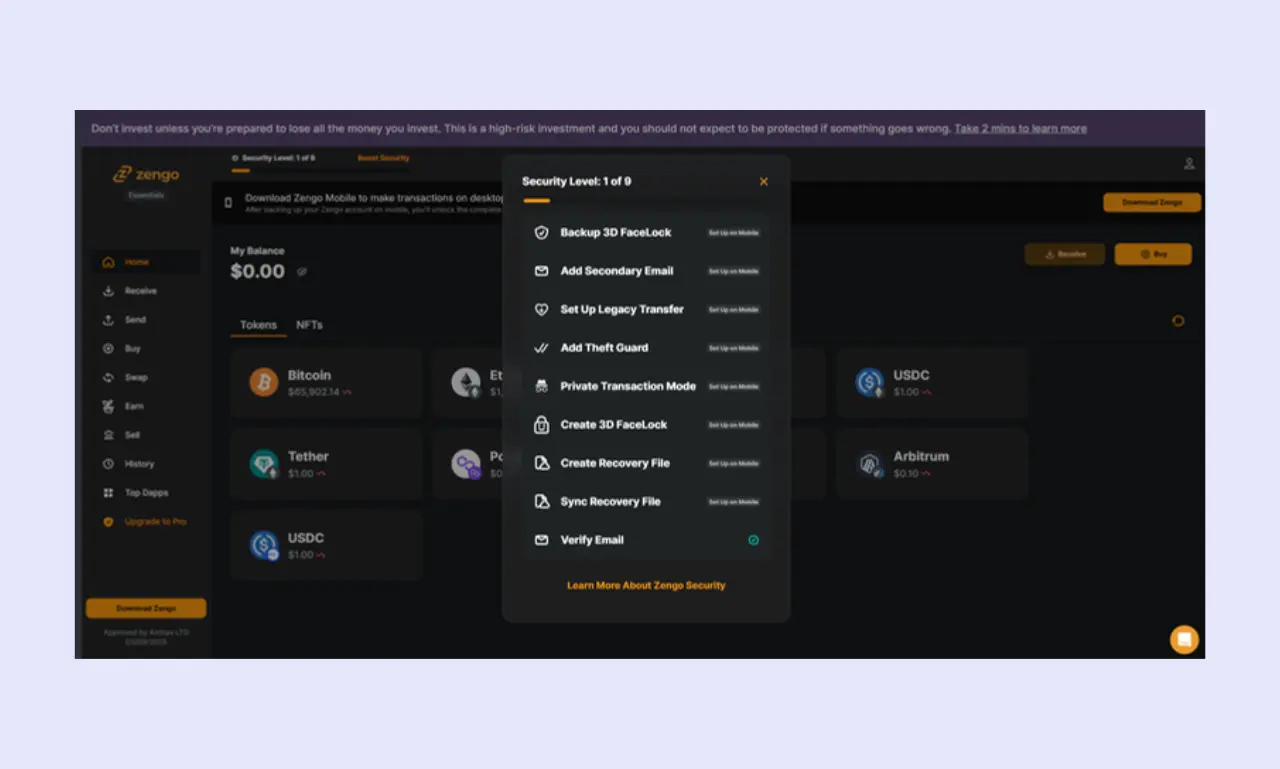
Don’t make the mistake of assuming your wallet is as secure as possible after completing the initial setup process. There are usually additional settings that can be enabled to further protect your assets.
You should typically set up every extra security feature that doesn’t significantly negatively impact convenience or the user experience. PIN systems, biometric security, Two-Factor Authentication (2FA), and optional wallet recovery settings are typical among the best non-custodial wallets.
Step 4: Deposit Funds
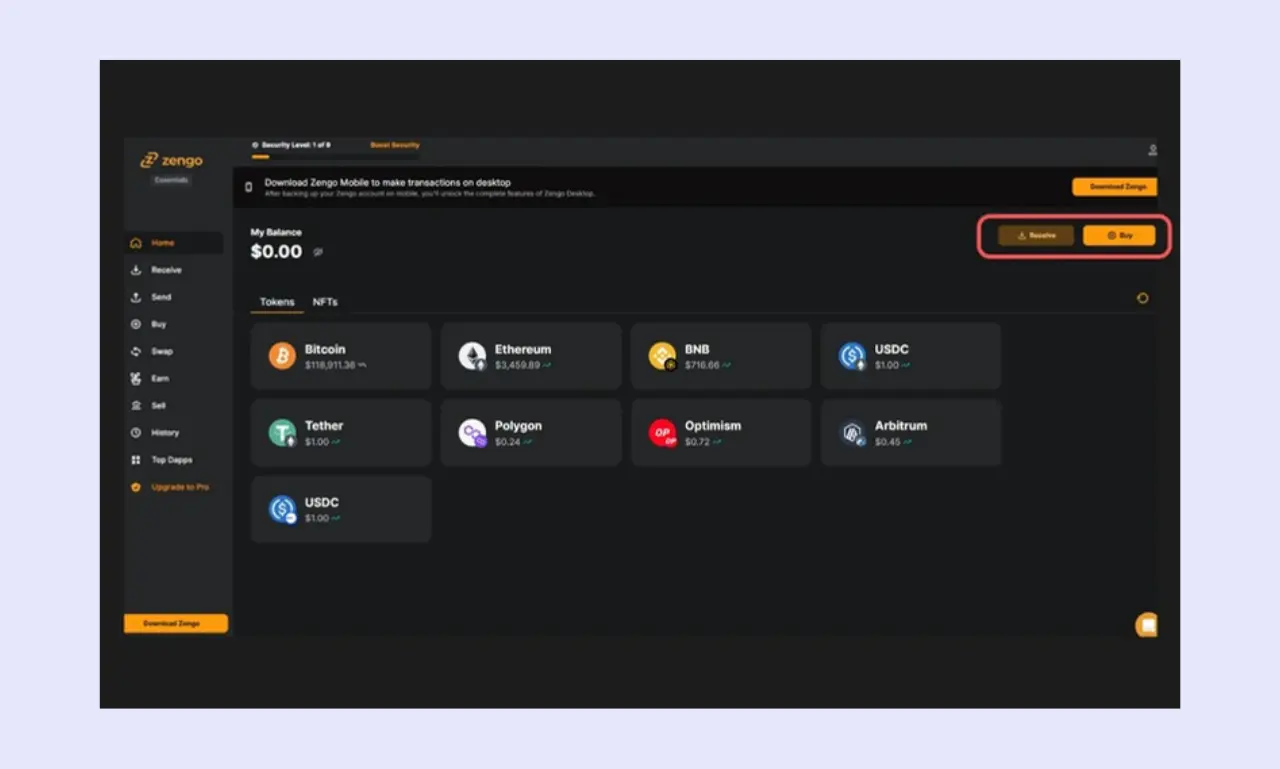
Once your wallet is set up and secured, you can deposit your assets for storage or transacting. It’s essential that you deposit your crypto using the correct network and wallet address. For example, if you send TRC-20 (Tron) assets to an ERC-20 (Ethereum) address, they will be lost.
Consider setting up multiple wallets to enhance your security. If you connect to dApps using the same wallet you use to store all your investments, you’re vulnerable to malicious smart contracts. Instead, keep long-term assets in one wallet (ideally a cold wallet) and keep another for trading/dApp interactions.
How to Secure Your Non-custodial Wallets
These are the proven ways to secure your non-custodial wallets.
Seed Phrase Management
Anyone with a wallet’s seed phrase backup can recover it and all the funds it contains, so it’s essential to follow best practices for storing your seed phrases.
A common crypto security mistake is storing your seed phrase digitally, such as in a text file or screenshot. While this approach can feel convenient, it leaves you vulnerable to digital attacks and makes recovery challenging should your device become broken.
Instead, opt for physical storage methods, like pen and paper or a metal seed phrase storage device. The former costs almost nothing and is ideal for creating multiple backups, while the latter, which costs around $50, is resistant to fire and water damage.
You should also take care to input your seed phrase responsibly. Only ever access it in private to ensure nobody can see it. Ideally, you should never enter it online; if you have to, ensure you’re using a legitimate platform. Hardware wallets with displays are the safest devices for seed management.
Understand the most Important Security Practices for Hot Wallets
If you’ve opted for a non-custodial hot wallet, then it’s crucial to familiarize yourself with best practices for wallet security.
Always enable 2FA where available, because it adds an extra layer of protection to your wallet. You should also set up anti-phishing codes on communications and utilize strong, unique passwords, as data breaches can sometimes expose sensitive information, like passwords, which can be catastrophic if you use the same password everywhere.
Learning about common scams can help you avoid falling victim to them. For example:
- Phishing: Bad actors commonly create fake versions of legitimate platforms. A good tip for wallet phishing prevention is to verify the URL is correct and navigate to any platform you regularly access using bookmarks. You should also avoid clicking sponsored search results, as phishing sites are often promoted this way.
- Social Engineering: Scammers will pose as notable figures in the cryptocurrency or investing space, such as Elon Musk or Adam Beck, strike up a conversation, and attempt to get you to send funds that they claim they’ll repay. Remember, genuine influential figures will never message you first.
- Recovery Phrase Theft: Another common method of compromising wallets is seed phrase theft. Attackers attempt to persuade you to enter a seed phrase to recover your wallet or access trading features, often framing it as a typical dApp connection. Never input your seed unless you’re recovering a wallet using genuine software.
In Conclusion
- Not all self-custody wallets are equal. You should consider whether a hot or cold wallet better suits your requirements.
- Learning about common crypto scams can help you spot and prevent them.
- Always ensure that your wallet supports the assets you wish to store and the networks you want to use.
- Your seed phrase is crucial for recovering a non-custodial wallet; keep it safe and secure.
- You can still lose your funds with a non-custodial wallet. Follow security best practices to enhance your wallet’s protection.
FAQ Section
Do non-custodial wallets charge fees?
Non-custodial wallets are typically free, but there are fees to be aware of. Certain wallets, like Zengo, lock specific features behind a premium subscription. You should also expect to pay transaction fees when sending crypto and swap fees when trading it.
Is a software wallet safe enough for long-term storage?
While software wallets can be secure over extended periods, there’s no substitute for a hardware wallet when it comes to long-term storage. They require physical access to manage funds, protecting against digital attacks. Specific hardware wallets, such as Tangem, are specifically designed to securely store crypto for extended periods.
Can I use one non-custodial wallet for all my cryptocurrencies?
Many non-custodial wallets support thousands of assets, as they allow users to store all cryptocurrencies created using specific token standards, such as ERC-20 assets. However, not every non-custodial wallet supports the same assets, so it’s advisable to double-check ahead of time if you need to store specific cryptocurrencies.