Best Wallets for Solana in 2026 – Staking, dApps & Top Security Reviewed

- When you click links on this page, we may earn an affiliate commission. By using this website you agree to our terms and conditions and privacy policy.
- Participation in online gambling may be illegal in your country and is subject to age restrictions (18, 19, or 21, depending on the jurisdiction). Verify legality and age requirements before participating. Learn more
Phantom is highly rated as the best wallet for Solana in 2026, but others, such as eToro or Uphold, offer the same level of security for your investments. Unlike Other cryptocurrencies, Solana has carved out its place with low transaction fees, fast processing times, and a thriving environment for smart contracts and decentralized applications (dApps).
To take full advantage of what the network offers, you need a wallet that aligns with your goals, be it active trading, long-term holding, or participation in decentralized finance (DeFi) and non-fungible tokens (NFTs).
This guide covers everything you need to know about the best wallets for Solana, based on several key factors like security features, native staking support, ecosystem access, ease of use, and compatibility with Solana-specific features such as SPL tokens and NFTs.
Best Solana Crypto Wallet Summary
- The best Solana crypto wallets are eToro Wallet, Safepal, Uphold Wallet, Binance, Bitget, Zengo Wallet, and Tangem
- Choose the best Solana wallet depending on your personal goals and requirements. There are wallets built on the Solana chain and others that are not
- Do not store your seed phrase digitally because anyone with your seed phrase can recover your wallet, so secure storage is essential
- Most Solana crypto wallets are free to you, and the most secure are hard wallets like Tangem, Trezor, or Safepal
- Solana has an active DeFi/dApp ecosystem, so wallets with Web3 connectivity are strong choices
- Not all wallets allow Solana staking, and if you want to stop staking Solana, there is an unbonding period to consider
- Assets built on the Solana network utilize the SPL token standard
Comparing the Top Wallets for Solana in 2026
| Brand Name | Wallet Type | Security Features | Supported Crypto | Backup and Recovery | Staking Support | Cost |
|---|---|---|---|---|---|---|
| Tangem | Cold | EAL6+ security chip, 25-year warranty, audited, no external connectivity, PIN system | 5,000+ | Cards come in multi-packs, providing redundancy, seedless | Yes | $54.90 to $160 |
| Bitget | Hot | Multi-Party Computation, $300 million protection fund, encryption | 1 million+ | Seed phrase | Yes | Free |
| SafePal S1 | Cold | EAL6+ chip, air-gapped, open-source, self-destruct mechanism, passphrase | Thousands of tokens on 200+ blockchains | Seed phrase | Yes | $49.99 |
| Uphold | Hot | Regulated, private key encryption, employee background checks, and regular audits | 325 | Username and password | Yes | Free |
| Zengo | Hot | MPC, seedless, create segregated wallets, Multi-Factor Authentication | 1000+ | Email authentication, recovery file, 3D FaceLock (optional) | Yes | Free ($9.99 monthly premium subscription) |
| Binance | Hot | MPC, self-custody, risk detection, technical audits | Thousands of assets on 34 networks | Quick Backup, recovery password | Yes | Free |
| eToro | Hot | Encryption, client/customer fund segregation, threat detection system, 2FA, multi-sig wallets | 39 | Username/password | Yes | Free |
Top Wallets for Solana in 2026
Safepal
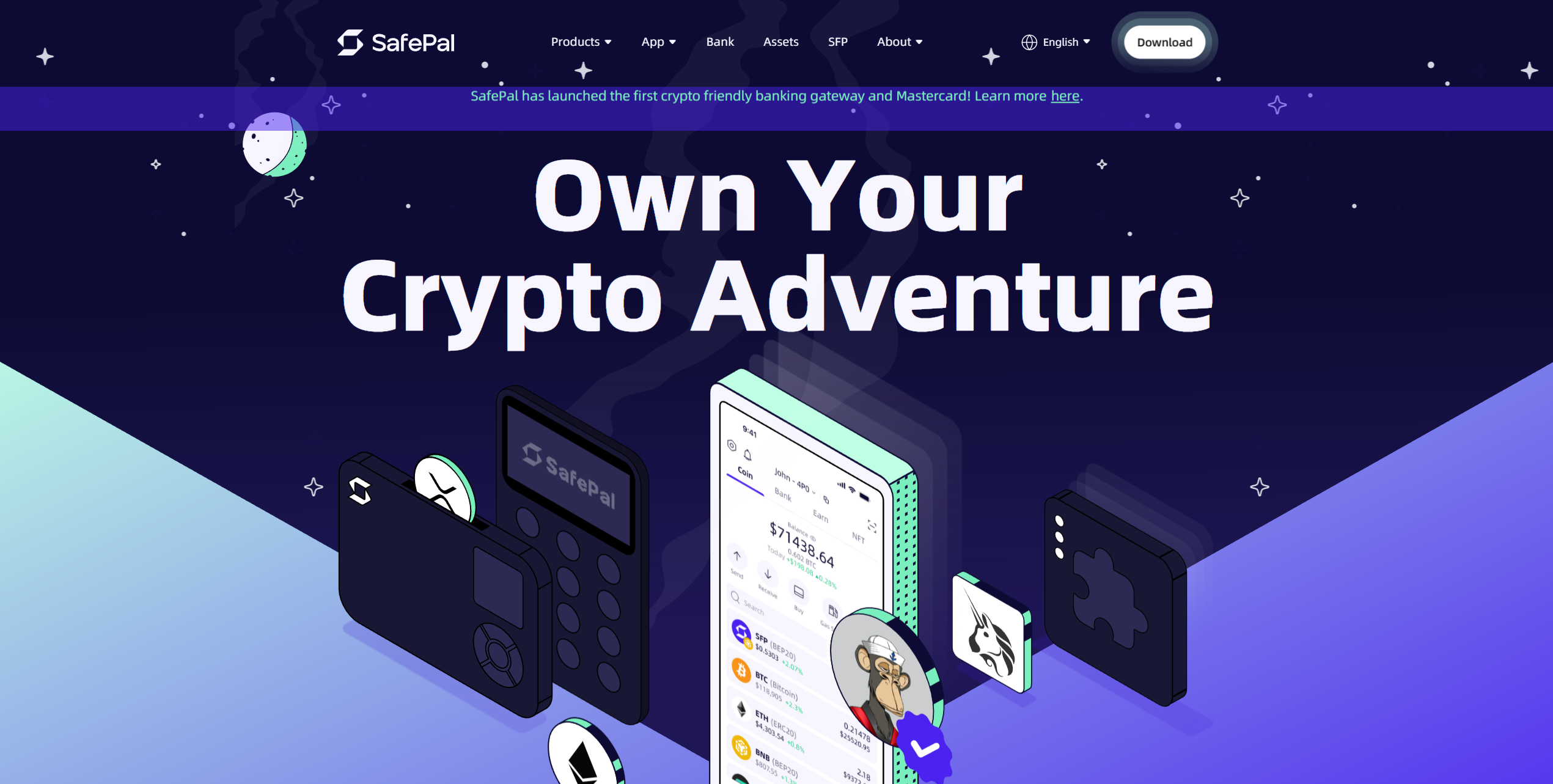
SafePal offers a unique dual approach by providing both hardware wallet devices and a mobile software wallet that work together seamlessly. You can store your cryptocurrencies offline on the hardware device while using the mobile app to interact with decentralized finance (DeFi) protocols and perform cross-chain transactions. The platform targets users who want maximum security without sacrificing convenience for daily crypto activities.
The hardware wallet operates completely air-gapped with no USB, Bluetooth, or WiFi connections, communicating through QR codes. The software wallet supports over 100 blockchains and thousands of tokens with built-in decentralized exchange (DEX) access. Cross-chain swap functionality allows you to trade between different blockchain networks, and the native SFP token provides fee discounts.
Pros
-
Air-gapped hardware design eliminates connection vulnerabilities
-
Supports multiple blockchain networks and token standards
-
Built-in DeFi access through the mobile application
-
Cross-chain trading without using multiple platforms
-
Affordable hardware wallet pricing compared to competitors
Cons
-
QR code communication can feel slow for frequent transactions
-
Software wallet security depends on mobile device protection
-
Limited customer support channels for troubleshooting
-
The hardware wallet screen is smaller than other premium alternatives
-
Learning curve for users unfamiliar with QR-based transactions
- Bitcoin
- Ethereum
-
Tether
89
No result
- English
- German
-
Spanish
12
No result
Tangem
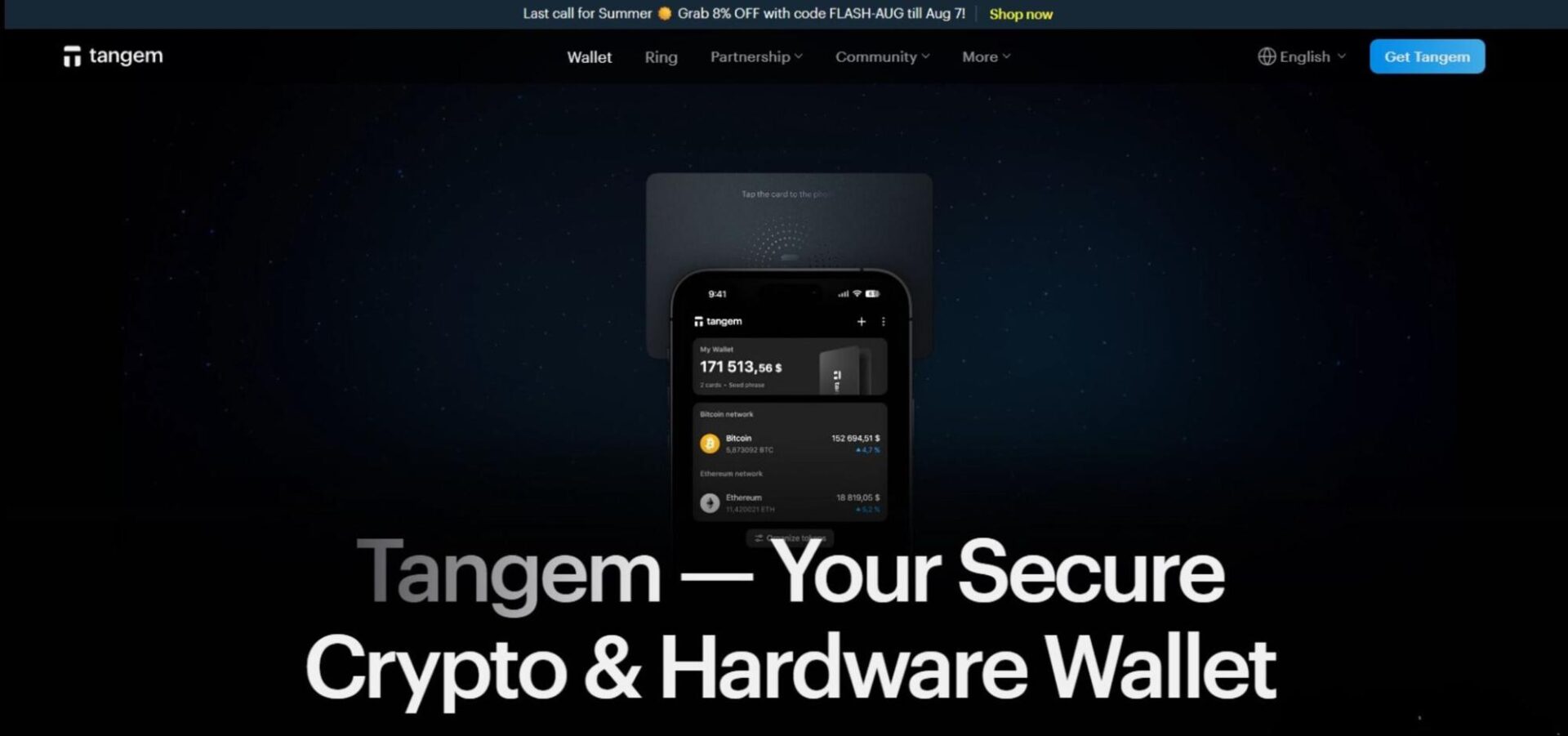
Tangem could be perfect. The credit card-style cold storage solution can easily fit into a wallet for transport, but it doesn’t sacrifice security. Tangem’s most significant advantage is using NFC, which enables a 25+ year lifespan with no battery, enhancing security and portability.
Tangem’s core security is focused on the microcomputer chips embedded in each card. They’re EAL6+ rated, indicating top-level security and audited by two firms, including Kudelski Security. The chips generate a random private key entirely offline. As Tangem Wallets come in multi-packs, users have a backup even if they lose a card. The two-card set costs $54.80, while the three-card option is $69.90. Users can also purchase a bundle containing two cards and a ring for $150. With support for over 13,000 cryptocurrencies and zero hacks between 6+ million devices across seven years, Tangem Wallet offers phenomenal cryptocurrency security.
Pros
-
Support for 13,000+ cryptocurrencies
-
25+ year life span
-
No battery or recharging system
-
EAL6+ certification
-
Seed phrase (optional) and card-based recovery options
-
Audited by multiple third-party firms
Cons
-
Must be connected to a phone to manage the wallet
-
Each wallet stores the whole seed, not keyshares like MPC wallets.
- Bitcoin
- Ethereum
-
Tether
70
No result
- English
- German
-
French
3
No result
Kraken
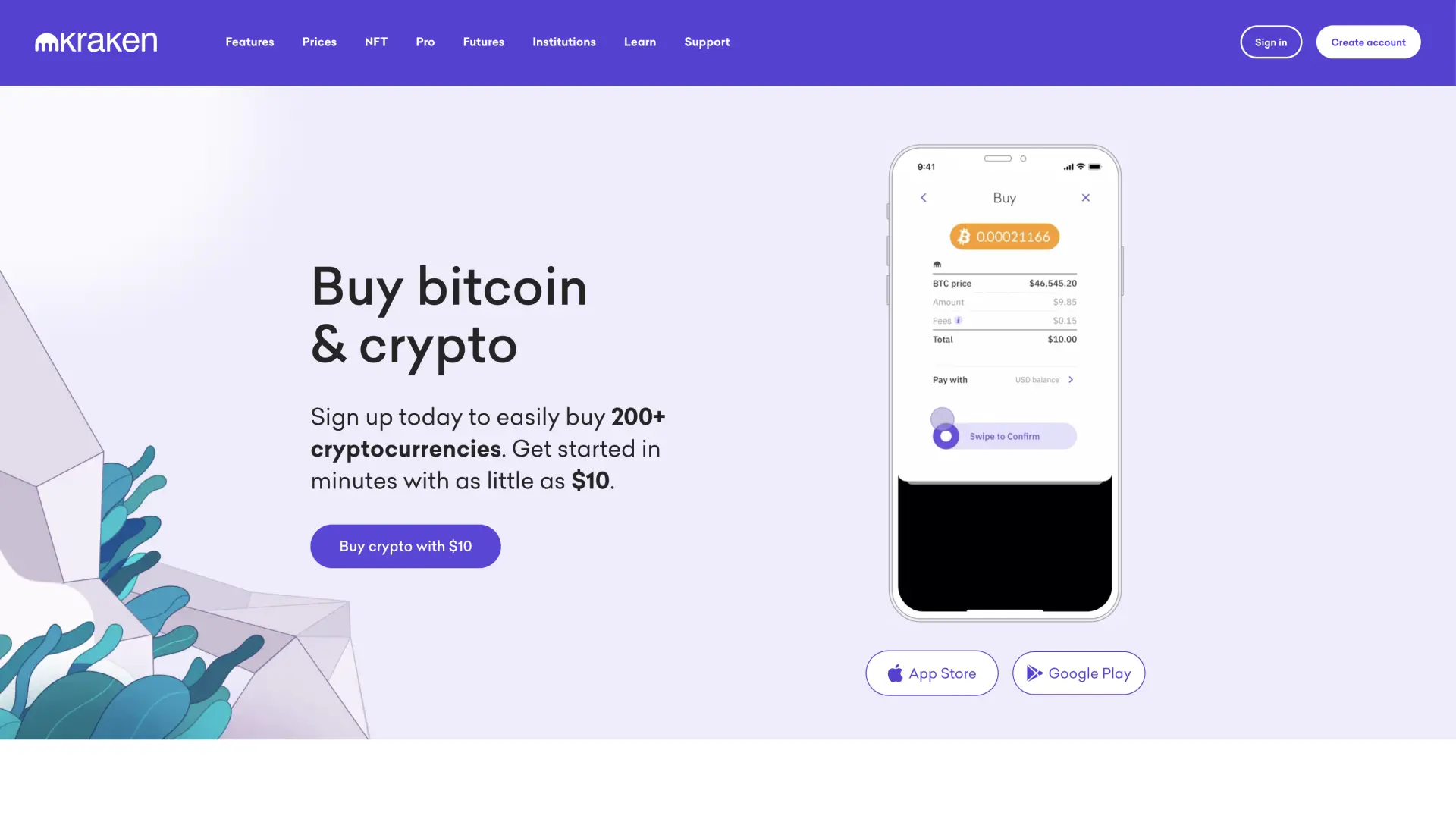
Kraken wallet is a non-custodial wallet for privacy-conscious users, a reputable exchange with strong security practices and DeFi integration.
Kraken Wallet operates as a self-custody solution separate from Kraken's main exchange platform, giving you complete control over your private keys while benefiting from the company's security expertise. You can interact with dApps and manage multiple cryptocurrencies without relying on centralized storage. The wallet targets users who understand the importance of self-custody but want the backing of an established crypto company.
It supports Bitcoin, Ethereum, and various ERC-20 tokens with full private key control. DeFi integration allows direct interaction with decentralized protocols for lending, borrowing, and yield farming. Multi-chain support includes popular networks beyond Ethereum, while hardware wallet compatibility works with Ledger and Trezor devices. Built-in portfolio tracking shows your holdings across different blockchains.
Pros
-
Self-custody design gives you complete fund control
-
Backed by Kraken's established security reputation
-
DeFi protocol integration for decentralized finance access
-
Multi-chain support covers popular blockchain networks
-
Hardware wallet compatibility enhances security options
Cons
-
Self-custody responsibility means no recovery assistance if keys are lost
-
Limited cryptocurrency selection compared to the main Kraken exchange
-
DeFi features may confuse users unfamiliar with decentralized protocols
-
No customer support for wallet recovery issues
-
Interface complexity exceeds basic storage needs
- Bitcoin
- Ethereum
-
Tether
83
No result
- Spanish
- English
-
French
4
No result
Uphold
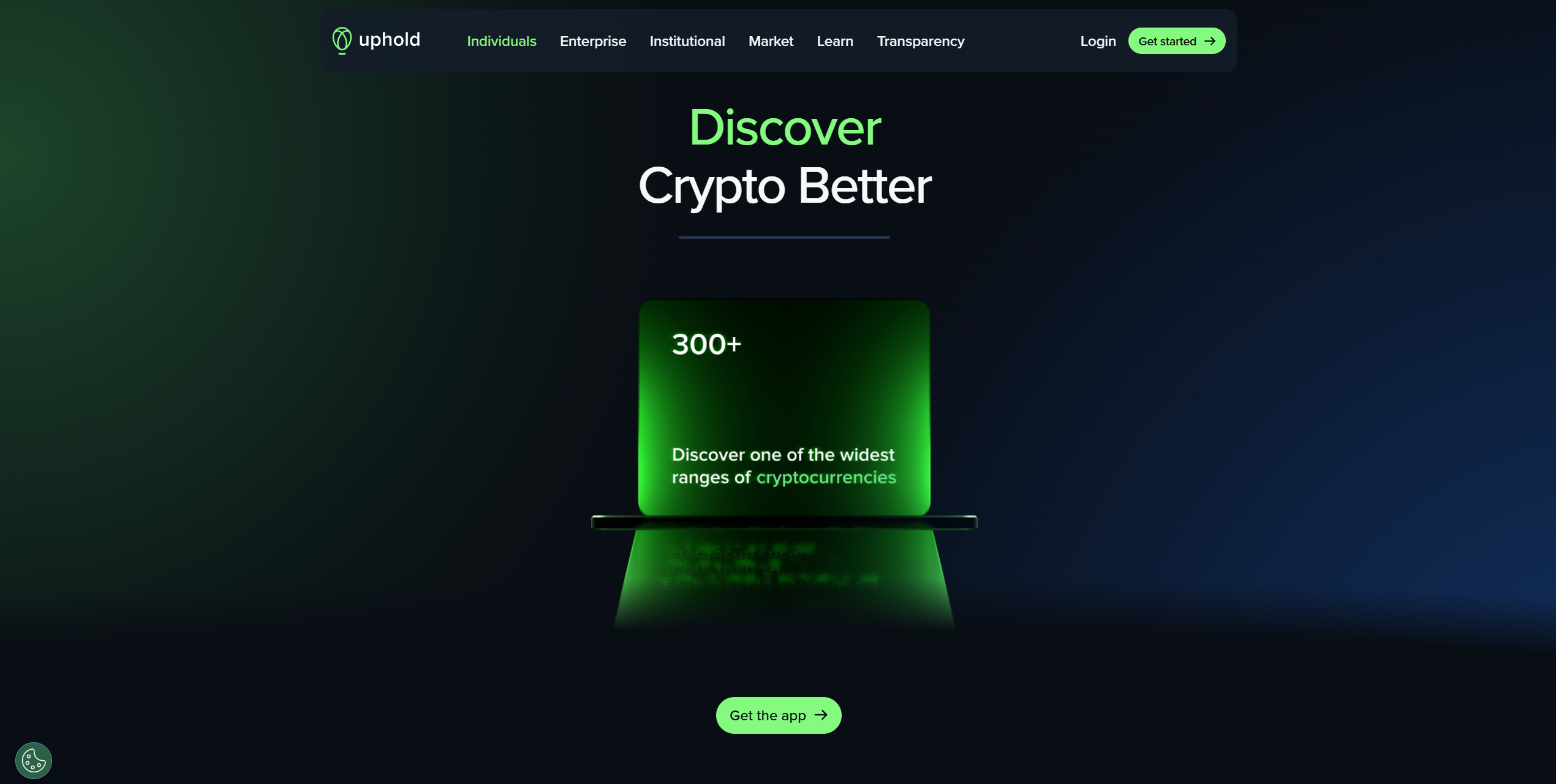
Uphold functions as a financial platform that lets you store and exchange cryptocurrencies along with traditional fiat currencies, precious metals, and other alternative investments. You can instantly convert between different asset types without going through multiple platforms or exchanges. The service targets users who want flexibility in managing diverse portfolios that span both traditional and cryptocurrency markets.
The platform supports over 250 cryptocurrencies plus fiat currencies from multiple countries, allowing instant conversions between any supported assets. Real-time settlement means transactions complete immediately without waiting periods. The transparency dashboard shows exactly how your funds are held and backed. Social trading features allow you to copy successful traders' strategies automatically.
Pros
-
Instant conversion between crypto and fiat currencies
-
Wide selection of both traditional and cryptocurrency options
-
Transparent fund backing builds user confidence
-
Social trading capabilities for strategy copying
-
Real-time settlement eliminates transaction delays
Cons
-
Higher spreads on conversions reduce value compared to dedicated exchanges
-
Limited advanced trading tools for experienced traders
-
Customer support responsiveness varies by region
-
Platform complexity may overwhelm simple storage needs
-
Regulatory restrictions affect availability in certain jurisdictions
- Tether
- TrueUSD
-
USD Coin
144
No result
- English
Coinbase
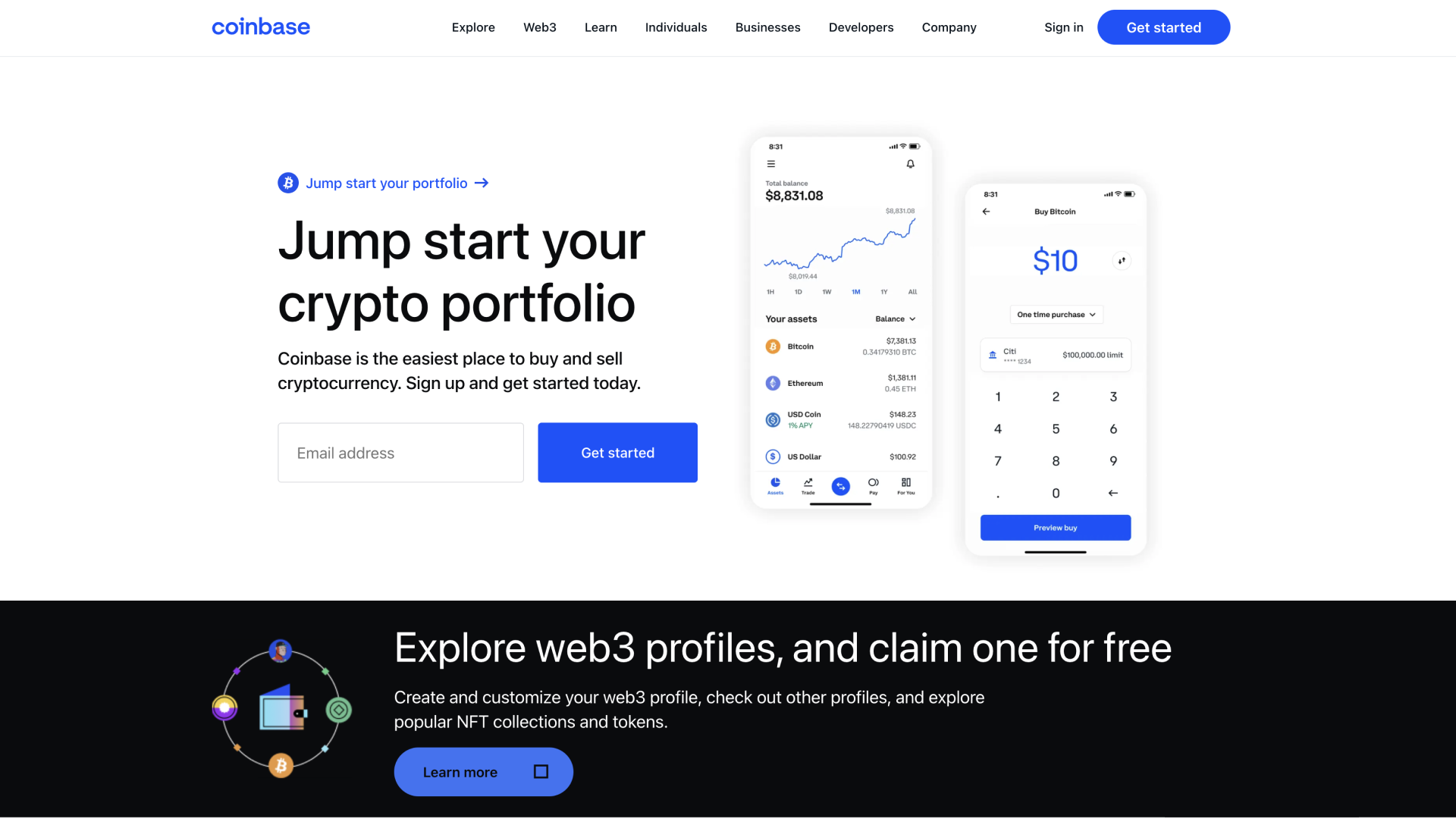
Coinbase is a widely known crypto exchange and storage solution that tens of millions of users trust. Tier-1 authorities, including the FCA and FinCEN, regulate Coinbase, thereby enhancing security and providing users with better recourse options.
Users can store Solana and 315 other cryptocurrencies on Coinbase. Moreover, a straightforward fiat on-ramp is available alongside a toggle between the standard and 'Advanced' modes, which boast TradingView charts and derivatives for users in eligible regions. Users can also stake their Solana to earn interest over time.
Coinbase also operates a standalone wallet with Web3 connectivity that supports Solana. As such, Coinbase can suit general traders and investors, but not those seeking advanced security features or a non-custodial option.
Pros
-
Regulated crypto platform
-
User-friendly Interface
-
Supports Solana staking
-
Trusted by millions of people globally
-
Standard and advanced modes
-
Supports a reasonable number of cryptocurrencies
Cons
-
KYC is required on Coinbase
- Bitcoin
- Ethereum
-
Tether
68
No result
- English
Trezor
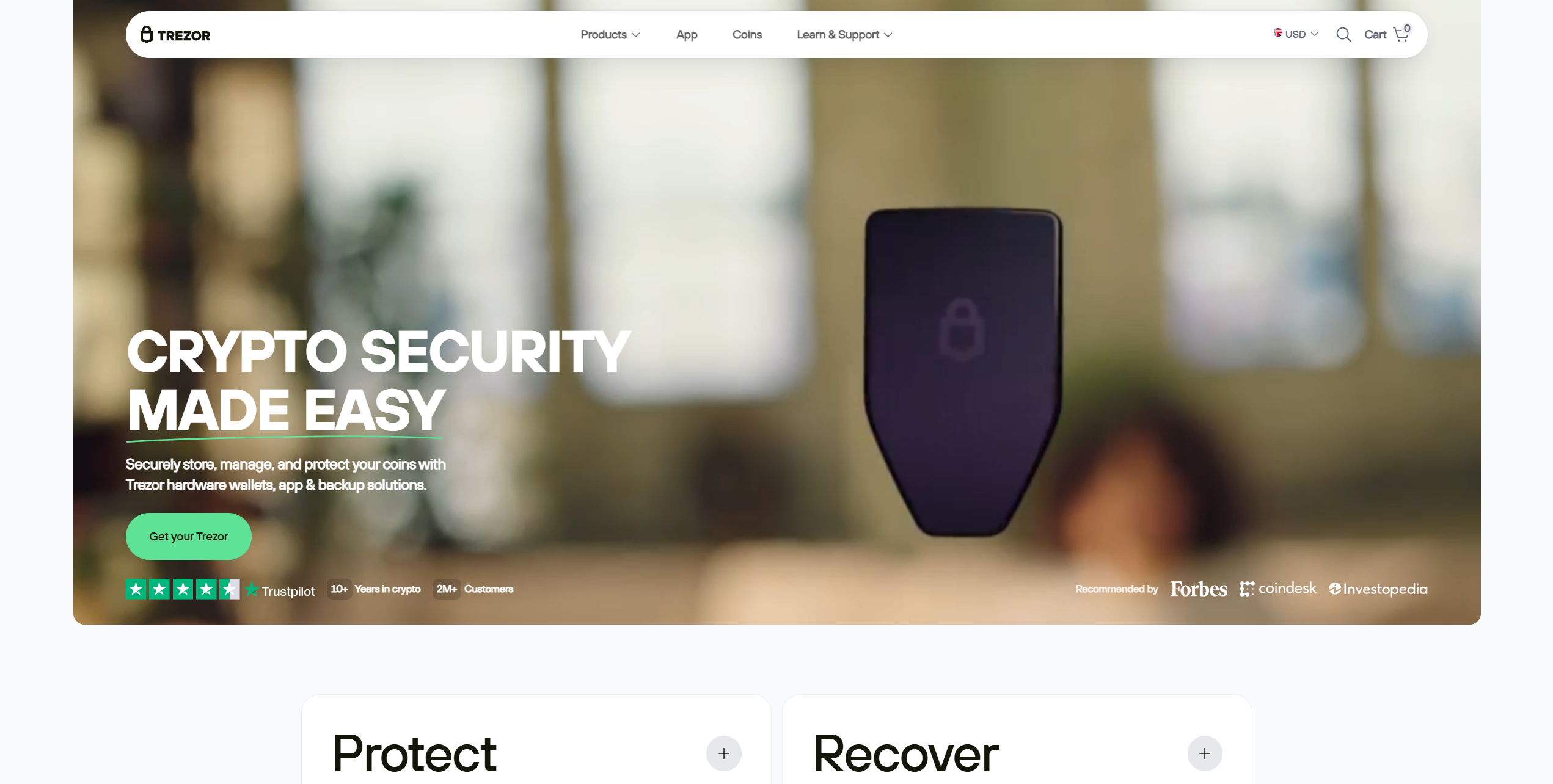
You're not restricted to Ledger devices if you want to benefit from the security a hardware wallet offers. Trezor offers a range of highly popular hardware wallets with open-source security, broad asset support, and a pocket-friendly design. However, they lack iOS support, which limits their usability for iPhone owners.
The Trezor Safe 3 is an affordable and powerful hardware wallet, priced at $79 and featuring an EAL6+ security chip. It features a small 0.96-inch screen with two navigation buttons. Users have USB-C connectivity, support for thousands of assets, and an optional PIN system to enhance security.
The Trezor Model T is a premium alternative. It features a 1.54-inch touchscreen but lacks an EAL-rated security chip, as it is an older model. Trezor devices come with a special system for splitting seed phrases into multiple 20-word shares for enhanced security.
Users manage Trezor devices via the Trezor Suite software. It's available for Android, Windows, macOS, and Linux. Moreover, it supports taking and trading, expanding Trezor's use cases. For general purposes, the Trezor Safe 3 is the best Trezor hardware wallet for Solana, thanks to its EAL6+ security chip.
Pros
-
Options for multiple budgets
-
PIN system improves security
-
Supports splitting seed phrases into multiple shares
-
Open-source security
-
Can trade and stake ADA via Trezor Suite
Cons
-
Trezor Model T has worse security than the Safe 3
-
Extremely limited iOS support (view-only)
- Bitcoin
- Ethereum
-
Tether
204
No result
- English
- Czech
Zengo
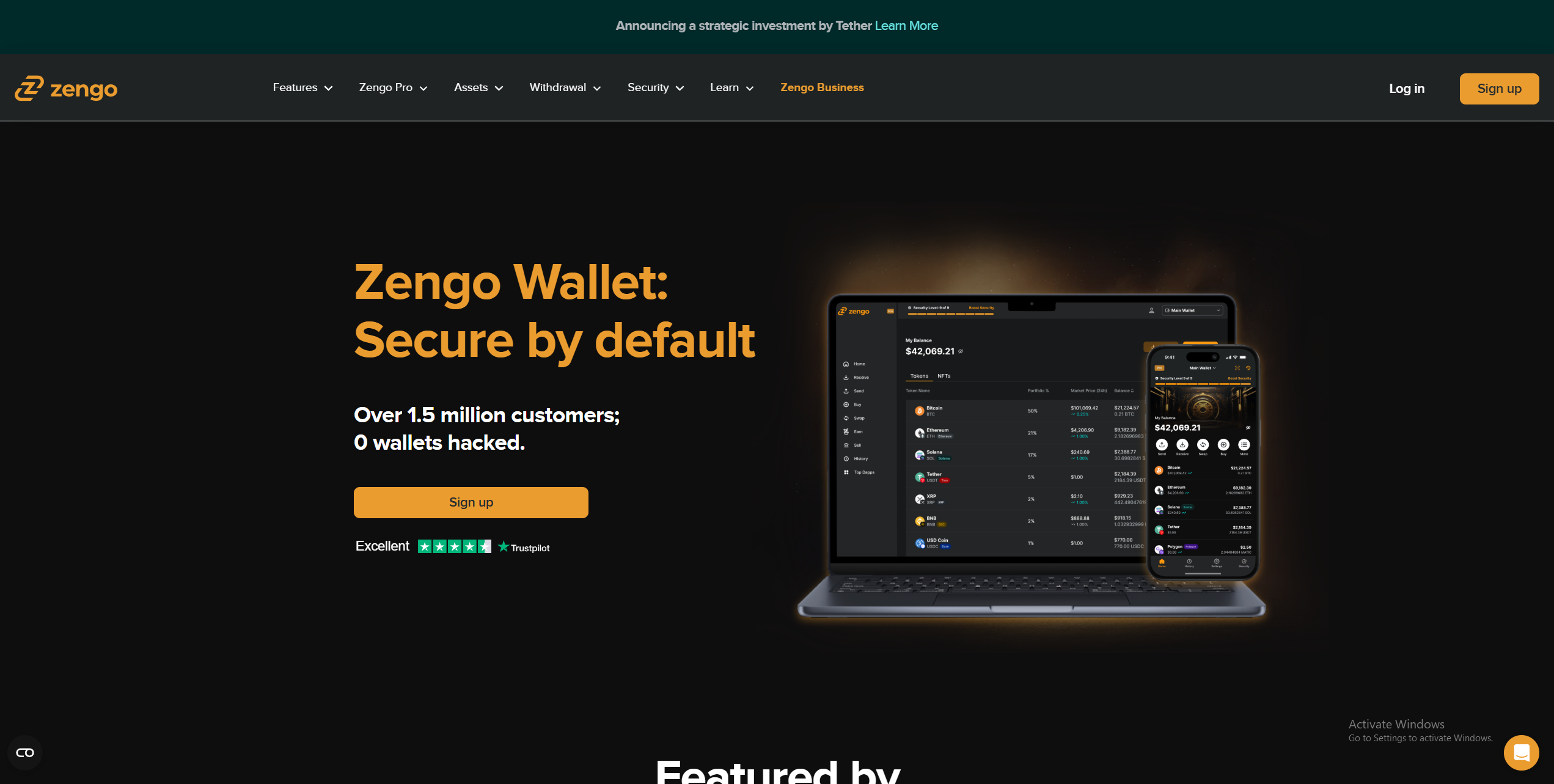
Zengo Wallet stands out as one of the best crypto wallets in 2025 by offering a unique keyless security model. Instead of relying on traditional seed phrases, Zengo uses Multi-Party Computation (MPC) combined with three-factor authentication, making it easier and safer to recover accounts without the risk of losing access.
This mobile-first wallet supports over 320 cryptocurrencies on multiple blockchains, catering to users who want a seamless experience without sacrificing security. Zengo also offers built-in features like crypto buying, selling, swapping, and staking, all accessible through a sleek and intuitive app interface. Additionally, Zengo provides fiat on-ramp and off-ramp services, making it convenient for users to convert between crypto and traditional money. While it doesn’t support desktop or browser extensions, its mobile security features, including biometric authentication and a Web3 firewall, position it as an excellent choice for everyday crypto management.
Pros
-
Keyless security with MPC and 3FA for safer recovery
-
Supports a wide range of cryptocurrencies
-
Integrated fiat on/off ramps and swapping
-
Easy-to-use mobile app with biometric security
-
Access to staking and dApps
Cons
-
Exchange fees can be relatively high
-
Limited staking options compared to competitors
-
No desktop or browser extension support
-
Not fully open source
- Bitcoin
- Ethereum
-
Tether
68
No result
- English
Technical Features Critical for Solana Holders

When choosing a Solana wallet, you should consider several technical factors that directly impact your experience. Below, I’ll explain staking capabilities, how network rent works, and support for different token types and NFTs.
Native Staking and Delegation
Solana uses a proof-of-stake (PoS) system, which means you can earn rewards just by holding and staking your SOL tokens. The process is simple: you delegate your tokens to a Solana validator who helps secure the network and process transactions. In exchange, you get a share of the rewards they earn.
Here’s how to stake Solana: you pick a validator based on factors like their track record, fees, and reliability. Your tokens stay in your wallet but get locked to that validator. Solana doesn’t require a huge minimum amount to start staking, though some wallets might have their own requirements.
You should also be aware of the unbonding period. If you decide to unstake your SOL, you’ll need to wait a few days (usually 2-4) before you can reaccess those tokens. During that time, you won’t be earning any rewards.
Many wallets let you stake directly without jumping through hoops.
Hot wallets with staking:
- Binance, Kraken, and KuCoin all support staking with different validator choices
- Bitfinex and Coinbase make it easy to delegate to validators
- Uphold and Bitget include staking with different reward options
- EXMO, Deepcoin, and Margex also offer staking functionality
Cold wallets with delegation:
- Tangem allows you to stake while keeping your hardware security intact
- SafePal integrates staking into its secure setup
It’s best to check if your chosen wallet supports native staking upfront so you don’t have to move funds around to another platform in case it doesn’t.
Understanding Solana Network Fees (Rent)
Solana’s fee structure works differently from many other blockchains, and it’s actually one of the network’s biggest advantages. The Solana gas fee for most transactions is incredibly low, usually just a fraction of a cent. This makes it practical to send small amounts or interact with dApps frequently without worrying about costs eating into your balance.
Yet, Solana has a unique concept called “rent” that you should understand. When you create an account or store data on the network, you need to maintain a minimum balance to keep that account active. Think of it as a deposit. If you keep enough SOL in your wallet to cover this rent-exempt minimum (typically around 0.00089 SOL per account), you won’t actually pay ongoing fees.
Here are Solana network fees explained in simple terms: transaction fees go to validators for processing your transfers, while rent helps prevent account clutter on the network. If your balance falls below the rent-exempt threshold, the network will gradually deduct SOL until the account is closed. Most wallets handle this automatically by warning you before your balance gets too low.
The wallets I’ve reviewed handle fees differently. Exchange-based hot wallets like Binance, Bitget, and Coinbase typically absorb or simplify these costs within their interface, so you won’t see the technical details. Dedicated Solana wallets and hardware options like Tangem or SafePal give you greater visibility into what you’re paying per transaction.
For everyday use, you’ll barely notice Solana’s transaction costs. Just make sure to keep a small buffer in your wallet beyond what you plan to spend or transfer.
Solana Token Standards and NFT Support
Solana uses its own Solana token standard called Solana Program Library (SPL), which is different from Ethereum’s ERC-20 or other blockchain standards. Any token built on Solana (be it a stablecoin, DeFi token, or meme coin) follows this SPL format. This standardization makes it easy for wallets to support all Solana-based tokens without special integrations for each one.
When it comes to NFTs, Solana has become a major player in the space. The network’s low fees and fast transactions make it popular for NFT creators and collectors. A good Solana NFT wallet needs to do more than just store your digital collectibles. It should display them properly with images and metadata, let you view collection details, and allow you to transfer or list them on marketplaces.
Not all wallets handle NFTs equally well. Hot wallets like Binance, Coinbase, and Kraken typically support SPL tokens without issues, but their NFT display features can be basic. Some focus more on trading functionality than on showing off your collection. Exchange wallets like KuCoin and Bitget also support SPL tokens, though NFT features vary.
Hardware wallets like Tangem and SafePal can securely store NFTs, since they’re just SPL tokens at the technical level. However, you may need to connect them to a desktop or mobile interface to view your NFT artwork and details.
If you’re active in the Solana NFT community, you’ll want a wallet that not only keeps your assets safe but also lets you interact with marketplaces and see your collection properly. Check whether the wallet integrates with popular Solana NFT platforms before committing to it.
Security Best Practices for Your Solana

Protecting your Solana wallet goes beyond just choosing secure hardware. Below, I’ll cover how to properly safeguard your recovery phrase and best practices for using hardware wallets safely with the Solana network.
Securing Your Seed Phrase
Your seed phrase is the master key to your Solana wallet. If someone gets access to it, they can drain your entire balance, and there’s no customer service to call for help. This 12 or 24-word phrase is how you recover your wallet if you lose your device or need to restore access.
Never store your seed phrase digitally. That means no photos on your phone, no notes in your email, no cloud storage, and definitely no password managers. Even if you think your device is secure, digital storage creates vulnerabilities. Hackers specifically target these locations because they know people store valuable information there.
The best approach is physical storage using metal. Paper can work temporarily, but it degrades over time and is vulnerable to water and fire damage. Metal backup solutions are inexpensive and can withstand extreme conditions. You can find stamped metal plates or engraved options that will last decades.
Store your metal backup in a secure location, like a safe or safety deposit box. Some people split their backup between two locations for extra security, though this adds complexity. Never share your seed phrase with anyone, even if they claim to be from technical support. Legitimate wallet providers will never ask for it.
If you’re using a hardware wallet like Tangem, ELLIPAL, or SafePal, write down your seed phrase during setup and immediately secure it. Don’t skip this step or postpone it. Your hardware device protects your private keys during transactions, but your seed phrase is what protects your long-term access to those funds.
Securing Hardware Wallet Interaction
Hardware wallets like Tangem, ELLIPAL, and BitBox give you strong security, but only if you use them correctly. The most important habit to develop is verifying every transaction on the device’s screen before confirming it. When you send SOL, the wallet will display the recipient address and amount. Take a few seconds to check that the address matches exactly what you intended.
This verification step protects you from malware that might alter addresses on your computer or phone screen. Even if your connected device is compromised, the hardware wallet displays the actual transaction details. If the addresses don’t match, reject the transaction immediately and investigate.
Another critical rule: keep your hardware wallet’s connection secure. Some devices like ELLIPAL are completely air-gapped, meaning they never connect to the internet directly. Others connect via USB or Bluetooth. If your device uses a wired or wireless connection, only plug it into trusted computers and keep your firmware updated through official channels.
Watch out for fake wallet apps and phishing sites. Always download wallet software from official sources and double-check URLs before entering any information. Scammers create convincing copies of legitimate wallet interfaces to trick you into approving malicious transactions.
When connecting your hardware wallet to interact with Solana dApps or NFT marketplaces, pay attention to what permissions you’re granting. Some platforms will ask for broad access to your wallet. If something feels off or requests more access than necessary, disconnect and research before proceeding.
Your hardware wallet is only as secure as your use of it. Building these verification habits takes a bit more time upfront, but protects you from costly mistakes down the line.
Final Thoughts
Selecting from the best Solana wallets depends on how you plan to use the network. For ecosystem access and active trading, KuCoin offers a secure Solana wallet with integrated dApps, NFTs, and cross-chain swaps. If you’re just starting out, Zengo is the best software wallet for Solana, thanks to its beginner-friendly interface and keyless security model, making it an excellent Solana mobile wallet. For long-term holders prioritizing Solana cold storage, Tangem provides durable hardware protection with straightforward recovery options.
If you want to know how to stake Solana with a wallet while maintaining security, consider options that support native staking, such as KuCoin for hot wallets or Tangem for hardware wallets. Choose a Solana staking wallet that balances your need for accessibility with your security requirements.
FAQ Section
What is the difference between a Solana "account" and a "wallet"?
On Solana, a wallet is your interface for managing assets, while an account is an on-chain address that stores tokens or data. Each account requires a small SOL balance to remain active due to Solana’s rent model. If your account balance falls below the rent-exempt minimum, the network gradually deducts SOL until it closes. Most wallets handle this automatically, but understanding the distinction helps you manage multiple accounts or token addresses properly.
How much does it cost to send Solana from one wallet to another?
Sending Solana typically costs a fraction of a cent, usually around 0.000005 SOL per transaction. This makes it one of the cheapest networks for transfers. The exact fee can vary slightly based on network activity, but it rarely exceeds a penny. You can check current fees within your wallet before confirming any transaction, or visit Solana blockchain explorers for real-time network statistics. These low costs make frequent transactions practical.
If I lose my phone, can I recover my Solana on a different wallet?
As long as you have your seed phrase, you can recover your Solana on any compatible wallet. The seed phrase is universal across wallets that support Solana, so you’re not locked into one specific app or device. Simply download a new wallet, select the recovery option, and enter your seed phrase. Your accounts and balances will appear exactly as they were. This is why protecting your seed phrase is critical for long-term access.
Can I use my Ledger/Trezor without using the official Solana desktop application?
You can use Ledger or Trezor with several third-party wallet interfaces instead of the official Solana desktop application. Popular options include Phantom and Solflare, both of which support hardware wallet connections and offer user-friendly interfaces for managing SOL and SPL tokens. These wallets let you interact with dApps, stake your tokens, and manage NFTs while keeping your private keys secure on the hardware device. The flexibility to choose your interface lets you pick software that best matches your needs.