Best Monero Wallets (2026): Top Private & Secure Picks

- When you click links on this page, we may earn an affiliate commission. By using this website you agree to our terms and conditions and privacy policy.
- Participation in online gambling may be illegal in your country and is subject to age restrictions (18, 19, or 21, depending on the jurisdiction). Verify legality and age requirements before participating. Learn more
Monero is a popular cryptocurrency due to its powerful privacy features. However, regulatory restrictions and the special privacy technology can make finding the best Monero wallet a time-consuming and challenging process. To streamline things, we’ve done the research and found versatile storage solutions that cater to a range of users.
Throughout this guide, we’ll explain why storing Monero differs from other assets, how to mine Monero, explore the regulatory landscape, discuss official Monero wallet solutions, highlight convenient alternatives, and provide a few tips for choosing the right wallet and keeping it secure. Let’s get started.
TL;DR
- The best Monero wallet in 2026 are Zengo, Trezor, and Bitget.
- A lot of exchanges and crypto wallets do not have XMR (Monero) listed on their exchange because of its special privacy technology. Hackers use it to evade being tracked.
- Monero is a privacy coin that doesn’t expose transaction data (sender/receiver, volume) as Bitcoin and other public blockchains do.
- Because of its privacy features, Monero wallets have specific technical requirements (sometimes requiring third-party integrations), which make transfer or conversion a bit complicated.
The Best Mobile Monero Wallets in 2026
Review of the Best Mobile Monero Wallets
If you frequently travel or prefer having access to your wallet at all times, rather than needing access to a desktop computer, then mobile-friendly XMR wallets like Zengo and Bitget are ideal. Below, we explore these options, highlighting their best features and explaining who each is best suited for.
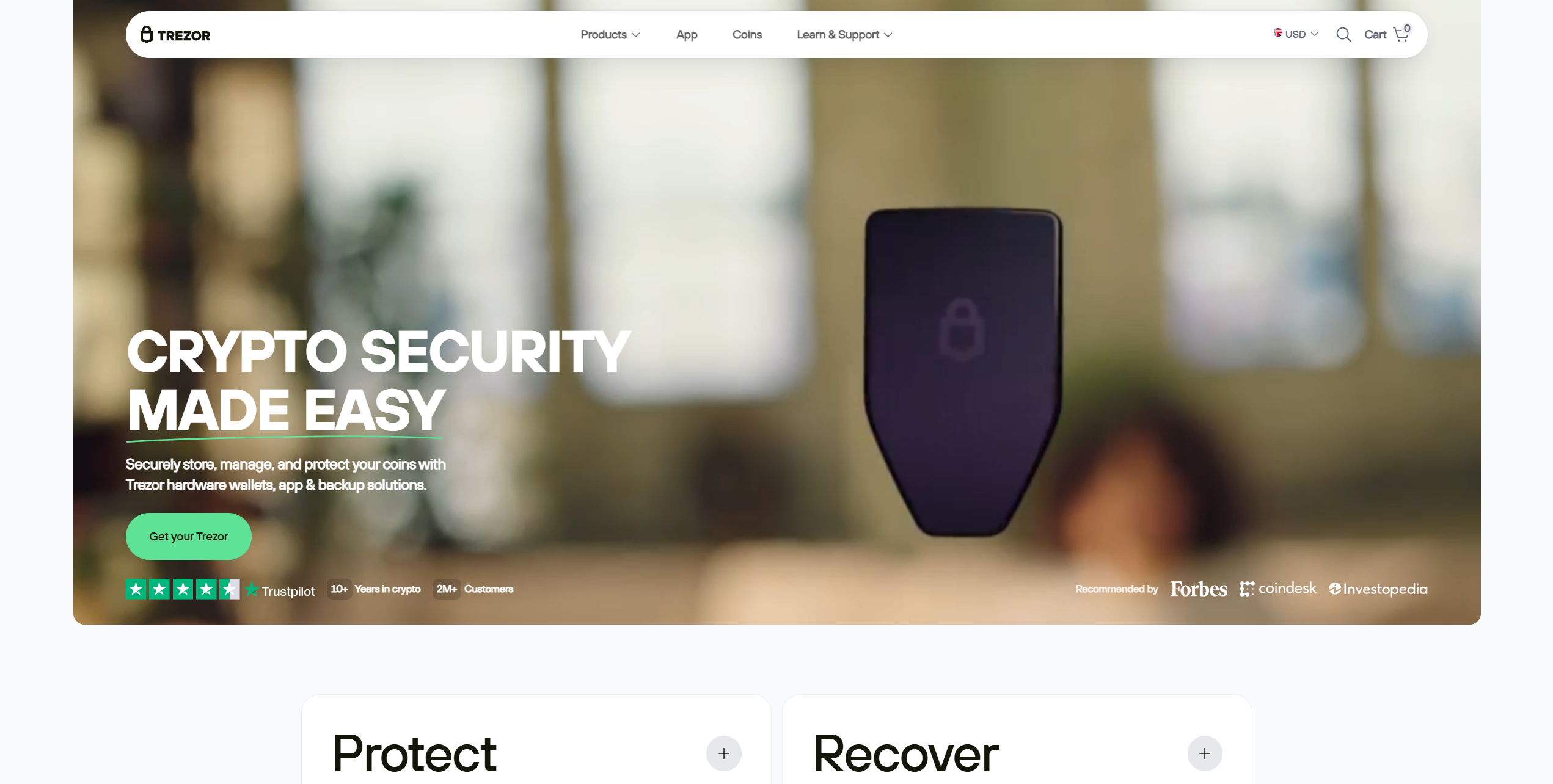
Trezor is one of two hardware wallets (the other being Ledger) that Monero acknowledges can store XMR tokens. Users can pair the Trezor Model T, Safe 3, or Safe 5 with the Monero GUI or CLI wallets, as well as the third-party Feather wallet.
Trezor sells the Safe 5 for $129. For this price, users receive USB-C connectivity, a 1.54-inch touchscreen, a passphrase/PIN system, and an EAL6+ secure element. Moreover, Trezor follows an open-source security approach, which closely aligns with Monero’s philosophy.
Additional security services, such as Coin Control (Bitcoin) and Tor transaction routing, are available, and the Trezor can function as a FIDO2 passkey device for external services, such as Google.
Users can manage XMR holdings on a Trezor drive via a computer (macOS, Windows, Linux) or a mobile device (Android; iOS is read-only). With support for thousands of cryptocurrencies and seamless integration with official Monero wallets, the Trezor Safe 5 is an excellent option for investors seeking to maximize long-term security.
Pros
-
EAL6+ secure element
-
Affordable hardware wallet
-
Native Monero support
-
Connects to official Monero wallets
-
PIN system for enhanced security
Cons
-
XMR must be managed via third-party wallet software
-
Cannot buy XMR within Trezor Suite
- Bitcoin
- Ethereum
-
Tether
204
No result
- English
- Czech
Established in 2011, Kraken is a trusted cryptocurrency exchange renowned for its longevity and diverse trading interfaces, catering to a broad user base.
- Bitcoin
- Ethereum
-
Tether
83
No result
- Spanish
- English
-
French
4
No result
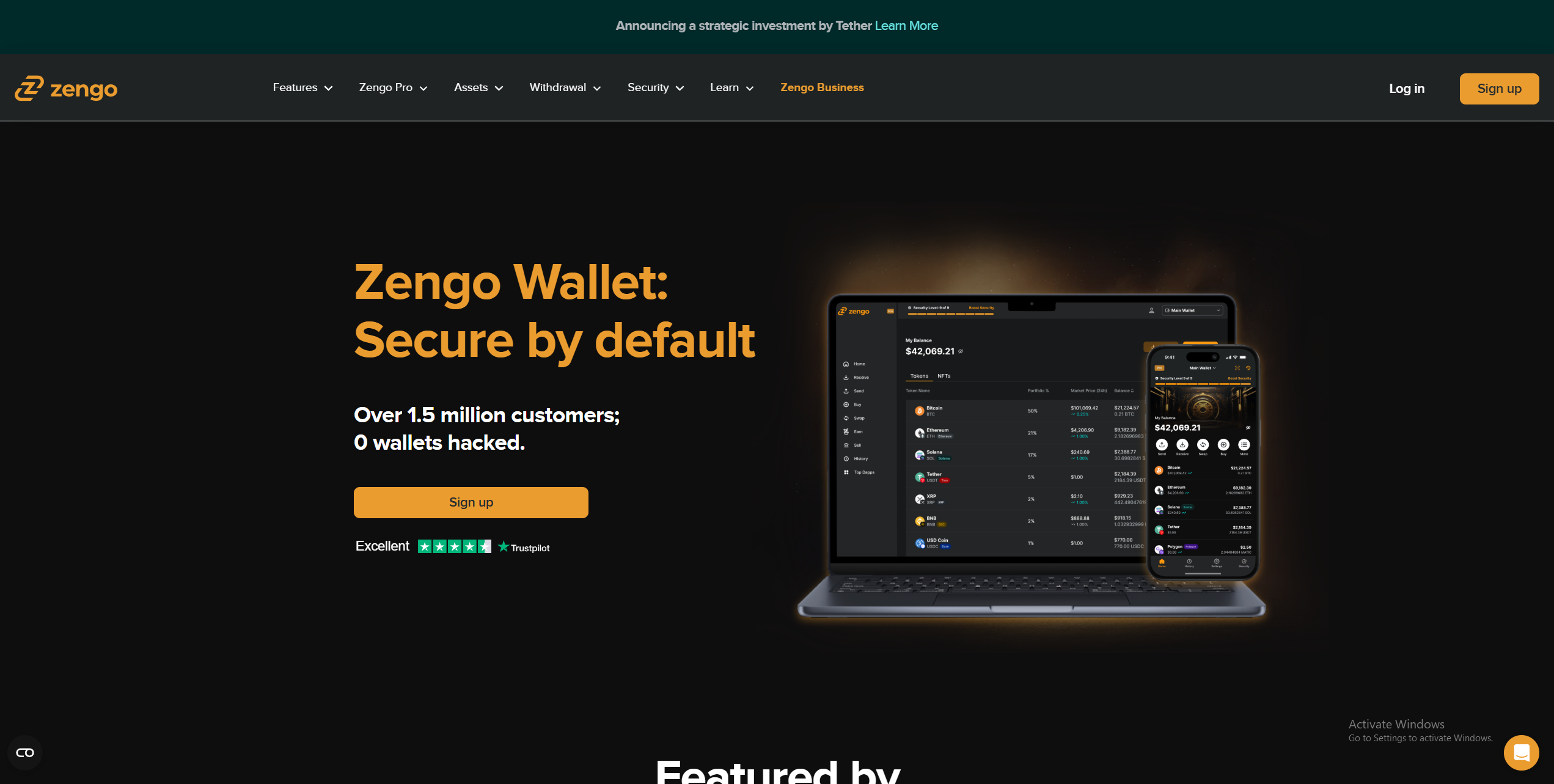
Zengo is a beginner-friendly crypto wallet that’s available on Android, iOS, and desktop devices. It features a straightforward interface, support for 525 assets, and additional features, such as a fiat on-ramp (users cannot buy XMR), NFT support, and a simple tool for crypto-to-crypto swaps.
Zengo’s mobile app is well-designed and simple. However, the most significant drawback to Zengo is its limited XMR support. Users can only store XMR on the Ethereum network, not the native Monero network, which is essential to consider before opting to use Zengo for private crypto storage.
Zengo’s Multi-Party Computation (MPC) recovery system consists of email authentication, a cloud-based recovery file, and an optional 3D face scan to replace the typical seed phrase approach. While it lacks native Monero support, Zengo’s Recovery Kit, mobile-friendly design, and selection of trading features make it a strong on-the-go XMR wallet.
Pros
-
Free XMR wallet
-
Users can buy/sell crypto within Zengo
-
Supports a solid range of assets
-
Excellent mobile app
-
Straightforward recovery system
Cons
-
No native XMR support
-
Cannot buy XMR
- Bitcoin
- Ethereum
-
Tether
68
No result
- English
Why Monero Storage is Different
Monero (XMR) is a privacy-focused cryptocurrency with a unique architecture and token standard, which means it has specific storage requirements that most multi-chain wallets do not support.
You can think of typical blockchains, such as the Bitcoin network, as a public ledger of information. Every transaction is recorded and viewable, including the sender/recipient address and volume through the wallet address. This approach is common across most blockchains. It enhances transparency, but limits privacy.
In contrast, Monero is entirely private. No transaction data is publicly accessible. Users must provide the recipient’s address and the transaction’s private key to prove they’ve sent a transaction. Although this network structure is ideal for privacy-conscious investors, it poses unique challenges for XMR storage.
Multi-chain wallets like MetaMask are designed to store large numbers of different crypto assets across multiple networks. However, they can rarely store XMR because wallets must scan for transactions and stealth addresses, a process unique to the Monero ecosystem, which poses integration challenges and can contribute to transaction synchronization issues.
Understanding Nodes: Local vs. Remote
The Monero network uses nodes, specialized Peer-to-Peer (P2P) programs, to validate transactions by ensuring they comply with the network’s rules before the code relays the transaction to others.
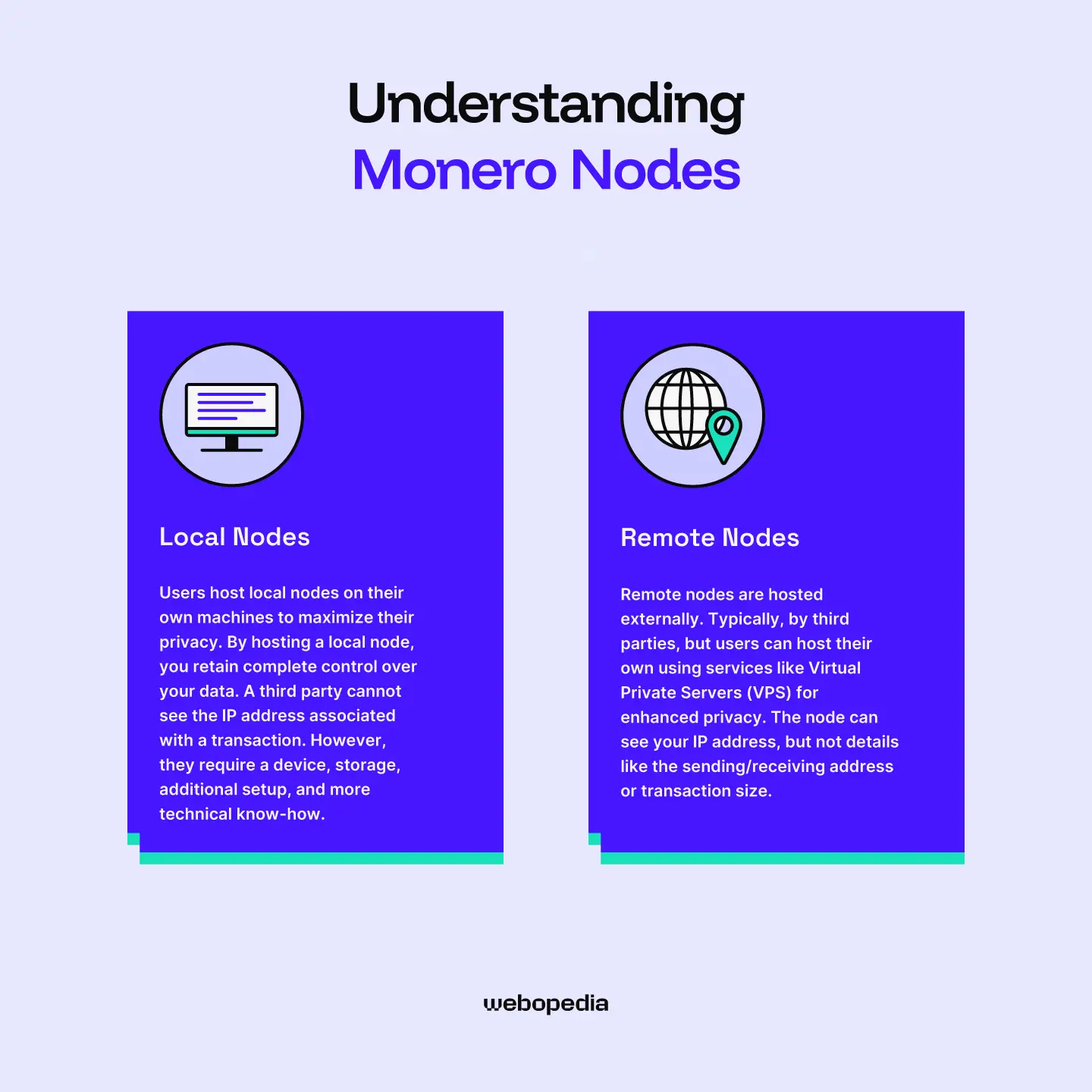
There are two types of nodes. Local and remote. Both provide a similar function, but there’s a significant privacy trade-off.
Users host local nodes on their own machines to maximize their privacy. By hosting a local node, you retain complete control over your data. A third party cannot see the IP address associated with a transaction. However, they require a device, storage, additional setup, and more technical know-how.
In contrast, remote nodes are hosted externally. Typically, by third parties, but users can host their own using services like Virtual Private Servers (VPS) for enhanced privacy. The node can see your IP address, but not details like the sending/receiving address or transaction size.
The best Monero wallets are designed for out-of-the-box usage. They automatically connect to secure remote nodes so users can start transacting without a complex setup process or high technical knowledge requirements. Yet, users can easily add their own local or remote node to enhance their privacy and transaction anonymity.
Why is Monero Being Delisted from Exchanges?
Monero is a privacy token. Transactions are not public and cannot be linked to a particular user or address. There is no way for third parties to track transactions. While this approach is excellent for privacy advocates, it can make it difficult to track criminals if they swap stolen funds into XMR.
For example, Monero surged by around 50% in April 2025 following a $333 million transfer linked to a potential Bitcoin theft. More recently, in January 2026, a social engineering attack caused losses of over $282 million and was linked to XMR climbing by roughly 70%.
These stories highlight the risks of Monero from the perspective of regulators and other authorities. Nobody can track transactions, making XMR the perfect tool for scammers or hackers to launder their ill-gotten gains.
As a result, regulators have pushed for XMR to be delisted from prominent exchanges like Binance. To ensure that they can continue operating without regulators restricting their activities, exchanges like Binance have removed XMR and converted any remaining user holdings to USDC or similar assets.
Monero CLI Wallet
The Monero CLI, or Command Line Interface, is the official Monero wallet software. It lets users interact with the network securely, without exposing their information or being forced to use third-party wallet software.
Unlike Bitcoin wallets, which connect to a node, the Monero CLI handles the account (wallet) exclusively. It’s a console-based system where users enter commands like “balance” or “transfer” to perform actions such as displaying the wallet’s balance or initiating a transfer.
While the Monero CLI wallet is extremely lightweight and relatively simple, many users find interacting with command-line tools daunting, prefer Graphical User Interfaces (GUIs), or require support for mobile devices. In these instances, using trusted third-party solutions is recommended. They make Monero more accessible. We outline some solid options below.
Comparison: Finding Your Perfect Wallet
So, what’s the best Monero wallet? There’s no one-size-fits-all answer. The most effective option will differ based on your requirements and preferences.
If you’re looking for a versatile mobile wallet that can handle XMR storage as well as your other crypto-related needs, Bitget wallet is a strong option. It offers an excellent mobile experience, an intuitive interface, trading functionality, and yield on XMR balances.
Daily crypto users will likely prefer an all-in-one solution that supports Monero storage and provides an on-ramp and trading functionality. Zengo Wallets fills this position well. It’s regulated, highly secure, has a powerful desktop trading app, and supports XMR (although it’s unavailable in certain countries).
Long-term holders should consider one of the best hardware wallet. They offer unparalleled security when storing XMR over extended periods. The Trezor Safe 5 is a great option. It’s modern, competitively priced, highly secure, and supports some of the most popular XMR wallets, making it a versatile choice for maximizing protection.
Tips for Effective Monero Storage
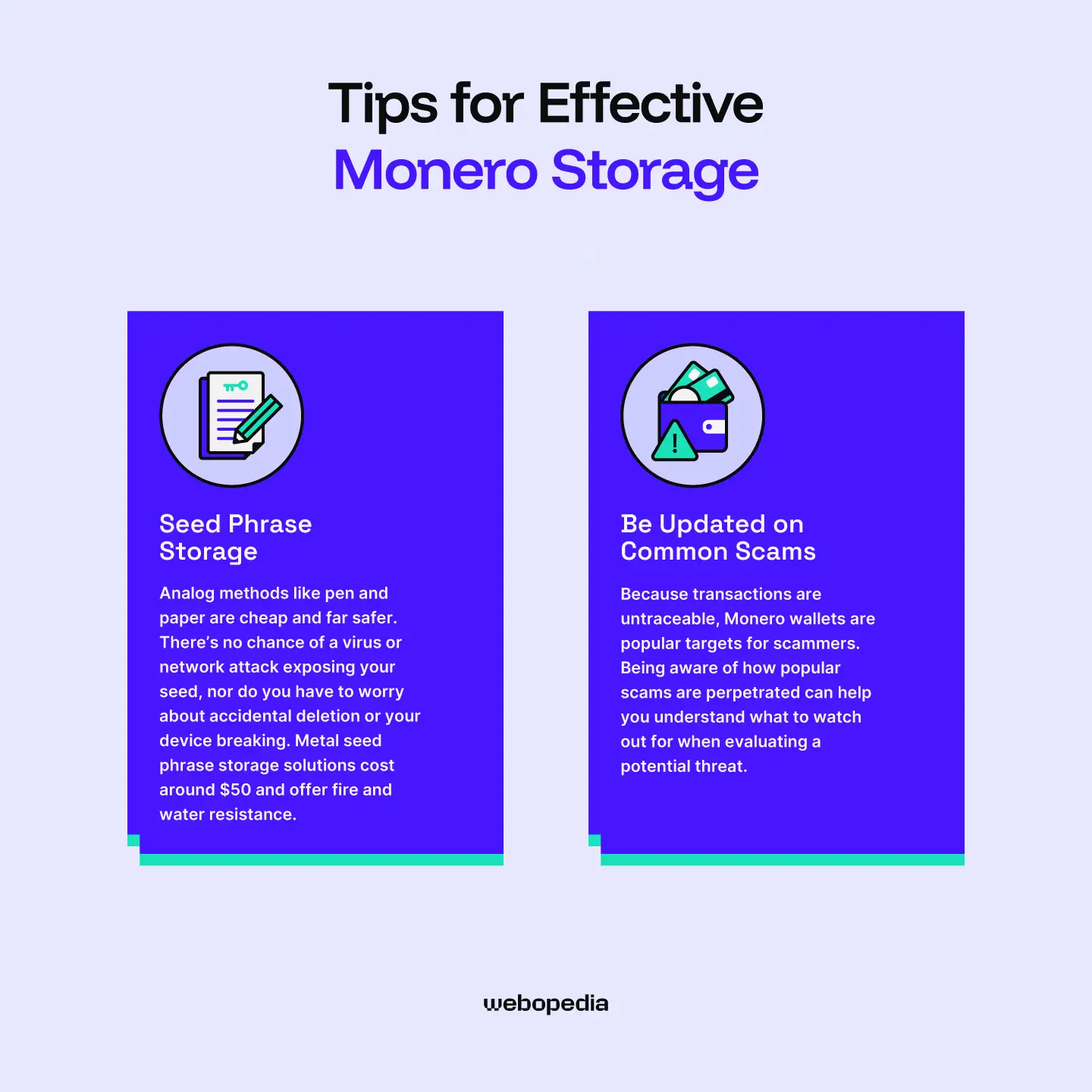
Wondering how to store Monero safely? Despite being a privacy coin, XMR tokens stored in a wallet are not inherently more secure than other assets. Below, we provide a few straightforward recommendations that anyone can implement to enhance their security.
Seed Phrase Storage
Anyone with the seed phrase associated with a Monero wallet can use it to recover the wallet and all the XMR it contains. As such, keeping it safe is essential. Never store your seed phrase digitally, such as a screenshot.
Analog methods like pen and paper are cheap and far safer. There’s no chance of a virus or network attack exposing your seed, nor do you have to worry about accidental deletion or your device breaking. Metal seed phrase storage solutions cost around $50 and offer fire and water resistance.
Be Updated on Common Scams
Because transactions are untraceable, Monero wallets are popular targets for scammers. Being aware of how popular scams are perpetrated can help you understand what to watch out for when evaluating a potential threat.
- Fake Wallets/Exchanges: Scammers often create fraudulent versions of legitimate platforms and promote them through search engine ads. Never access an exchange from an advert and always confirm the URL is correct. Setting up bookmarks for commonly used platforms is a simple way to ensure you’re on the official site.
- Social Engineering: A scammer reaching out and posing as an influencer or popular figure is another common approach. Remember, a genuine public figure will never reach out first or request money. If something seems too good to be true, it probably is. Never send money because high returns are promised.
Key Takeaways
- If you want to use a hardware wallet to secure your XMR, you’ll need to pair it with a dedicated Monero wallet, like Cake, Feather, or Monerujo.
- Because it’s used as a privacy token and is a popular avenue for scammers/hackers to “wash” their stolen assets, Monero is targeted by regulators and frequently delisted from exchanges.
- Certain exchanges support XMR trading, but do not support depositing or withdrawing.
- Some wallets only support Monero issued on networks like Ethereum or Solana. They suit general users but not those who wish to use the Monero network’s privacy features.
Conclusion
Monero’s native privacy features set it apart in the cryptocurrency industry and make it an attractive choice for anonymity enthusiasts who prefer not to have their financial history recorded on a public ledger (the blockchain). However, its specialized security system makes XMR storage particularly challenging, especially in multi-chain wallets.
After extensive research and testing, we determined that there’s no single best Monero wallet. Users should pick one that matches their requirements. Mobile users seeking a versatile storage solution should consider Bitget. The app is stellar, provides 0.25% APR on XMR, and offers Web3 connectivity, making it a well-rounded pick.
If you’re looking for a more regulated XMR storage/trading environment, Kraken wallet can also serve as a strong choice. It features an on-ramp, trading functionality, and a powerful desktop app that lets users quickly compare multiple assets simultaneously. For long-term storage, nothing offers better security than a hardware wallet like the Trezor Safe 5.
FAQ Section
What happens if I lose my phone with Cake Wallet on it?
Even if you lose your mobile device, your Cake Wallet can be recovered. While there are no account credentials, users must back up a 25-word seed phrase during setup. You can input this string of words into any compatible wallet software to recover the wallet and all the funds it contains.
Why is my Monero wallet taking so long to sync?
Because of its privacy features (RingCT and stealth addresses), Monero must scan transactions to determine which transactions belong to you. With the blockchain exceeding 200 GB, scanning can be a lengthy process.
Why do I need a special wallet to store Monero?
Due to a combination of specific technological requirements and regulatory oversight, Monero has much stricter storage requirements than typical cryptocurrencies. Most multi-chain wallets are not easily upgradable and lack the technology to detect Monero transactions, so users usually need specialized wallets for storage.