Koinly Review 2026: Is It Ready for Form 1099-DA?

- When you click links on this page, we may earn an affiliate commission. By using this website you agree to our terms and conditions and privacy policy.
- Participation in online gambling may be illegal in your country and is subject to age restrictions (18, 19, or 21, depending on the jurisdiction). Verify legality and age requirements before participating. Learn more
This Koinly Review covers everything you need to know about this tool. As one of the pacesetters in crypto taxation, Koinly is among the best tax software in 2026 because it is easy to use and accurately calculates taxes on major crypto transactions, such as staking and trading. Unlike Cointracker, Koinly offers a useful free tier.
TL;DR
- Core Strength: Broad integration coverage with 800+ exchanges, wallets, and 170+ blockchains, plus accurate on-chain transaction handling.
- Compliance Status: Full 1099-DA upload and reconciliation, with discrepancy flagging against your imported history.
- Pricing Value: Mid-market pricing with a useful free tier; per-tax-year model rather than a recurring subscription.
- Best For: International investors and active traders juggling multiple exchanges, hardware wallets, and DeFi activity.
What is Koinly?
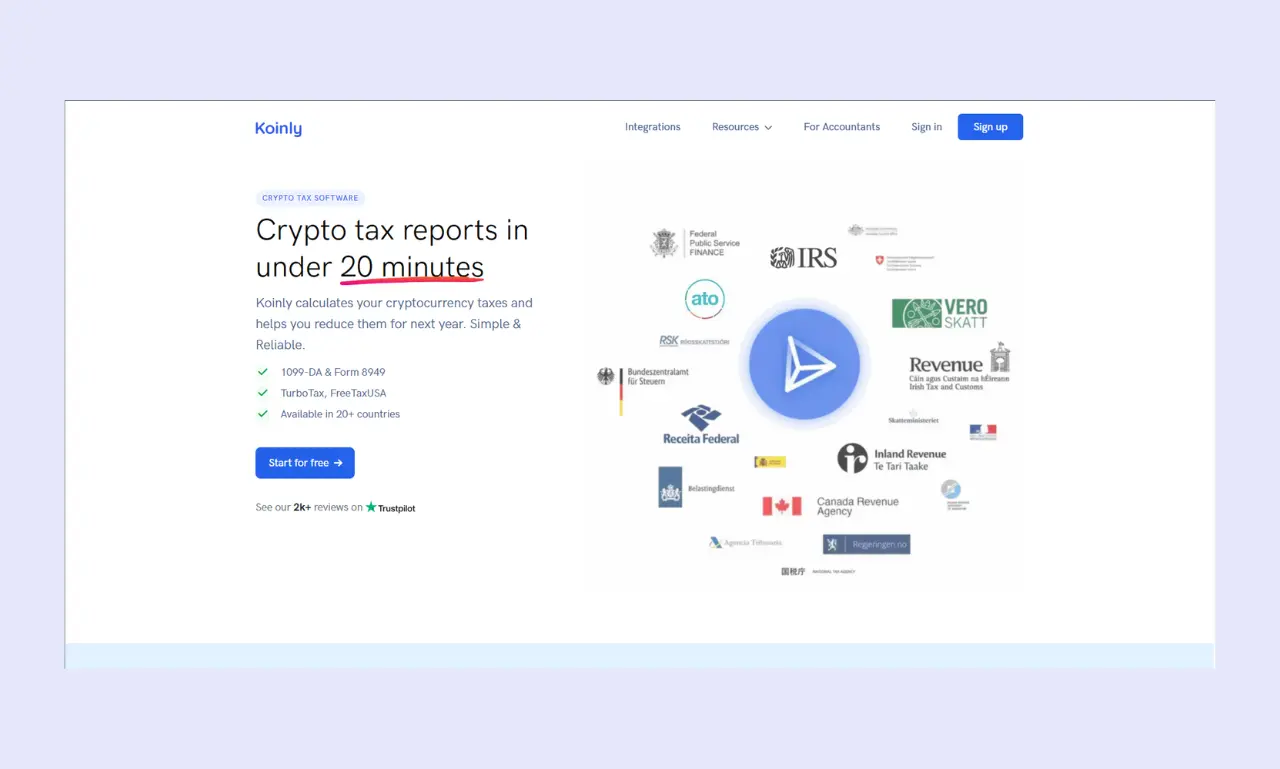
Koinly is crypto tax software that you can use to take the pain out of reporting trades to the IRS. The company launched in 2018 and now has over a million people using it, from solo investors to accountants juggling dozens of client portfolios.
The pitch is simple: instead of you spending a weekend going over numerous spreadsheets, the software pulls in every trade, transfer, swap, staking reward, and NFT sale, then gives you a clean report you can actually file.
For 2026, Koinly is in a stronger spot than most of its rivals because it tackled Form 1099-DA head-on. Now that centralized exchanges (CEXs) in the US have to send these forms to both you and the IRS, reconciling those numbers against your own records is the new tax-season headache. Koinly reconciles 1099-DAs and generates IRS-ready forms for filing, including Form 8949, which puts it a step ahead of tools still scrambling to adapt.
When it comes to integrations, the coverage is wide. Koinly connects to over 800 exchanges, wallets, and blockchains via API or CSV, and the big names you'd expect (Binance, Coinbase, Kraken, Bybit, OKX) all sync automatically.
Self-custodial wallet support is just as broad, including hardware options like Ledger and Trezor, along with software wallets, such as MetaMask and Trust Wallet. For on-chain tracking, Koinly supports more than 170 blockchains, covering Layer 1 networks like Bitcoin, Ethereum, Solana, and Cardano, plus Layer 2 chains including Polygon and Arbitrum.
Unlike other tax software, Koinly actually understands crypto. It applies cost-basis methods like First-In-First-Out (FIFO), Last-In-First-Out (LIFO), and Highest-In-First-Out (HIFO), and it knows how to handle the weird stuff: airdrops, hard forks, gas fees, and internal transfers between your own wallets. That's why it has become a go-to recommendation for both regular investors and the pros filing on their behalf.
Key Features for the 2026 Tax Year
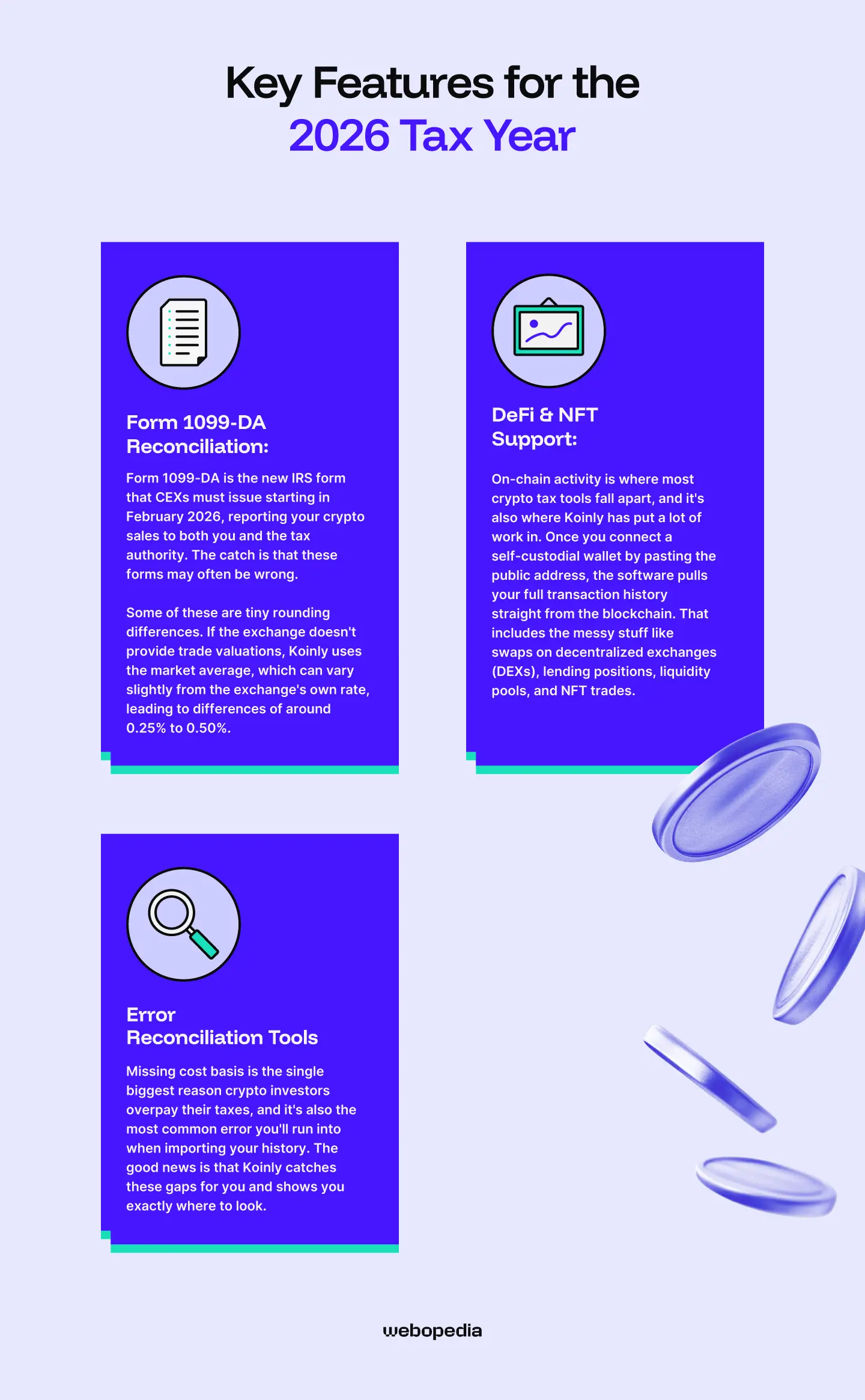
2026 Tax season looks different from previous years, and Koinly has shipped a few updates worth knowing about. Below, I'll walk through the 1099-DA workflow, how it handles decentralized finance (DeFi) and NFT activity, and the tools it gives you to clean up errors.
Form 1099-DA Reconciliation
Form 1099-DA is the new IRS form that CEXs must issue starting in February 2026, reporting your crypto sales to both you and the tax authority. The catch is that these forms may often be wrong.
For 2025 transactions, exchanges aren't required to report cost basis, which means most 1099-DAs you receive will show only your gross proceeds, not your actual gain or loss. If you trust those numbers blindly, you'll likely overpay the IRS.
Here's where Koinly earns its keep. You upload each 1099-DA directly into the platform, matching the form to the exchange it came from. For all exchanges that issued a 1099-DA, you click the Upload button and add the form.
For wallets where you didn't receive one, you click Not received. Once everything is in, Koinly cross-checks the proceeds and cost basis on each form against the transaction history it pulled from your connected accounts.
When discrepancies show up, the software flags them. After generating your 8949 form in Koinly, you may notice discrepancies in the totals reported versus the 1099-DA from your exchange.
Some of these are tiny rounding differences. If the exchange doesn't provide trade valuations, Koinly uses the market average, which can vary slightly from the exchange's own rate, leading to differences of around 0.25% to 0.50%.
Minor gaps like that won't raise eyebrows at the IRS. Bigger ones usually point to a real problem with your imported data, missing transactions, or a wallet you forgot to connect.
Here's a quick example of why this matters. Let's say you bought one ETH on Coinbase for $2,000, transferred it to a Ledger, then sold it back on Kraken for $3,500. Kraken's 1099-DA might show $3,500 in proceeds with no cost basis, making it look like a $3,500 gain.
Koinly traces the original purchase on Coinbase, applies the $2,000 cost basis, and reports the actual $1,500 gain on your Form 8949. That's the difference between a tax bill of $3,500 versus $1,500.
DeFi & NFT Support
On-chain activity is where most crypto tax tools fall apart, and it's also where Koinly has put a lot of work in. Once you connect a self-custodial wallet by pasting the public address, the software pulls your full transaction history straight from the blockchain. That includes the messy stuff like swaps on decentralized exchanges (DEXs), lending positions, liquidity pools, and NFT trades.
For DeFi activity, the auto-classification engine handles most of the common protocols without you lifting a finger. When connected to a MetaMask wallet, Koinly pulls in Uniswap swaps, Aave deposits, and even forgotten airdrops, catching roughly 95% of activity without manual input.
The remaining edge cases on newer or obscure protocols still need manual tagging. Staking rewards from Solana, Ethereum, and other Proof-of-Stake (PoS) networks come in tagged as income at fair market value on the day you receive them.
Liquidity pools are trickier because the tax treatment varies by jurisdiction and by how the pool is structured. Koinly tracks the deposits and withdrawals, calculates impermanent loss where relevant, and flags the LP token movements. You'll still want to review these manually if you're moving in and out of pools frequently, but the heavy lifting is done for you.
NFT support is solid on Ethereum Virtual Machine (EVM) chains. Koinly automatically imports NFT transactions on EVM-compatible chains, including Ethereum, Polygon, and BSC. Solana NFT support requires manual entry in some cases.
The platform calculates NFT cost basis and sale proceeds using historical price data at transaction time. Minting costs (including the gas fees you paid) are folded into the cost basis, so when you eventually sell, your gain calculation accounts for what you actually spent.
The Koinly 2026 update added stronger handling for Layer 2 networks and cross-chain bridge transactions, which used to be a real pain point. If you're bridging ETH from mainnet to Arbitrum or Polygon, Koinly now recognizes that as an internal transfer rather than a sale, so you don't get hit with phantom capital gains.
One caveat of Koinly: if you're deep into experimental protocols or trading on brand-new chains, expect to spend some time manually tagging transactions. The software is good, but it can't read smart contracts for which nobody has written rules yet.
Error Reconciliation Tools
Missing cost basis is the single biggest reason crypto investors overpay their taxes, and it's also the most common error you'll run into when importing your history. The good news is that Koinly catches these gaps for you and shows you exactly where to look.
When you open the Transactions tab, there's a Warnings filter that surfaces every problem in your account. Missing purchase means Koinly cannot find the original acquisition for an asset being disposed of. Missing prices means the market price at the time of a transaction could not be determined. Missing acq. Price for disposal means a specific disposal transaction has no associated cost basis.
Each warning links straight to the offending transaction, so you're not hunting through thousands of rows trying to figure out what broke.
Here's why these warnings matter financially. For example, you bought one BTC in 2024, and you're selling 1.5 BTC in 2025, but no other transactions were imported. The acquisition of 0.5 BTC is missing, so Koinly assumes a cost basis of $0 and treats it as if you got it for free.
That means the entire sale price gets taxed as a gain. If BTC is sitting at $80,000 and Koinly assumed a $0 cost on that 0.5 BTC, you've just told the IRS you made $40,000 in profit on coins you actually paid for.
The fix is usually simple: import the wallet or exchange you forgot about. A scenario that causes wrong gains repeatedly is when an investor imports their primary exchange but hasn't connected other exchanges or hardware wallets used in earlier years.
Once you plug in the missing source, the warning disappears, and your gain calculation drops to the correct number.
For situations where you can't recover the data, like a delisted token or a defunct exchange, you can add a manual deposit to fill the gap. You enter the exact amount and currency that's missing, set the time to one minute before the transaction showing the warning, and that adds a manual lot to your history.
You can leave the cost at $0 if you have no records, or enter a price if you have proof of purchase.
There's also a Review Needed section on the Tax Reports page that consolidates flagged issues in one place. It tells you in dollars how much you could potentially save by fixing each warning, which is a useful nudge to tackle the bigger ones first instead of getting lost in the dust transactions that don't really move the needle.
Ease of Use & User Experience

Setting up a crypto tax tool can either take ten minutes or ruin your weekend. Below, I'll cover Koinly's onboarding flow and how the interface stacks up against what you're probably used to.
Description
The signup process is fast: enter your email, pick your country, choose your base currency, and you're at the wallet selection screen in under two minutes. From there, the time it takes to actually pull your data depends on which method you use.
API auto-sync is the easiest option if your exchange supports it. If your exchange has an API and Koinly supports it, you'll see the Setup auto-sync option when creating the wallet. This is ideal for most people because you won't have to deal with CSV files, and your data will be kept in sync as you continue to trade.
For a major exchange like Coinbase or Binance, you generate read-only API keys in your account settings, paste them into Koinly, and hit Secure Import. The initial sync usually takes anywhere from 30 seconds to a few minutes, depending on how many trades you have. After that, the wallet refreshes automatically whenever you load Koinly.
Self-custodial wallets are even simpler in some ways. You just paste your public address. For a hardware wallet like Ledger or a software wallet like MetaMask, Koinly reads the chain directly, so there's no API key fiddling.
The catch is you need to add a separate address for each blockchain you've used. If you've held BTC, ETH, and SOL on the same Ledger device, that's three separate imports.
CSV uploads are the fallback for exchanges without API support, or for older transaction data that an API can't reach. Koinly supports files from over 800 exchanges, wallets, and services, so you can download your files and import them without making manual changes in most cases.
The upload itself is quick (drag and drop, under a minute for most files), but you'll have to repeat it each time you want to update your data, which gets old fast if you trade often.
Realistically, a casual investor with two or three exchanges can be fully synced and look at a draft tax report in 15 to 20 minutes. Someone with a dozen wallets, multiple Layer 2 chains, and a few years of DeFi history should plan for an hour or two on the first setup, mostly because of the back-and-forth of grabbing public addresses and reviewing flagged transactions.
One useful trick: if you have an older history that an API won't fetch, upload the CSV first, then start the API sync from the day after your last CSV entry. That avoids duplicate transactions, which are a pain to clean up after the fact.
Comparison
If you've ever filed your taxes with simple tools, the layout of Koinly will feel instantly familiar. The dashboard runs on a left-hand sidebar with the main pages stacked in order of how you'd actually use them: Dashboard, Wallets, Transactions, Tax Reports, and Settings.
There's no hunting through nested menus or guessing what a button does. Each page tells you exactly what it shows and what action you can take next.
The dashboard itself is where you'll land first. It shows your portfolio value, capital gains by year, income from staking and rewards, and a running total of any unrealized gains. The portfolio-tracking dashboard makes it easy to track your performance in real-time and receive timely insights, which is useful even outside of tax season if you want a single view of holdings spread across multiple wallets.
Compared to a polished consumer tool like Coinbase or Robinhood, Koinly is a bit more utilitarian. The visual design is clean, but you're looking at tables and warning flags rather than slick price charts.
That tradeoff makes sense given what the software actually does. You're not here to admire candlestick patterns; you're here to figure out what you owe the IRS without losing your mind.
Koinly’s mobile app can be viewed as the weak spot. The platform has a dedicated mobile app, which, while functional, could benefit from further development. You can check your portfolio and review transactions on the go, but anything serious, like fixing warnings, tagging DeFi trades, or generating a final report, is much faster on a desktop. Don't plan on filing your taxes from your phone.
Pricing & Plans
Koinly pricing is straightforward: you pay per tax year, not as an ongoing monthly subscription. That means each year you want to file, you buy the plan that covers your transaction count for that year. There's no auto-renewal pulling money out of your account, which is a nice change from most software pricing.
Here's how the 2026 tiers break down:
| Plan | Price (per tax year) | Transactions | Best For |
|---|---|---|---|
| Free | $0 | 10,000 (preview only) | Testing the platform or portfolio tracking |
| Newbie | $49 | 100 | Casual investors with a few trades a year |
| Hodler | $99 | 1,000 | Active investors using a couple of exchanges with some staking or DeFi |
| Trader | $199 | 3,000 | Frequent traders and heavier DeFi participants |
| Pro | $279+ | 10,000+ | High-volume traders and accountants handling client portfolios |
Every paid plan unlocks the full feature set. There's no situation where a feature you need is locked to a higher tier while the transaction limit would otherwise be sufficient. The only meaningful differences between paid plans are the transaction ceiling and the support level. Newbie and Hodler users get help center access only; Trader plans add email support, and Pro users get priority response times.
A detail worth flagging: Koinly's transaction count is cumulative across all tax years in your account, not just the current one. If you're importing several years of history simultaneously, your total transaction count reflects all of it. So if you've got three years of history to clean up, your 2025 activity might fit in the Newbie tier on its own, but the full import could push you into Hodler or Trader. Import everything first, check the count, then buy the plan that matches.
If you blow past your plan limit mid-purchase, you don't restart the bill. When upgrading, you only pay the difference between the price of the plan already bought and the new plan. Koinly also takes crypto payments (BTC, ETH, USDC, DAI on Ethereum, Base, and Polygon) along with regular cards, which is a nice touch for anyone who'd rather pay their tax software in the same coins they're reporting.
Pros and Cons of using Koinly
Pros
- Automatic syncing across 800+ exchanges, wallets, and 170+ blockchains via API or public address
- 1099-DA reconciliation that flags mismatches between exchange forms and your imported records
- Accurate cost-basis tracking with FIFO, LIFO, HIFO, and wallet-based methods is supported
- Free tier lets you preview your full tax liability before paying anything
- Localized reports for over 100 countries, with country-specific tax rules applied automatically
Cons
- The mobile app is functional but limited; serious work still needs to happen on the desktop
- No two-factor authentication is available yet, which is a gap for a tool handling sensitive financial data
- Newer or obscure DeFi protocols often need manual tagging
- Customer support response times can drag during peak tax season, especially on lower tiers
Koinly vs. Competitors
Picking the right crypto tax tool, whether it's Koinly or a Koinly alternative like CoinLedger, comes down to what you actually need: deeper international coverage, hands-on accounting help, fewer manual fixes, or a tighter wallet sync with one specific exchange. Here's how Koinly stacks up against four of its closest rivals:
| Feature | Koinly | Summ | CoinTracker | TokenTax | CoinLedger |
|---|---|---|---|---|---|
| Form 1099-DA Reconciliation | Direct upload with automatic discrepancy flagging against the imported history | Direct upload and full reconciliation against transaction history | Handles 1099-DA via transaction import (forms available Jan 2026), but no direct 1099-DA upload portal | Available on paid plans, with CPA review on top tiers | Automatic reconciliation available |
| DeFi & NFT Support | Strong on EVM chains (Ethereum, Polygon, BSC); manual tagging for newer protocols | Broadest coverage, including obscure DEXs and complex smart contracts | Solid on major protocols; manual cleanup often needed | Locked to Premium tier and above | Automatic import from hundreds of decentralized apps |
| Error Reconciliation Tools | Warnings filter for missing purchases, prices, and acquisition costs, with dollar impact estimates | Gap detection in the cost basis and history before the final report | Weaker than rivals; users report heavier manual cleanup | Hands-on cleanup included in higher tiers via accountant review | Industry-leading automatic detection of cost basis gaps |
Koinly's strength is the combination of broad blockchain coverage and country-specific reports, which makes it the easiest pick if you file outside the US or move money across many chains. In a Koinly vs Summ matchup, Summ wins on raw integration count and DeFi depth, with the strongest reconciliation flow for messy on-chain histories.
CoinTracker is the natural fit if Coinbase is your main exchange. TokenTax is overkill unless you want a human accountant in the loop. CoinLedger is the cheapest path to clean error reconciliation for straightforward US filers.
Key Takeaways
- Koinly is best for users who prioritize broad integration coverage and accurate handling of complex on-chain activity.
- It successfully addresses the 2026 1099-DA requirements by allowing you to upload each form into your account, then cross-checking the proceeds and cost basis against your imported transaction history.
- Investors with 100 to 1,000 transactions per year will find the most value in the Hodler plan at $99.
Frequently Asked Questions
Is there a free version?
Yes, and it’s more generous than most rivals. You can sign up without a credit card, link unlimited wallets, import your full history, and see exactly what your capital gains and losses look like. The only thing you can’t do is download the actual tax report. That makes the free tier perfect for kicking the tires before you commit, or for tracking your portfolio across multiple platforms year-round without paying anything.
Can I use this for international taxes?
Koinly generates jurisdiction-specific reports for over 100 countries, including the US, UK, Canada, Australia, Germany, France, Spain, Italy, Sweden, Norway, Ireland, New Zealand, and Japan. Each report applies the correct cost-basis rules for that country, so a UK user gets HMRC-compliant share pooling while an American gets a Form 8949. This international coverage is one area where Koinly genuinely outperforms most US-focused rivals in the space.
Can I sync my hardware wallet (Ledger/Trezor) directly?
Yes. Hardware wallets like Ledger and Trezor connect through your public address rather than an API key, since they don’t sit on an exchange. You paste the receiving address for each blockchain you’ve used on the device, and Koinly reads the on-chain history directly. Just remember to add a separate address for every chain. If your Ledger holds Bitcoin, Ethereum, and Solana, that’s three imports.
Will the IRS see my on-chain (DeFi) activity if I use this software?
Not because of Koinly. The software is a calculation tool that runs on your end, and it doesn’t share your data with the IRS. That said, on-chain activity is already public by nature of the blockchain, and the IRS has its own analytics partnerships to trace wallet addresses. Using Koinly actually helps your case by producing accurate reports that match what the agency might independently see, reducing audit risk.